
SwiftNet WiFi is worth comparing if you want a dedicated road internet setup instead of relying only on truck stop WiFi, motel WiFi or your phone hotspot. It is not magic coverage in a box, so your lanes, parking spots, cab setup and workload still matter.
We may earn a commission when you buy through our links. See our Affiliate Disclosure.
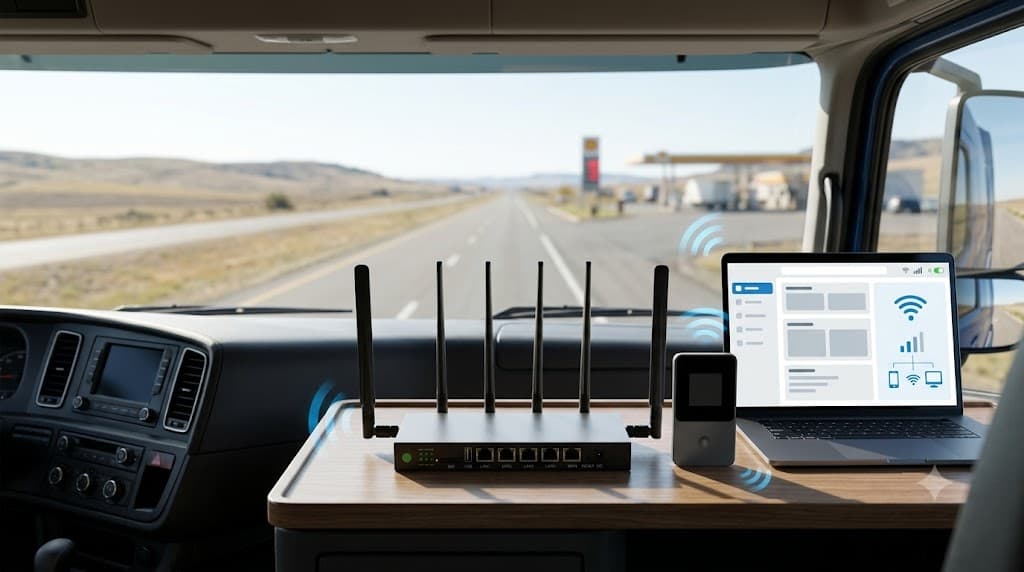
Choose by workload first, then by price.
Truckers should not choose internet gear by the biggest promise on the box. Start with the job: dispatch and maps are light. Streaming, laptop work, updates, video calls and multiple devices are not. The cheap setup is only cheap if it keeps doing the job.
🏆 Best for heavier daily use
5G Diamond is the easier SwiftNet pick if the truck is your office, living room and nightly internet base.
💸 Best budget backup
4G Bronze is easier to justify for maps, email, dispatch, light browsing and backup when shared WiFi is weak.
SwiftNet makes the most sense for truckers who want internet that stays with the truck.
Truck stop WiFi can be fine when it works. The problem is that drivers do not park, work and rest on someone else's perfect WiFi schedule. A dedicated setup gives you more control, but only if cellular coverage is workable on the routes and parking spots you actually use.
Buy if
- ✅ You run long routes and change stops often.
- ✅ You want a connection that does not depend on the building WiFi.
- ✅ You use dispatch, maps, paperwork, banking, video calls or streaming.
- ✅ You need backup internet at truck stops, motel parking, yards or rest areas.
Skip if
- ✕ Your main route has poor cellular signal.
- ✕ Your phone hotspot already covers your whole workload.
- ✕ You do not want to check device terms, trial timing or subtotal.
- ✕ You need fixed-home level internet in every stop, no exceptions.
Truck stop WiFi is a backup, not a plan.
Shared WiFi is useful when it is fast, close and not crowded. That is a lot of conditions for something you do not control. A personal connection matters more when the same device handles work apps, family calls, email, banking and off-duty streaming.
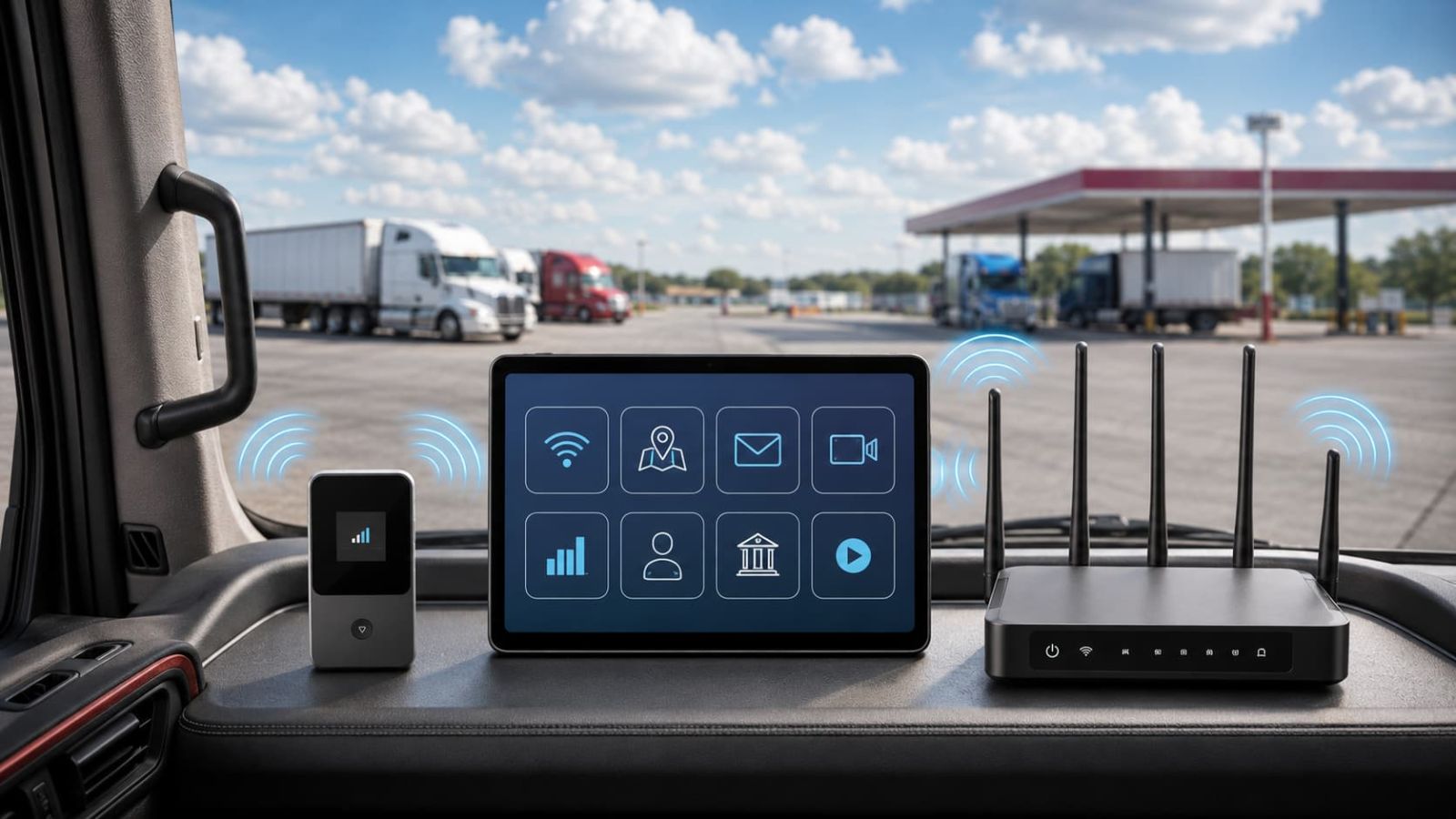
Device, data path and cab setup decide whether this works.
A stable road setup is not just one box. It is the device, the data path and the way you place and power it inside the cab. If one part is weak, the whole setup can feel unreliable, because naturally the internet waits until you need it before becoming dramatic.
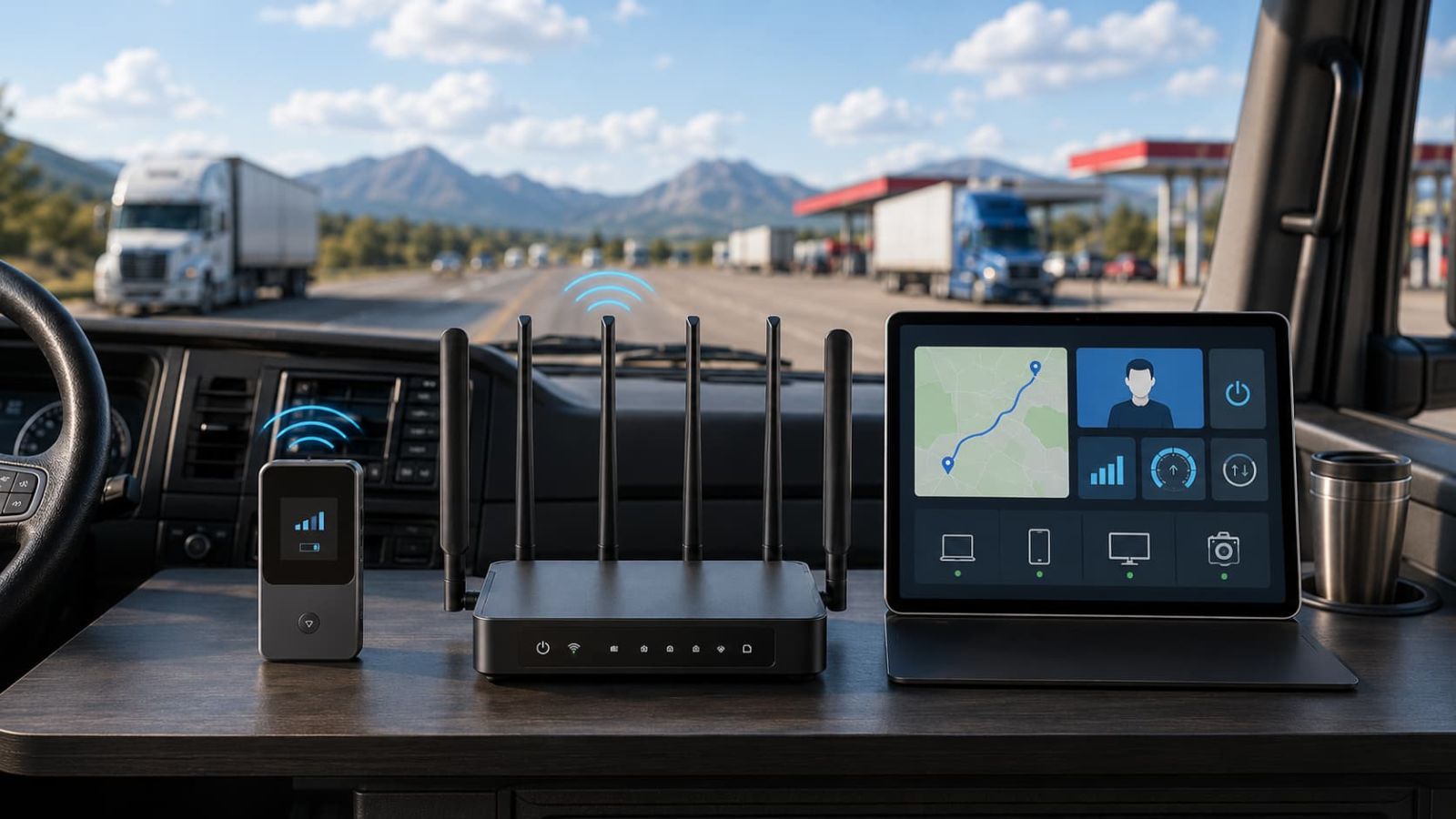
Device: hotspot or router?
Use 4G Bronze if you need a smaller portable backup. Compare 5G Diamond if the truck is your daily office, living space and entertainment setup.
Data path: route fit beats brand name.
Coverage on a marketing page is not the same as coverage at your truck stop, receiver yard, rural route or mountain corridor. Test where you actually park.
Cab setup: power, heat and placement.
Stable power, airflow and a sensible signal location matter. A decent device tossed into a hot corner with a loose cable is not a strategy.
Pick the plan that matches the truck, not your best-case fantasy.
4G Bronze is not a failure because it is lighter. 5G Diamond is not automatically better because it is bigger. They solve different jobs.
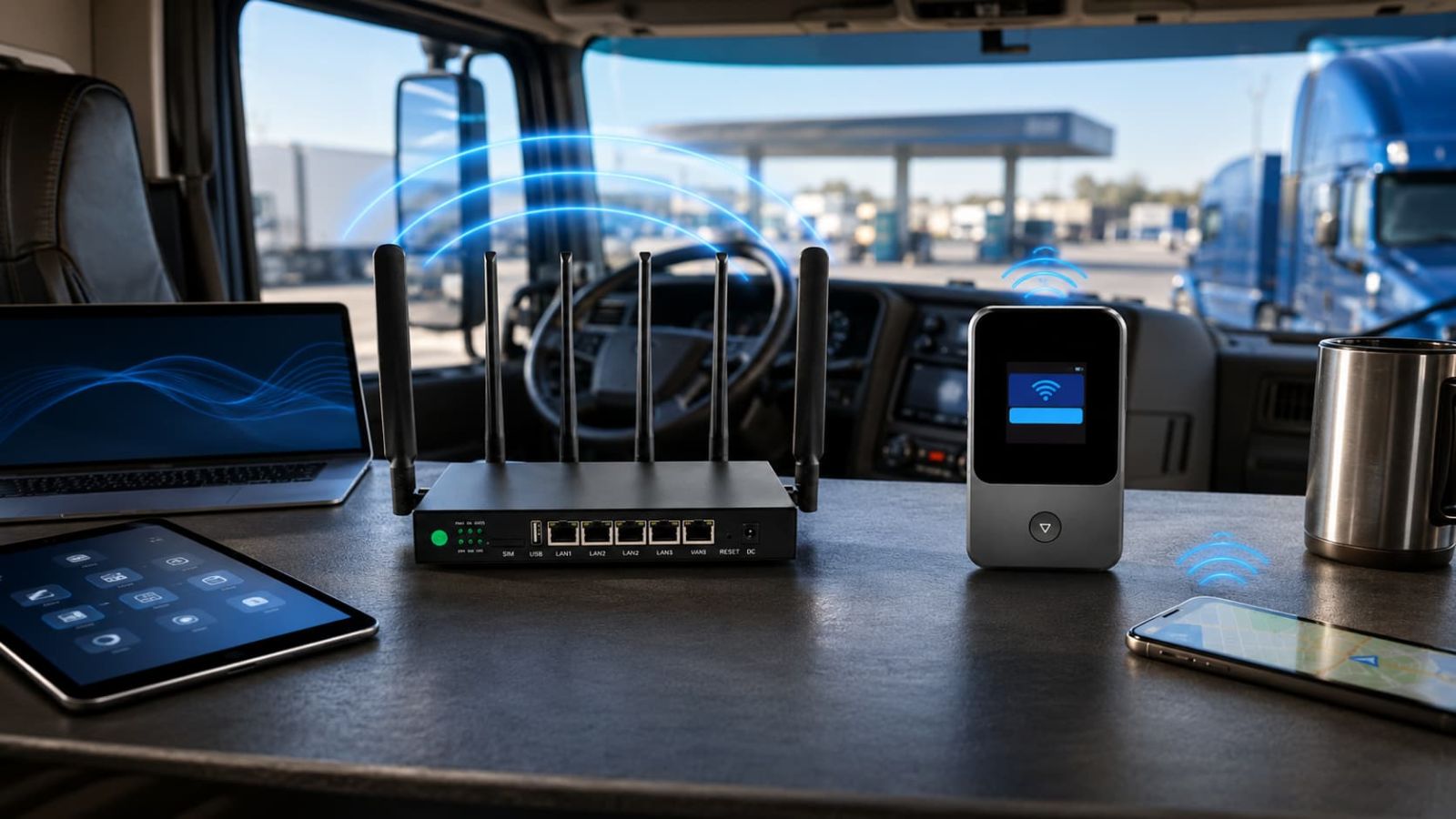
The cheaper first checkout is not automatically the better buy.
For truckers, the real cost is not just the first number at checkout. It is the plan, device path, recurring subtotal, route coverage and whether the setup saves you from relying on weak truck stop WiFi. Tiny detail, obviously, since money famously grows inside glove compartments.
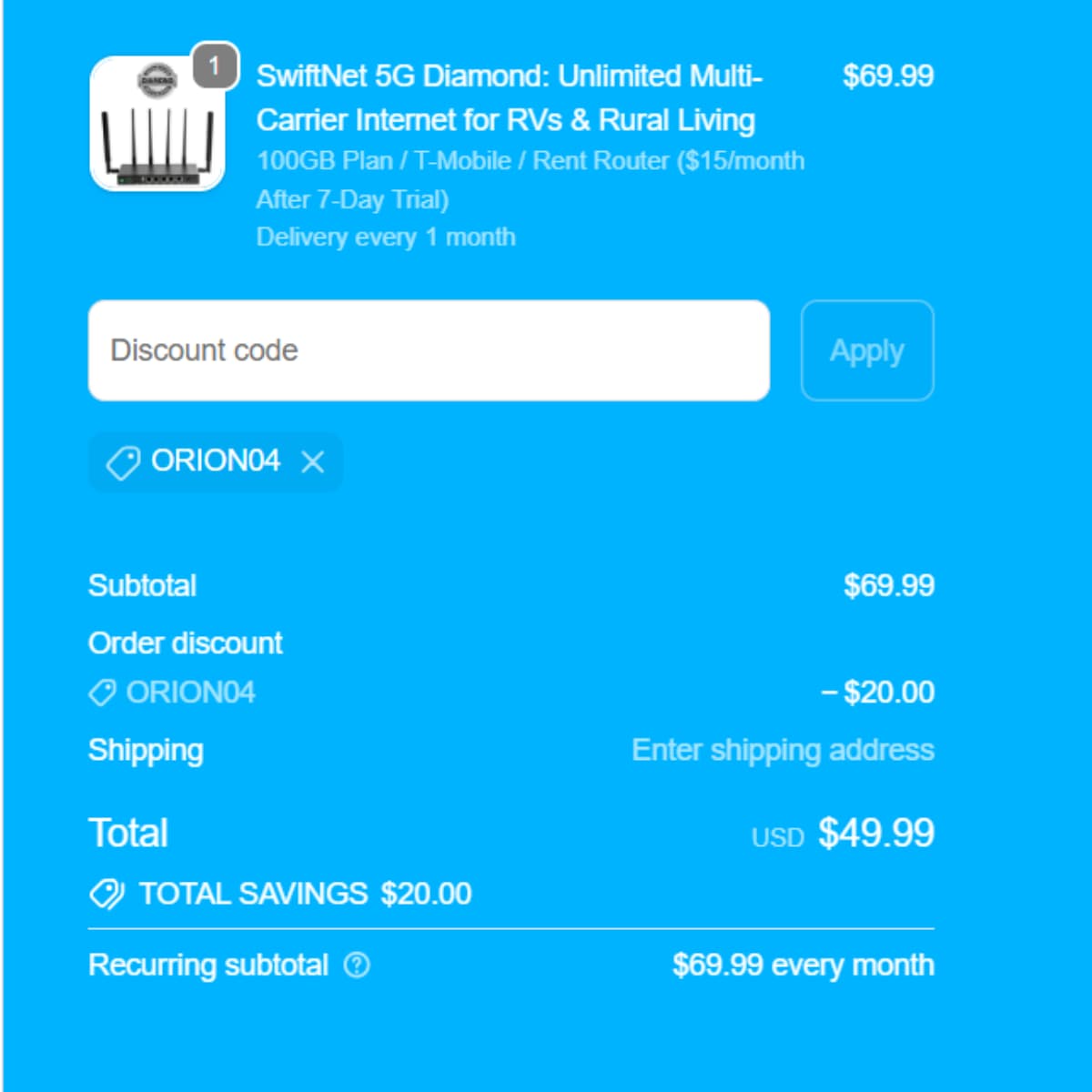
5G Diamond: ORION04 can lower the checked first checkout total to $49.99.
The 5G Diamond path shows $69.99 from $99.99. ORION04 can take another $20 off, bringing the checked first checkout total to $49.99 before shipping, tax, or later recurring charges. This is the stronger SwiftNet path to compare if the truck is your daily office and living space.
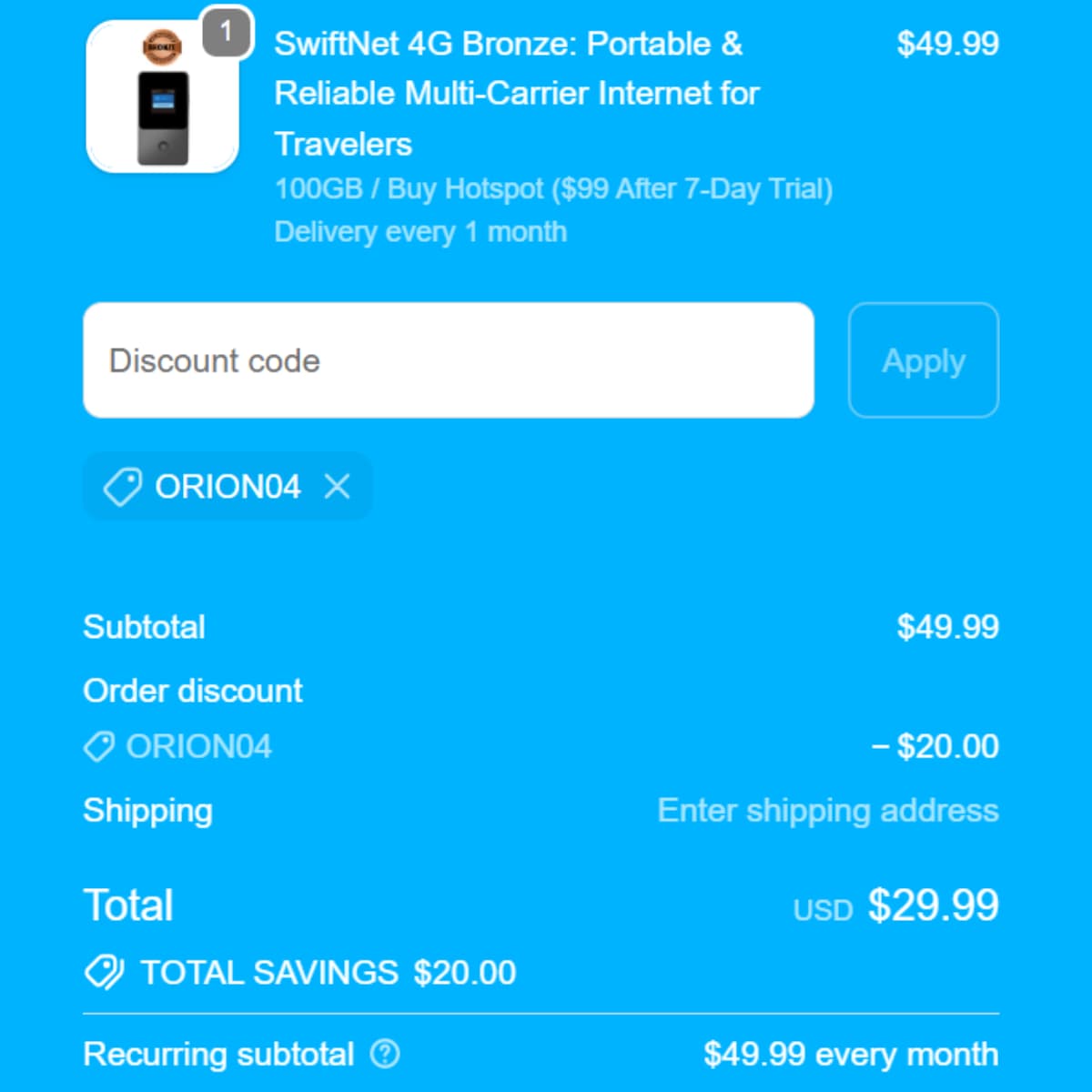
4G Bronze: ORION04 can lower the checked first checkout total to $29.99.
The 4G Bronze path shows $49.99 from $79.99. ORION04 can take another $20 off, bringing the checked first checkout total to $29.99. It is the easier budget pick for maps, email, dispatch messages and light backup browsing, but do not force it into a heavy multi-device job.
For truckers, upload, latency, device terms and route coverage matter as much as download.
Specs are useful only after coverage is workable. A speed claim means less if the truck is parked in a poor signal pocket, the device is cooking in the sun, or five devices are fighting for the same connection because apparently even laptops enjoy group conflict.
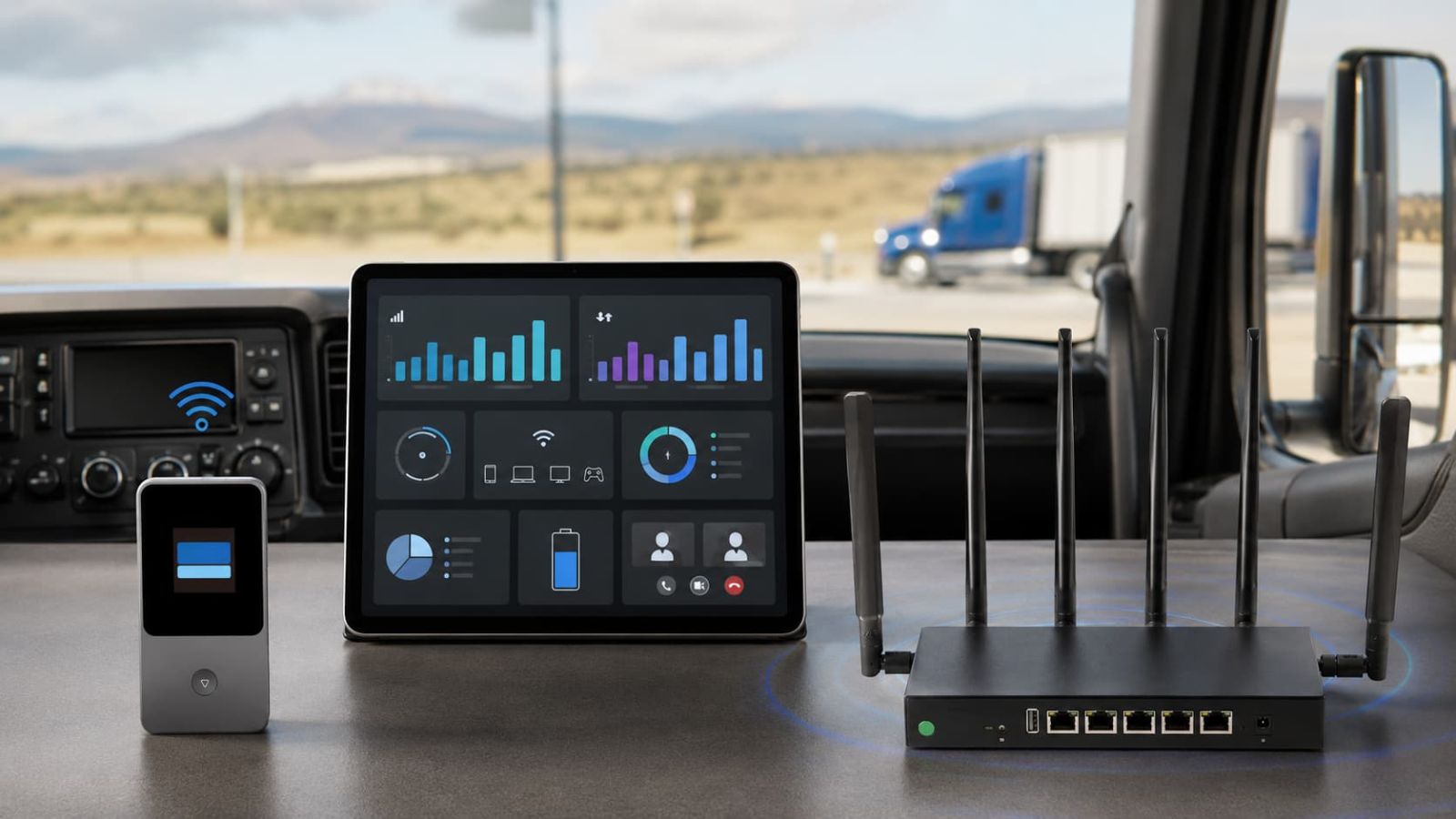
Use the videos to understand the device path before you buy.
Videos do not replace route testing, but they help you see the setup style before checkout. Watch the 4G Bronze activation path if you want the lighter backup device. Watch the 5G Diamond speed test if you are comparing heavier road internet use.
How to Activate SwiftNet 4G Bronze Hotspot Portable Internet for Travelers
Watch this if you are leaning toward 4G Bronze as a budget backup for maps, email, dispatch messages and light browsing on the road.
SwiftNet 5G Diamond Speed Test – Ultimate Internet for RV & Rural Living
Watch this if you are comparing 5G Diamond for heavier cab internet, laptop work, video calls, uploads, streaming and multiple devices.
Do not buy from a coverage slogan. Buy from your actual lanes.
Test the places that matter: truck stops, rest areas, motel parking, delivery yards, rural corridors, staging lots and overnight stops. If you only test at home, congratulations, you have proven the internet works at home. Humanity advances one useless test at a time.
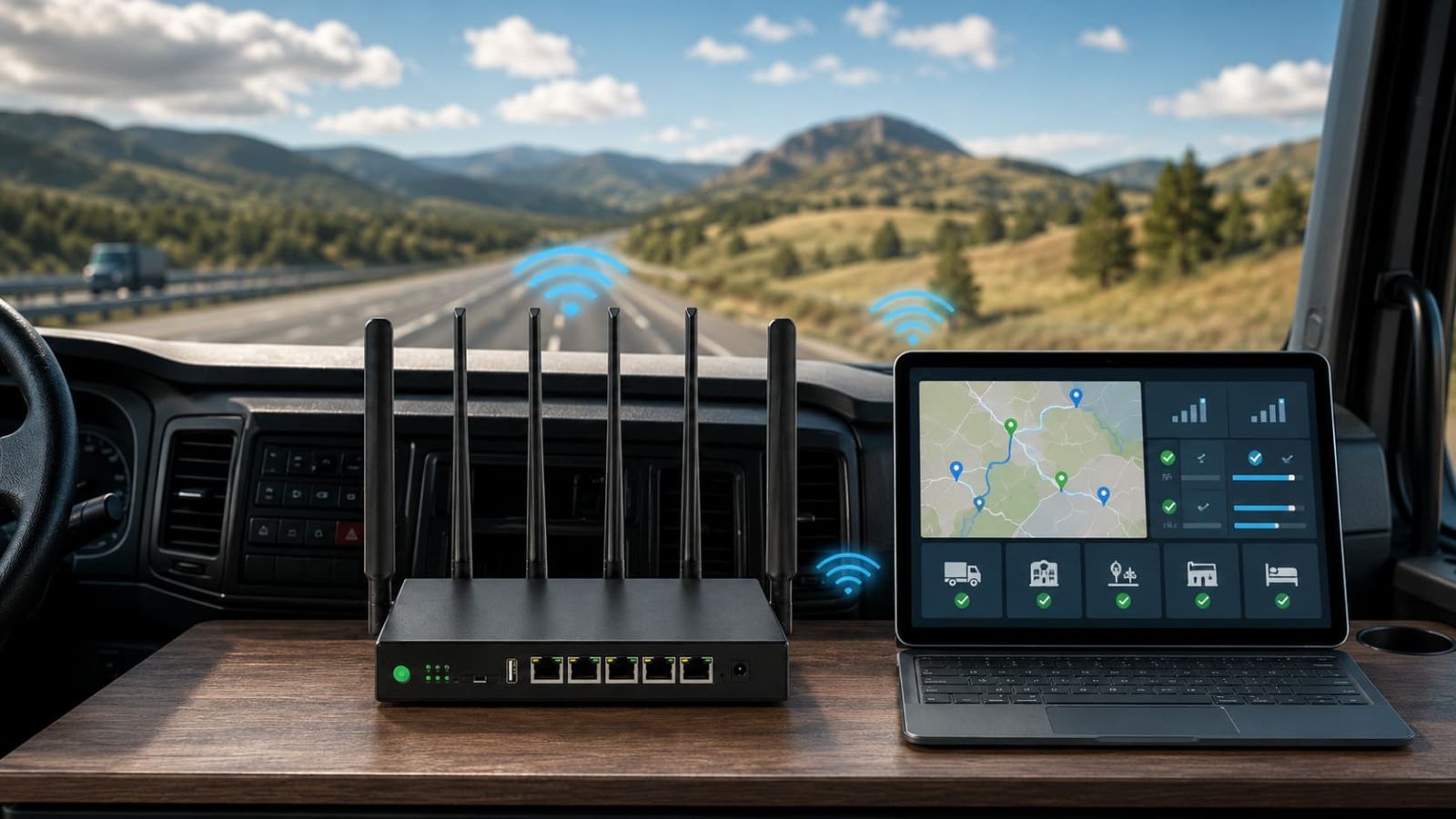
Test your real stops. A route that crosses cities, rural yards and mountain areas can behave differently every night.
Test inside the cab and near the window. Placement, glass, metal and heat can change results.
Test the hours you actually use it. Evening stops can be more congested than midday breaks.
Compare satellite only when cellular keeps losing. Satellite belongs in the conversation when your lanes regularly defeat cellular coverage.
A good truck setup should be easy to power, cool and reach.
Do not bury the device where it overheats or where rebooting it means unloading half the cab. A boring, reachable, well-ventilated setup beats a cleaner-looking install that fails when the cab gets hot.
Common issues truckers may hit
Most issues fall into three buckets: coverage, setup or workload. Fix the first two before paying for the third.
The deal is not just the monthly number.
Truck internet behaves like equipment plus service plus downtime risk. Check the full cost before you decide. The cheapest setup on paper can become expensive if it makes you reset every night or buy twice.
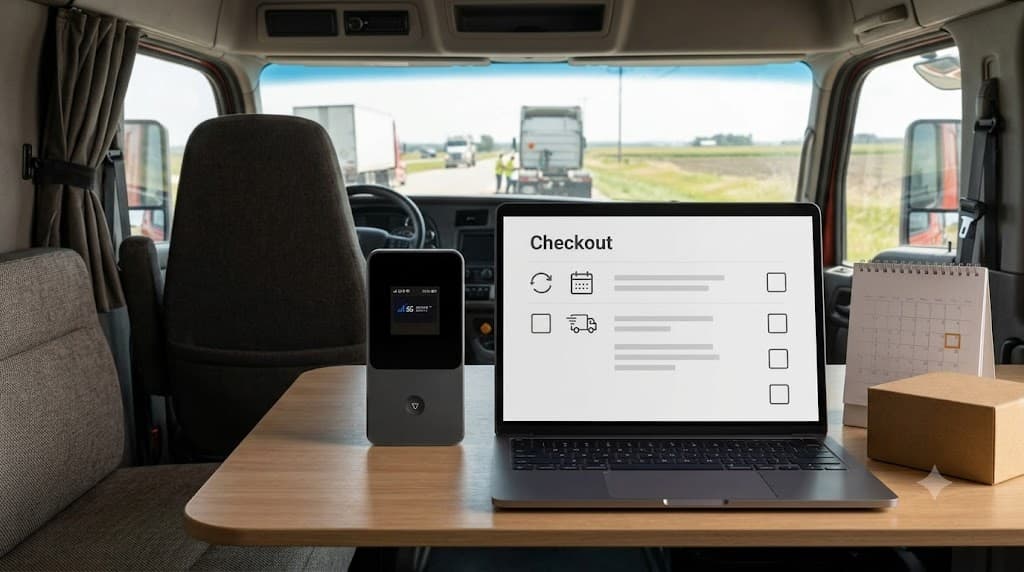
Route coverage: test the stops, yards and lanes where you actually park.
Device fit: 5G Diamond for heavier daily use, 4G Bronze for lighter backup.
Subtotal: confirm first checkout, device terms, taxes, shipping and recurring monthly cost.
Code: use ORION04 only if the discount line appears on an eligible plan order.
Trial/refund timing: test early, because waiting until the last day is how calendars become villains.
SwiftNet WiFi for Truckers FAQ
SwiftNet is strongest for truckers who need a dedicated road connection and know their routes have usable cellular signal.
Choose 5G Diamond if the truck is your daily office and living space. Choose 4G Bronze if you need a cheaper portable backup for maps, email, dispatch and light browsing. Skip both if your real stops have poor cellular signal or your phone hotspot already does everything you need.