
Most SwiftNet WiFi problems are not automatically router problems. Start with placement, power, heat, device load, local cellular coverage and the actual job you need the connection to do. Then decide whether the fix is simple, whether the plan fit is wrong, or whether the location is just not a good cellular spot.
We may earn a commission when you buy through our links. See our Affiliate Disclosure.
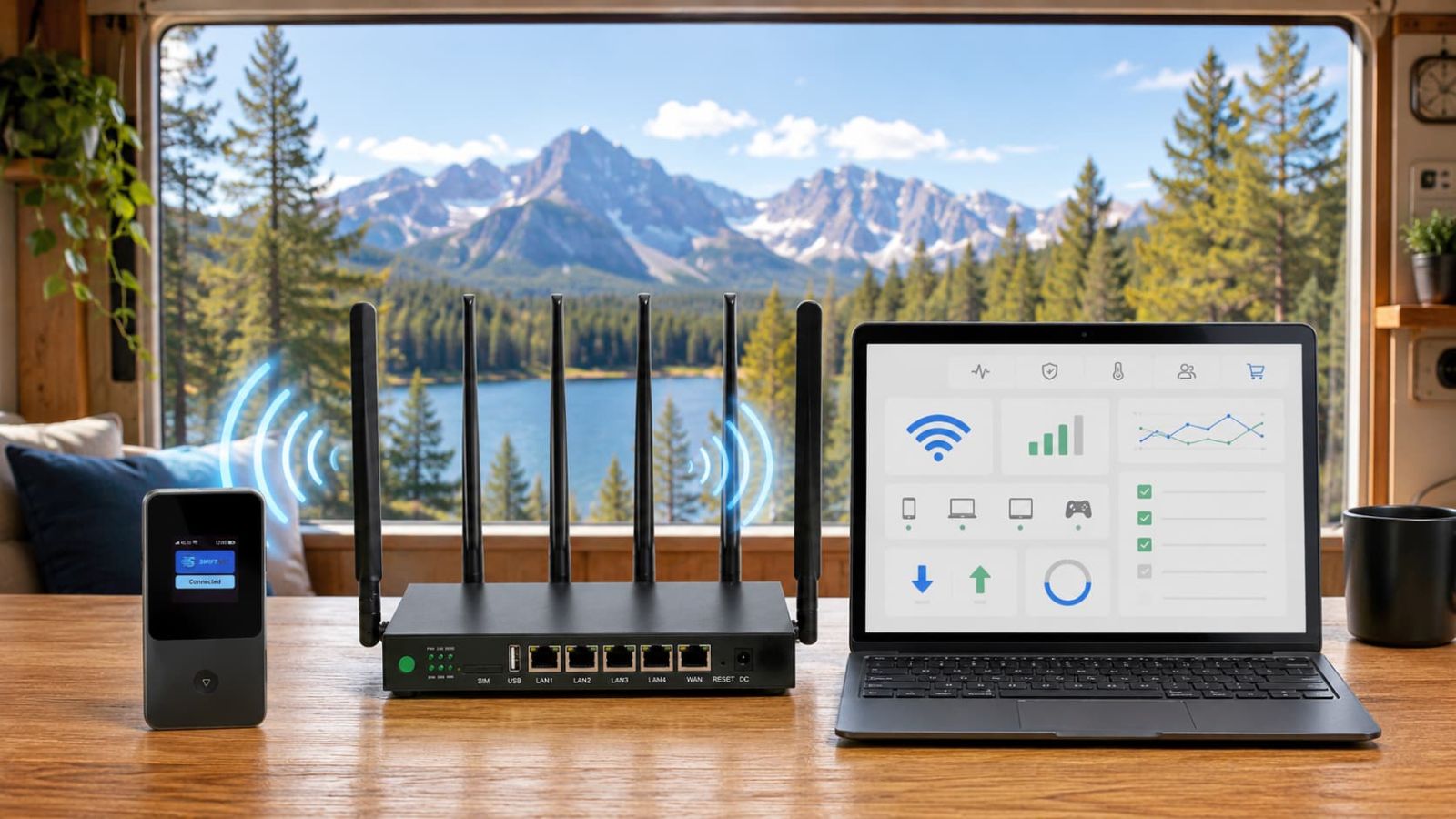
Fix the boring things first, then blame the plan.
If SwiftNet feels slow or unreliable, do not start by buying accessories or switching plans. First check whether the problem is placement, power, heat, device load, local WiFi, upstream cellular signal or a workload mismatch. Humanity has already suffered enough from people changing five settings at once and calling it troubleshooting.
✅ Best first move
Move the device to a better signal spot, restart cleanly, connect one device and retest the real task.
⚠️ When to worry
If the same issue follows several locations, devices and workloads, the problem may be plan fit, coverage or support-level hardware trouble.
Find out what kind of problem you actually have.
Good WiFi bars do not always mean good internet. In RV and rural use, local WiFi strength and the cellular connection upstream are two different problems wearing the same ugly jacket. Test one layer at a time.
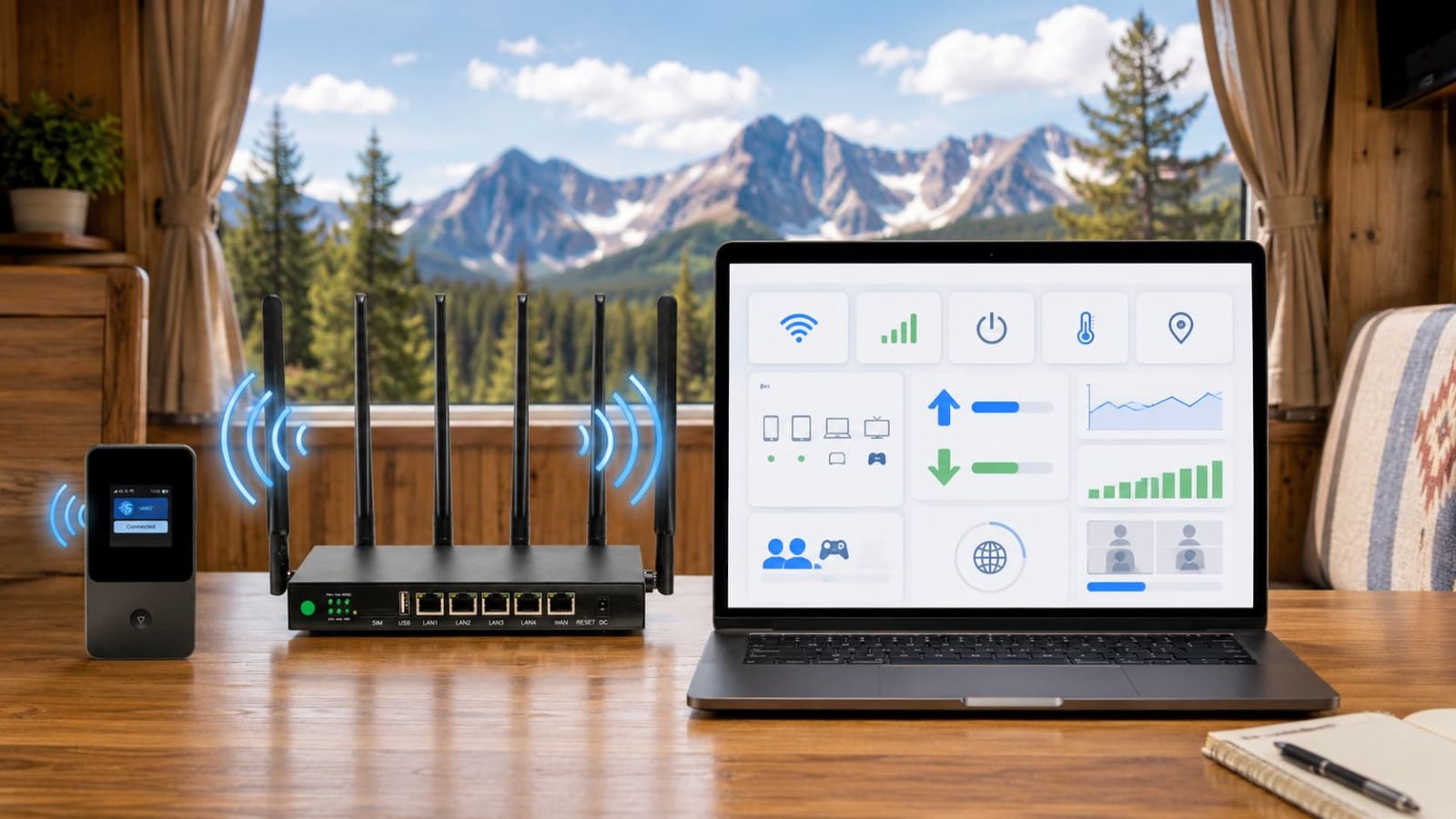
Weak signal inside an RV or cabin
RV walls, cabinets, metal surfaces, appliances and tinted windows can make a decent cellular setup look worse than it is. Before you blame the plan, move the device to a cleaner signal zone.

Move it before you upgrade it.
Try the window side, dinette table, dashboard area, open RV door side and one spot outside the RV. If performance changes a lot by location, placement is part of the problem.
SwiftNet looks connected, but speed feels slow
A single speed test is a clue, not a verdict. Test the workload you actually care about: upload, video calls, streaming, maps, browsing and multiple devices. The internet does not care that a download number looked pretty for twelve seconds.
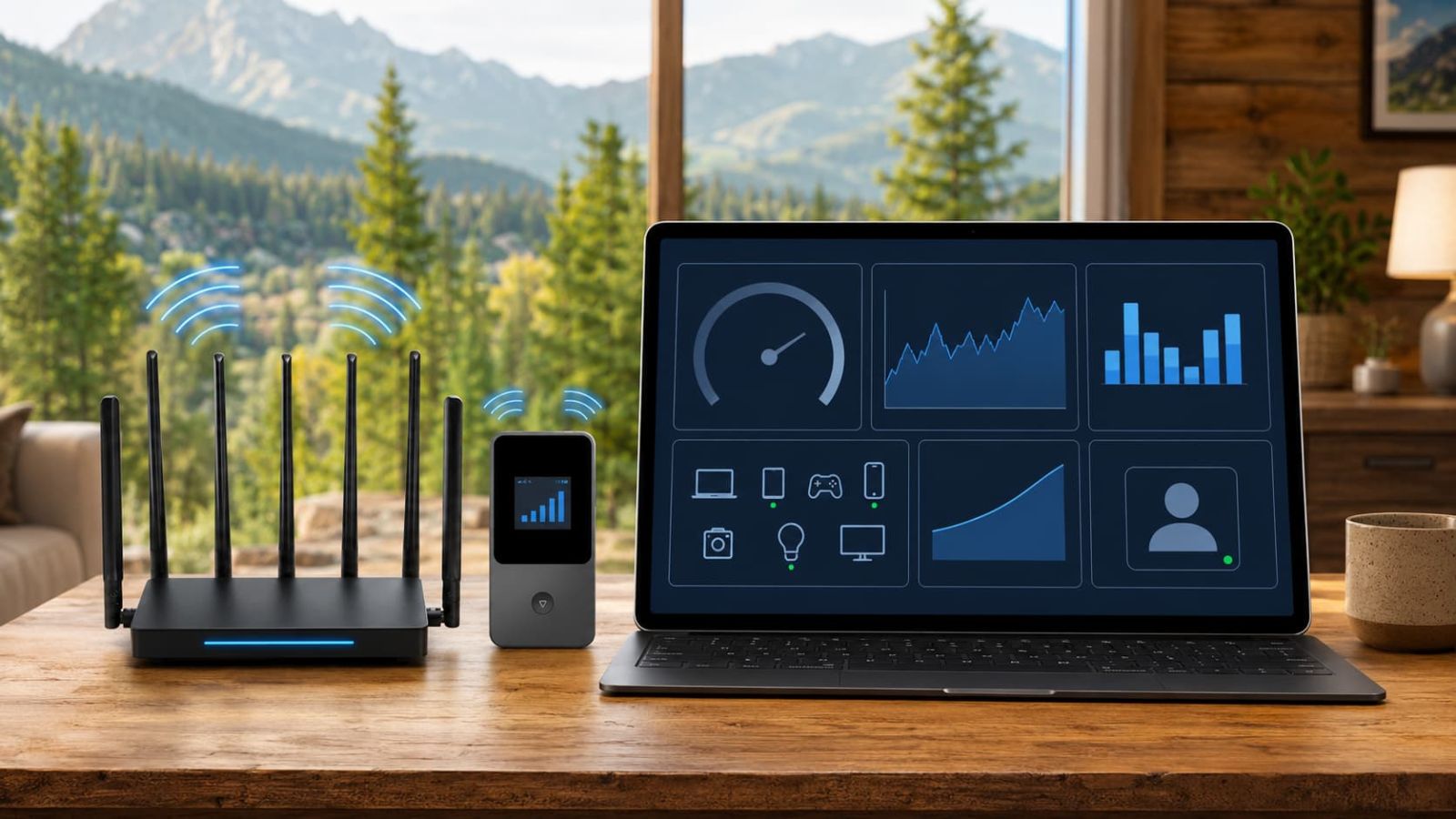
Retest by time, device count and task.
Run one test in the morning, one in the evening and one during your real work window. Test one device first, then add devices. If speed drops only when everyone connects, reduce load before assuming the plan is broken.
Video calls lag or uploads fail
This is where casual browsing lies to you. A connection can open websites but still fail at real work. Upload, latency and device load matter more than a cheerful WiFi icon.
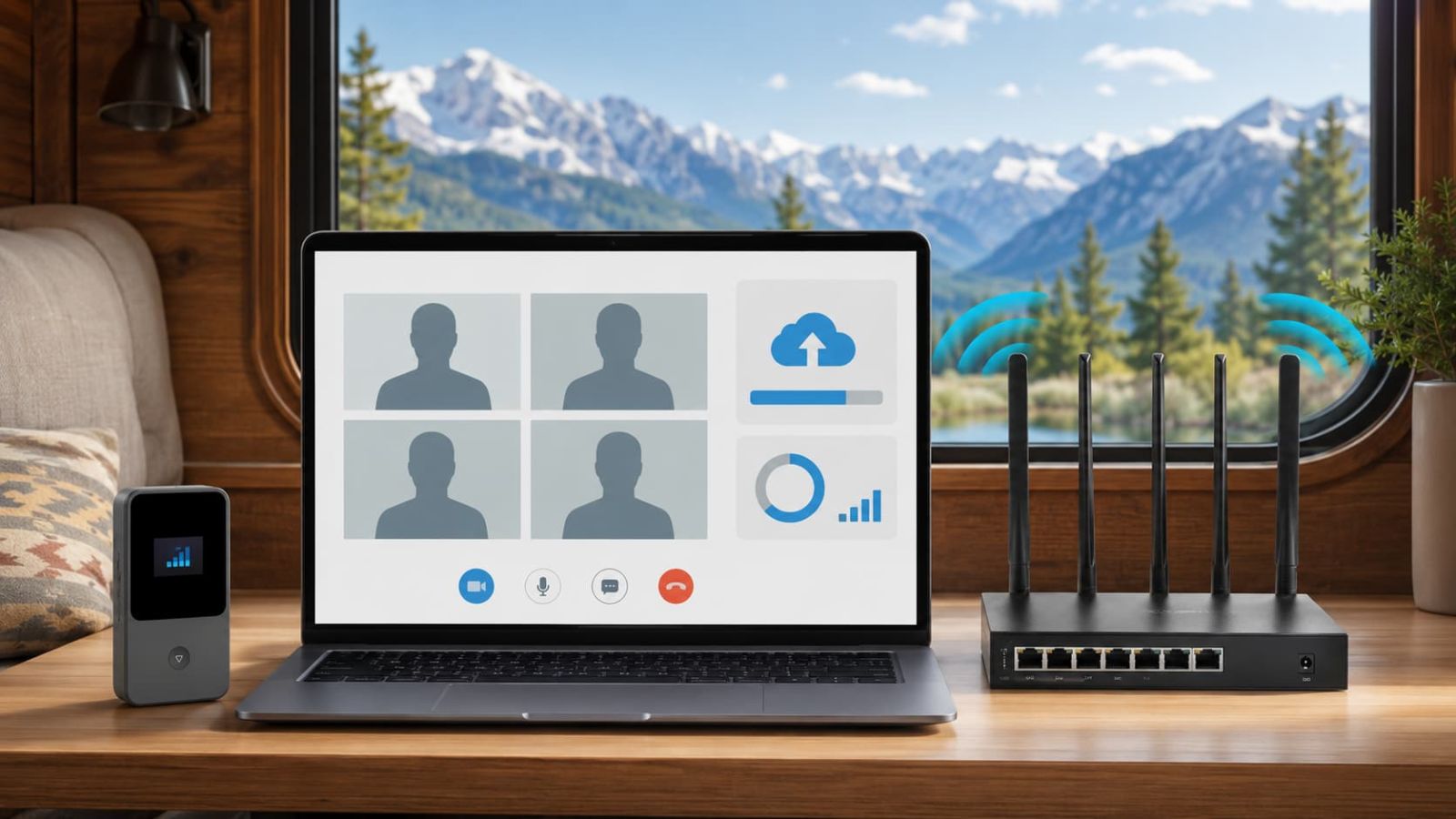
Test calls like they matter, because they do.
Turn off extra devices, move the router, join a short video call, upload a real file and then test again with the number of devices you normally use. If 4G Bronze struggles with regular work calls, compare 5G Diamond before blaming the whole brand.
The device works better in one spot than another
That is normal. It is also annoying, because physics refuses to read your floor plan. In RVs and cabins, a few feet can change the result because of metal, walls, appliances, windows and tower direction.
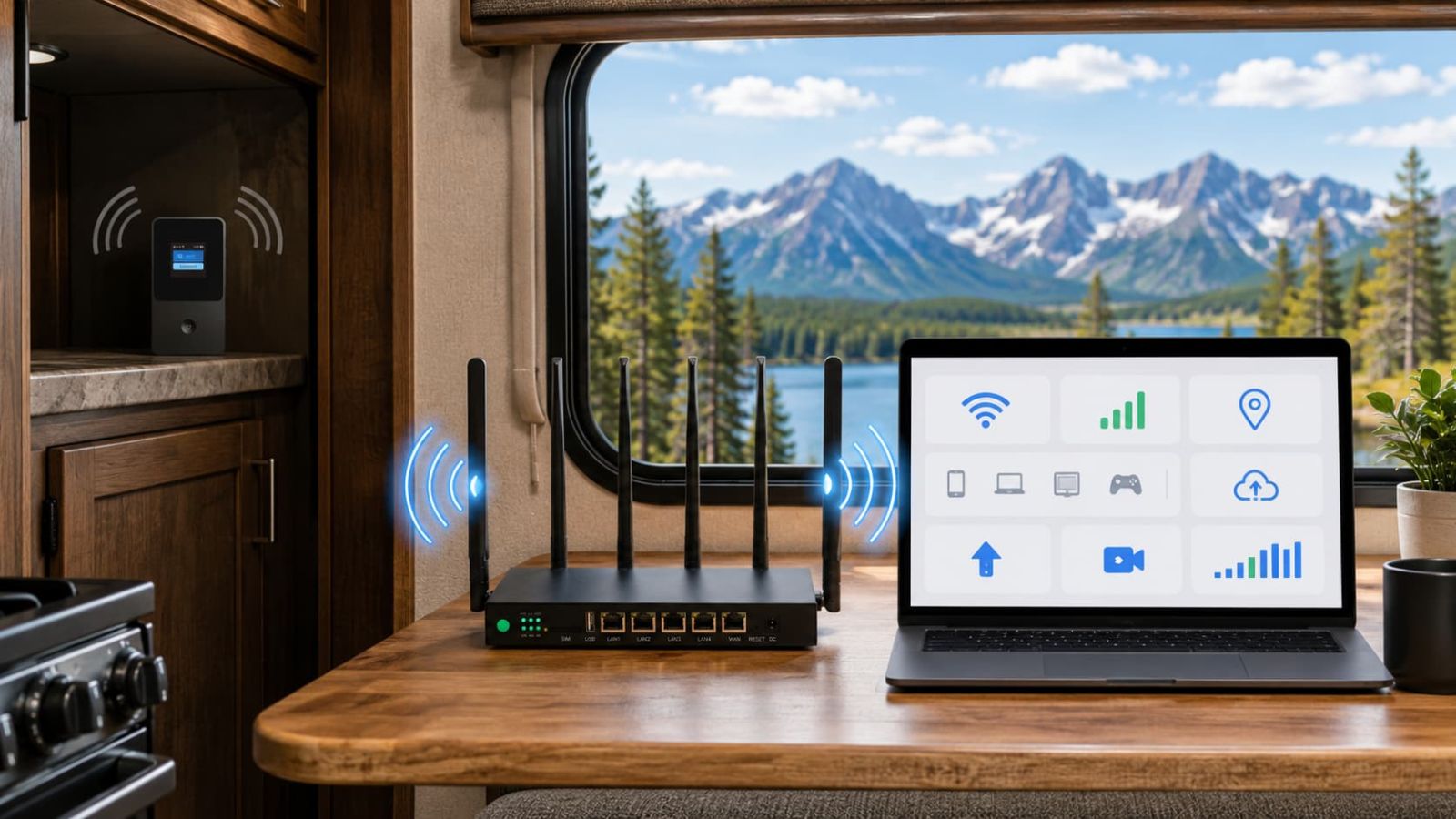
Test three spots before deciding.
Try the actual desk location, the closest window, and the open side of the RV. If the open-side test wins, keep the setup there or use that result to decide whether an antenna add-on is even worth comparing.
4G Bronze feels too light, or 5G Diamond feels like overkill
Plan mismatch looks like a technical issue, but it is often a buying issue. 4G Bronze is easier to justify for travel, camping, maps, email and backup browsing. 5G Diamond is easier to recommend when the internet job is daily work, calls, uploads, streaming or multiple devices.
Compare 5G Diamond if
- ✅ You need regular video calls.
- ✅ You upload files or stream often.
- ✅ Several devices connect at once.
- ✅ This is main RV or rural internet.
Stay lighter if
- ✕ You only need maps and email.
- ✕ It is occasional weekend backup.
- ✕ Phone hotspot already works.
- ✕ You do not want higher recurring cost.
Checkout, trial, refund or recurring cost confusion
A technical fix is useless if the cost path surprises you later. Check ORION04, first checkout total, device rent or buy terms, trial timing, shipping, taxes, duties and recurring monthly subtotal before the return window becomes a tiny administrative goblin.
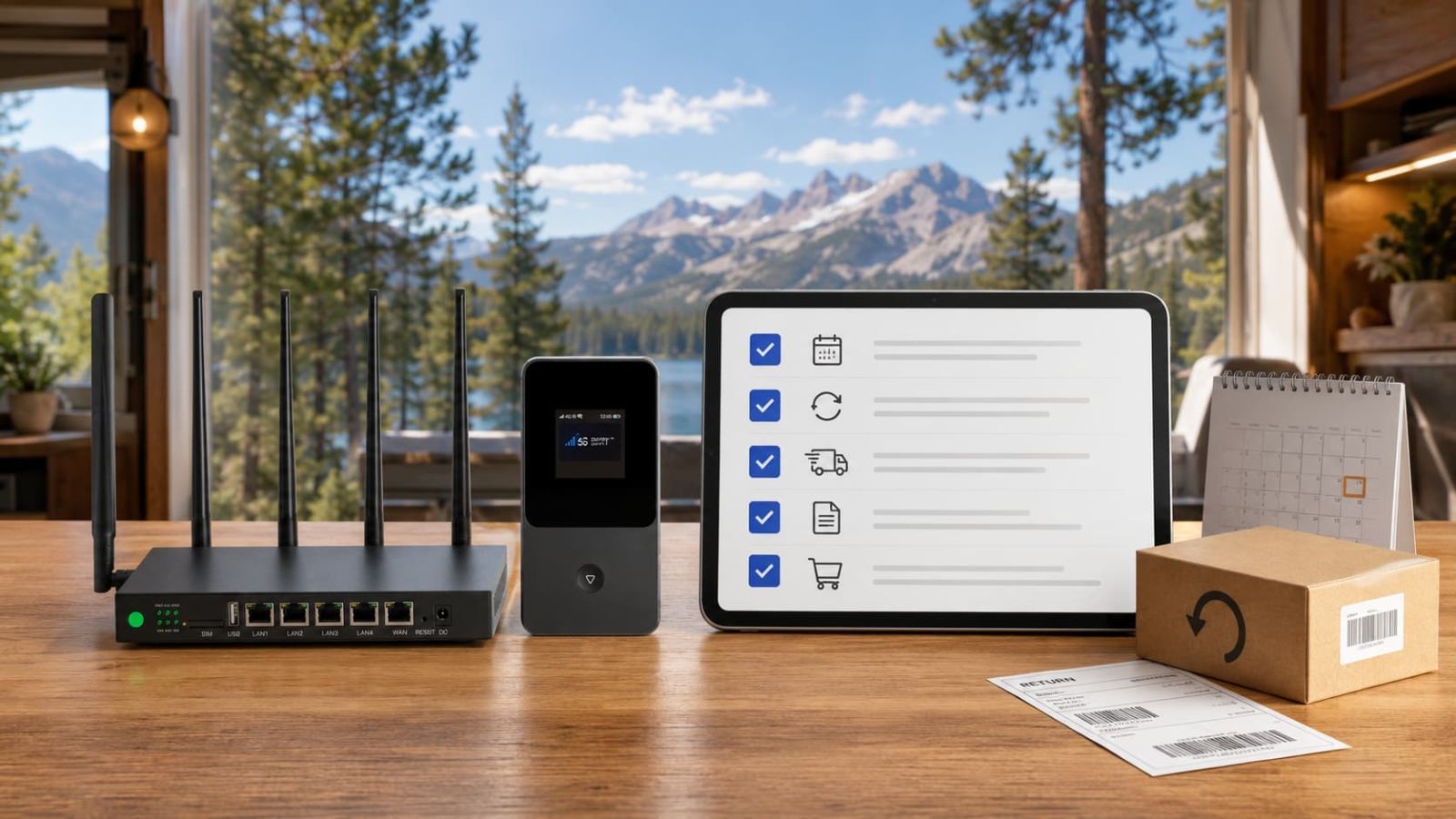
Read the checkout before trusting the discount.
ORION04 can help on eligible SwiftNet plan orders, but the first checkout is not the whole decision. Recurring subtotal and device terms still decide whether the setup is worth keeping.
A simple SwiftNet WiFi troubleshooting order
Do these in order. The point is not to look technical. The point is to stop guessing.
Check power and cables. Confirm the adapter, outlet, cable and device lights before testing speed.
Restart cleanly. Power-cycle the device, wait for full boot and carrier reconnect, then test.
Test one device. If one laptop works and the TV fails, the problem may be the TV or device setup.
Move the device. Try window side, open RV side and actual desk location. Compare results.
Reduce load. Disconnect extra streaming boxes, phones and tablets while testing.
Test real work. Run browsing, upload, video call and streaming tests during the hours you will actually use it.
Check plan fit. 4G Bronze is lighter backup; 5G Diamond is the stronger SwiftNet path for heavier work.
Check cost terms. Confirm ORION04, trial timing, device terms and recurring subtotal before keeping the setup.
Some SwiftNet problems are not fixable by moving the router.
SwiftNet still depends on usable cellular coverage. 5G Diamond cannot create 5G where your location does not offer it. 4G Bronze should not be forced into full-time multi-device remote work. Waveform-style antenna support is only worth considering when there is signal to improve, not when the place is a true dead zone.
SwiftNet WiFi Problems & Fixes FAQ
Fix placement first. Then test workload. Then decide if the plan fits.
If coverage is workable but the job is heavier, compare 5G Diamond. If the need is lighter backup, 4G Bronze is easier to justify. If cellular signal is poor everywhere you test, stop forcing SwiftNet and compare satellite or another fallback. Noble suffering is not a network strategy.