A remote-work connection earns its place when it protects the complete workday: the morning login, live calls, cloud files, authentication, customer replies and the upload that must finish before you leave.
SwiftNet 5G Diamond is the living-space network, 4G Bronze is the connection that follows the worker, and compatible Waveform support belongs where the building weakens a usable outdoor signal.
 by Nguyen Dinh · Last checked September 4, 2026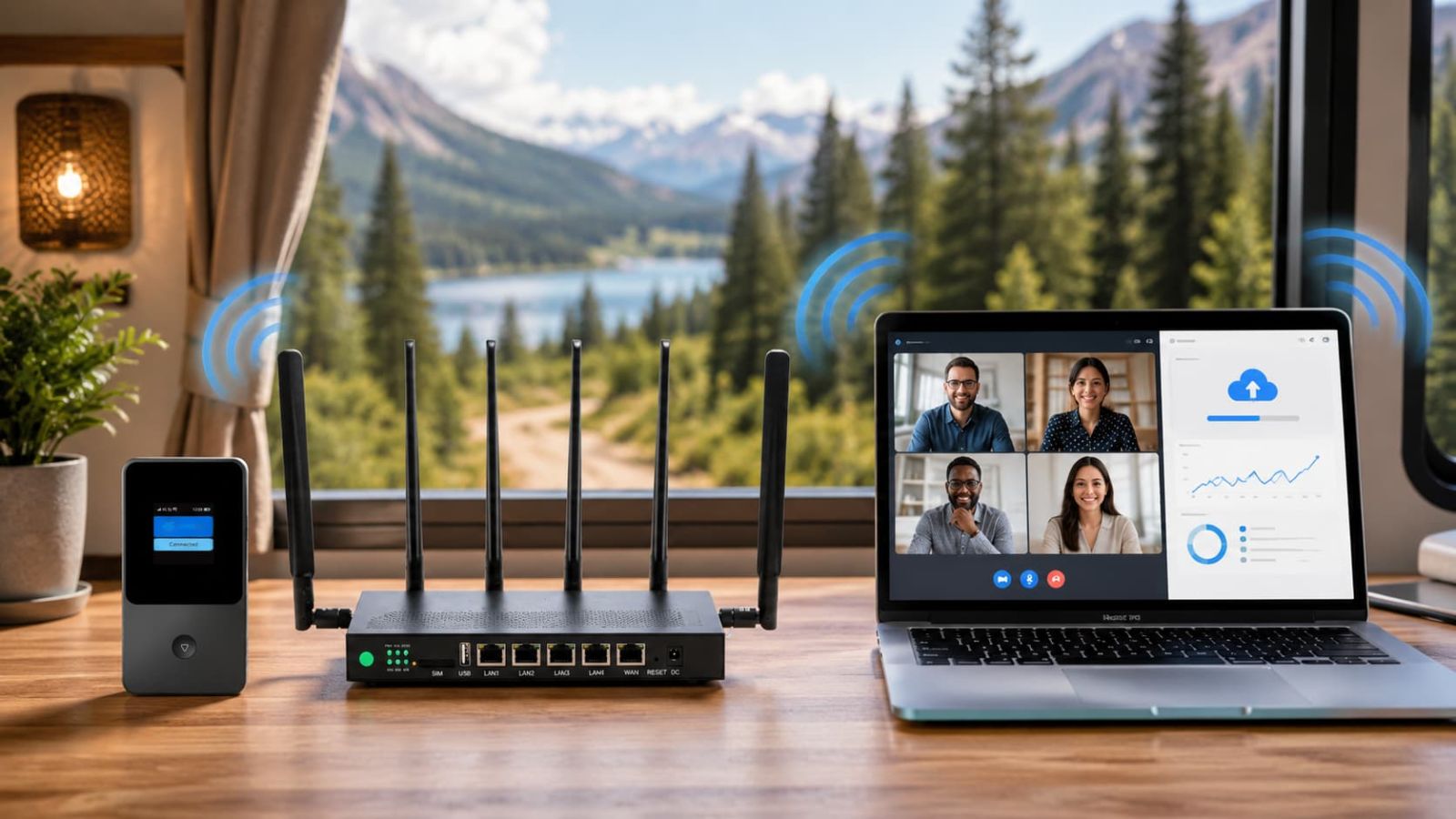
Quick verdict
SwiftNet for Remote Work: The Short Answer
Choose 5G Diamond when internet belongs to the workspace. A router-style local network suits recurring calls, uploads, cloud applications and several devices in an RV, cabin or rural home. Choose 4G Bronze when connectivity must leave that workspace and travel with one person for messages, documents, maps and shorter laptop sessions.
The larger value is location choice. Workable cellular internet can let a remote worker remain at a rural property, extend an RV stay or choose a quieter overnight stop without automatically searching for a café, campground office or hotel with shared WiFi. The working day becomes part of the route rather than the reason the route must end.
Choose Diamond if:
- Calls and uploads protect income: the connection must carry outgoing work, not merely load pages.
- The desk is part of an RV or rural home: several recurring devices benefit from one network.
- Work continues after arrival: the setup should resume without rebuilding a phone hotspot each day.
Choose Bronze if:
- The worker leaves the base: portable access keeps email, navigation and documents available away from Diamond.
- The task list is lighter: one person needs controlled access rather than household capacity.
- Mobility itself creates value: the hotspot can follow a hike, site visit or separate day trip.
Exclusive SwiftNet WiFi Coupon Code
Build the correct work system first. Code ORION04 then provides an extra $20 off eligible SwiftNet plan orders at initial checkout. The regular recurring monthly charge still applies.
Use ORION04 after choosing an eligible configuration. Verify the code and current terms on the Store page.
Terms & Conditions
ORION04 applies to eligible SwiftNet plans at initial checkout. Confirm the deduction and recurring monthly charge before payment.
Design the Connection Around the Workday, Not the Speed-Test Moment
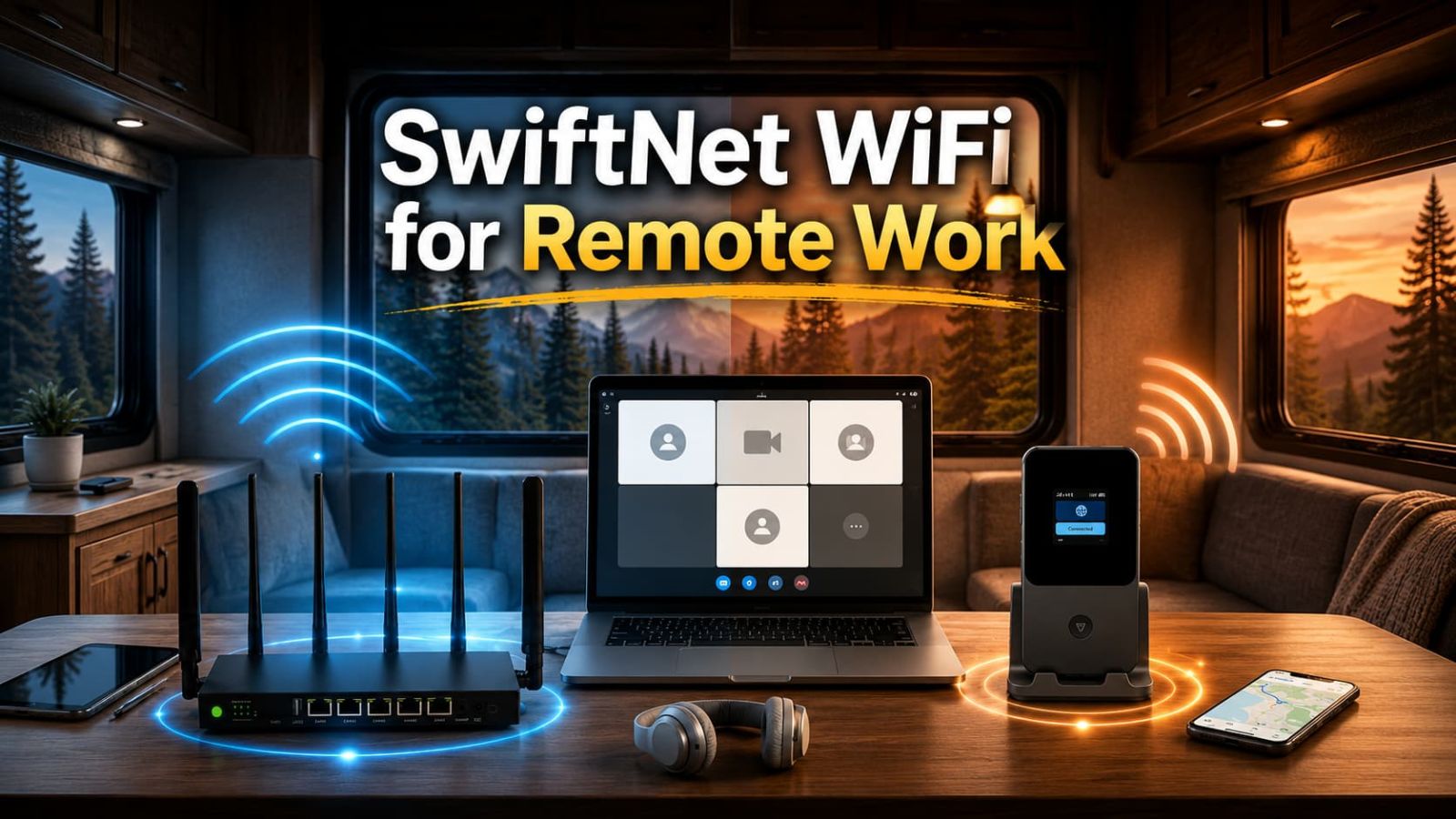
A useful remote-work system must survive a sequence of demands. The laptop joins a VPN. A camera begins sending video. Screen sharing adds outgoing traffic. Cloud storage synchronizes in the background while a phone receives authentication codes. A peak download figure cannot describe that chain.
Buy the connection for the most valuable hour of the day. If a client call, upload deadline or remote desktop session cannot be postponed, consistency during that hour matters more than capacity that only appears when the tower is quiet.
Download Opens the Tools; Upload and Latency Keep Work Moving
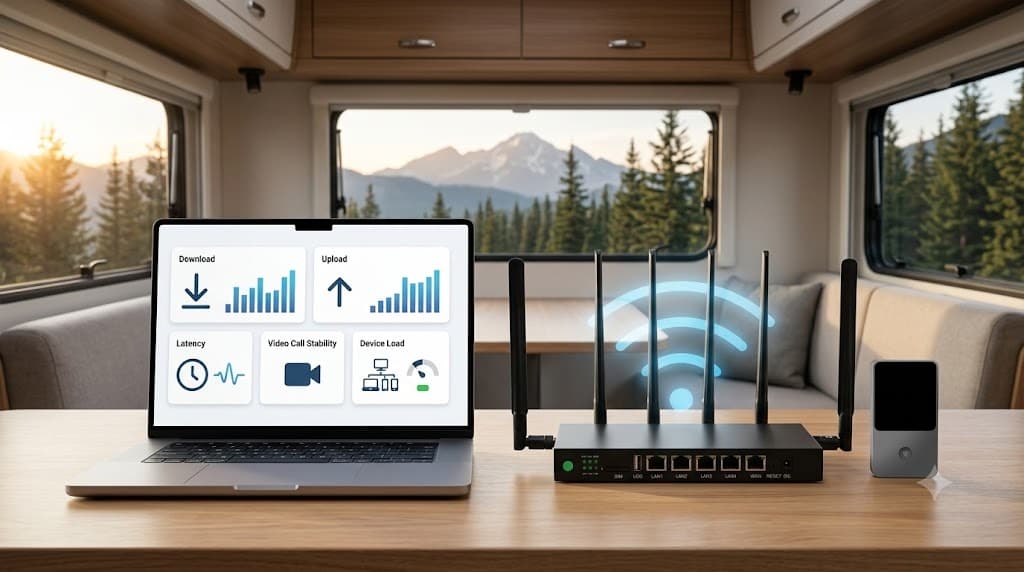
Download brings the workplace to the screen
Documents, dashboards, incoming video and software depend on download capacity. SwiftNet lists Diamond at up to 300 Mbps in 5G areas and up to 100 Mbps in 4G areas; Bronze is positioned around a reliable 100 Mbps 4G LTE claim. These are manufacturer-stated ceilings, not universal results.
Upload carries your contribution outward
Camera video, cloud files, screenshots and presentations leave through the upstream path. A stable upload can protect a meeting and a deadline even when nobody notices the download figure.
Latency preserves the rhythm of conversation
Calls and remote desktop tools need timely round trips. Consistent response keeps speech natural, controls responsive and collaboration from feeling one step behind.
Device load decides whether performance remains shared
A laptop may test well alone while phones, television and background updates compete later. Recreate the expected workspace, because Diamond earns more value when several devices must remain useful together.
5G Diamond: Turn the RV or Rural Property Into a Working Base
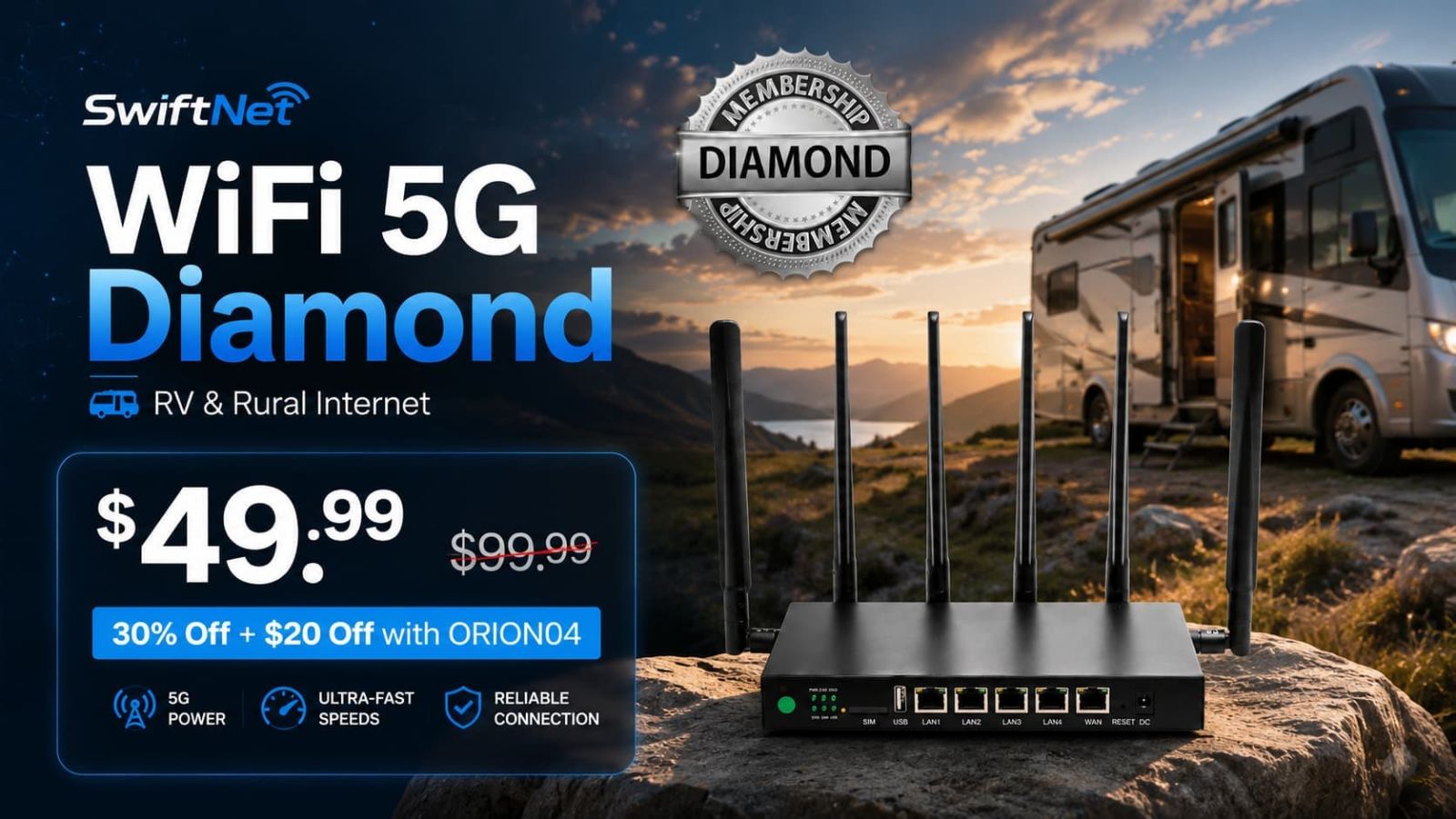
Diamond is designed for the place where work repeatedly happens. One persistent network lets laptops, phones and household devices reconnect at the desk without rebuilding access around a personal handset. The immediate gain is a faster start; the larger gain is keeping attention on work rather than connection management.
In an RV, this separation matters. The phone remains available for calls, navigation and authentication while the router carries the workspace. At a rural home, files can synchronize in the background and family devices can remain connected without turning every meeting into a negotiation over bandwidth.
That continuity can extend a stay. A worker no longer has to leave a useful property merely to upload a file or join the next call—provided local cellular coverage is usable.
4G Bronze: Keep Work Reachable When the Worker Leaves Base

Bronze solves a different work problem: the connection must fit in a pocket or bag and follow one person. At a trailhead, roadside stop or separate site visit, it can keep email, maps, messages, documents and a short laptop session available without dismantling the network at base.
Its benefit is not pretending to be Diamond in a smaller shell. It gives the traveler a private path for essential tasks and leaves the phone free for calls and navigation. A modest workload completed at the chosen stop can be worth more than larger unused capacity attached to the RV.
Diamond Plus Bronze: A Two-Zone Remote-Work System
Use Diamond to keep the RV or rural home online and Bronze to let one worker leave with connectivity. The person at base retains meetings, entertainment and connected devices; the traveler retains navigation, messages and portable work access. Neither product abandons its strongest role.
This combination is valuable when two schedules diverge. One person can take a day trip or field visit without taking the household’s internet with them. The larger ownership gain is independence: the work system adapts to the people instead of forcing everyone to remain near one hotspot.
Waveform Support: Improve the Path When the Structure Is the Problem
RV metalwork, coated glass and interior walls can weaken a signal that is more usable outside. A compatible Waveform QuadMini 4x4 antenna kit belongs in this specific situation: the carrier reaches the location, but the physical structure degrades the path to compatible equipment indoors.
The immediate benefit is more freedom in router placement. The larger benefit is a workspace that can remain inside while the antenna occupies the more favorable radio position. It may reduce repeated movement of the router and the compromises that follow from working beside the only window with reception.
Confirm compatibility and usable outdoor signal before adding antenna hardware. An antenna can improve a path; it cannot create carrier service where none exists.
Run a Trial That Recreates Monday Morning
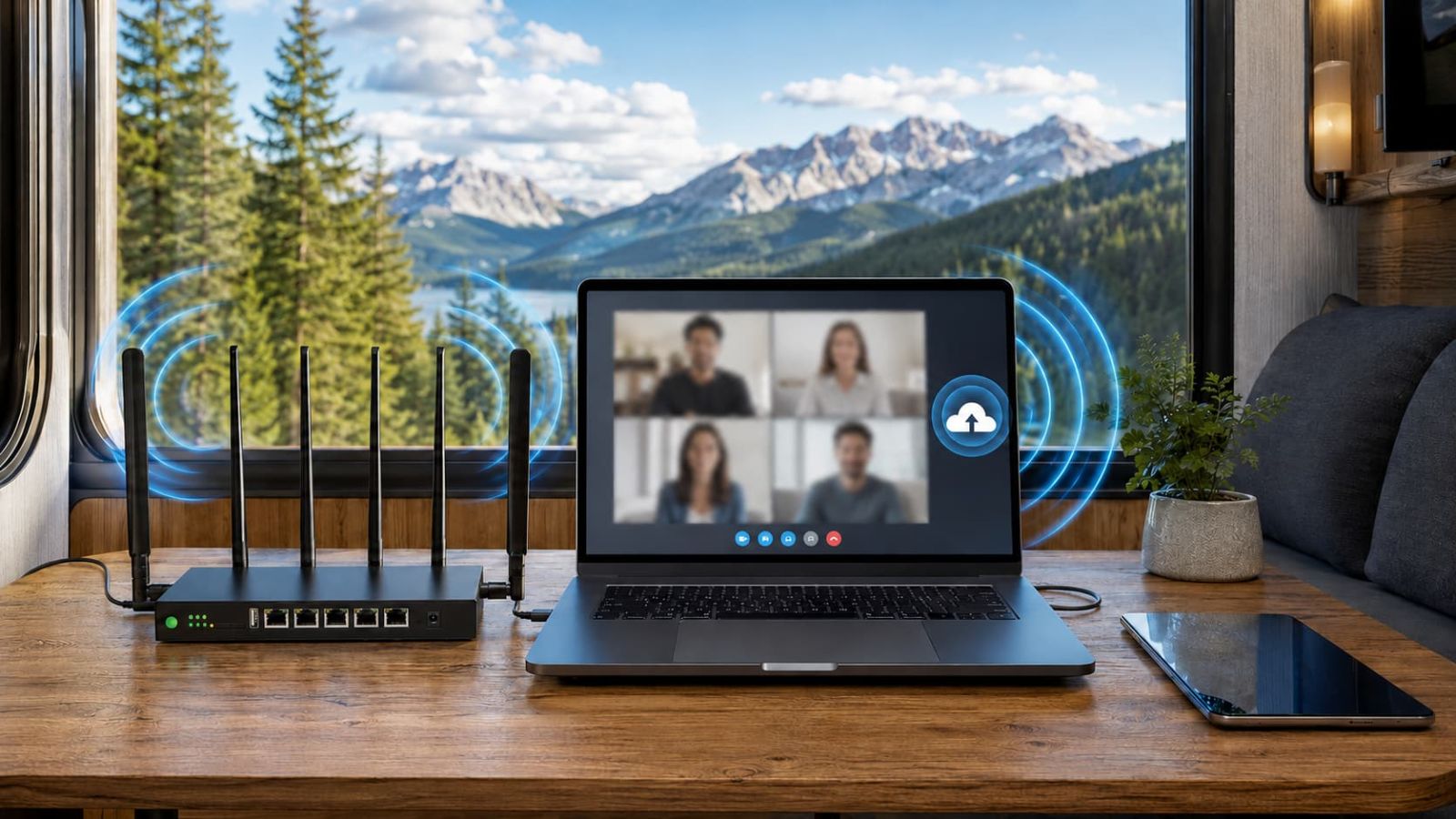
- Test the final location. Use the actual RV site, room, desk and router position.
- Test at work hours. Tower behavior can change when local demand rises.
- Join a real video call. Turn on the camera, share the screen and listen for delay or breakup.
- Upload a representative file. Measure the task that carries your work outward.
- Connect the expected devices. Include phones, tablets and background household demand.
- Run VPN or remote desktop tools. The test should reproduce the workflow that pays for the connection.
- Repeat at important travel stops. Mobility turns location variation into part of the product decision.
Use the SwiftNet coverage guide to separate a placement problem from a carrier-availability problem.
Choose Enough Data to Let the Work System Be Used
Calls, uploads, cloud synchronization and several devices consume data differently from email and maps. The supplied plan paths include 100GB, 200GB and Unlimited. Choose by the repeated month, not a quiet weekend.
100GB fits controlled backup access. 200GB creates room for mixed travel and work. Unlimited becomes more persuasive when SwiftNet carries daily calls, entertainment and a shared living-space network. Capacity has little value if the allowance makes the worker afraid to use it.
See the SwiftNet data-limits guide, then confirm current pricing, device terms and ORION04 eligibility on the Store page.
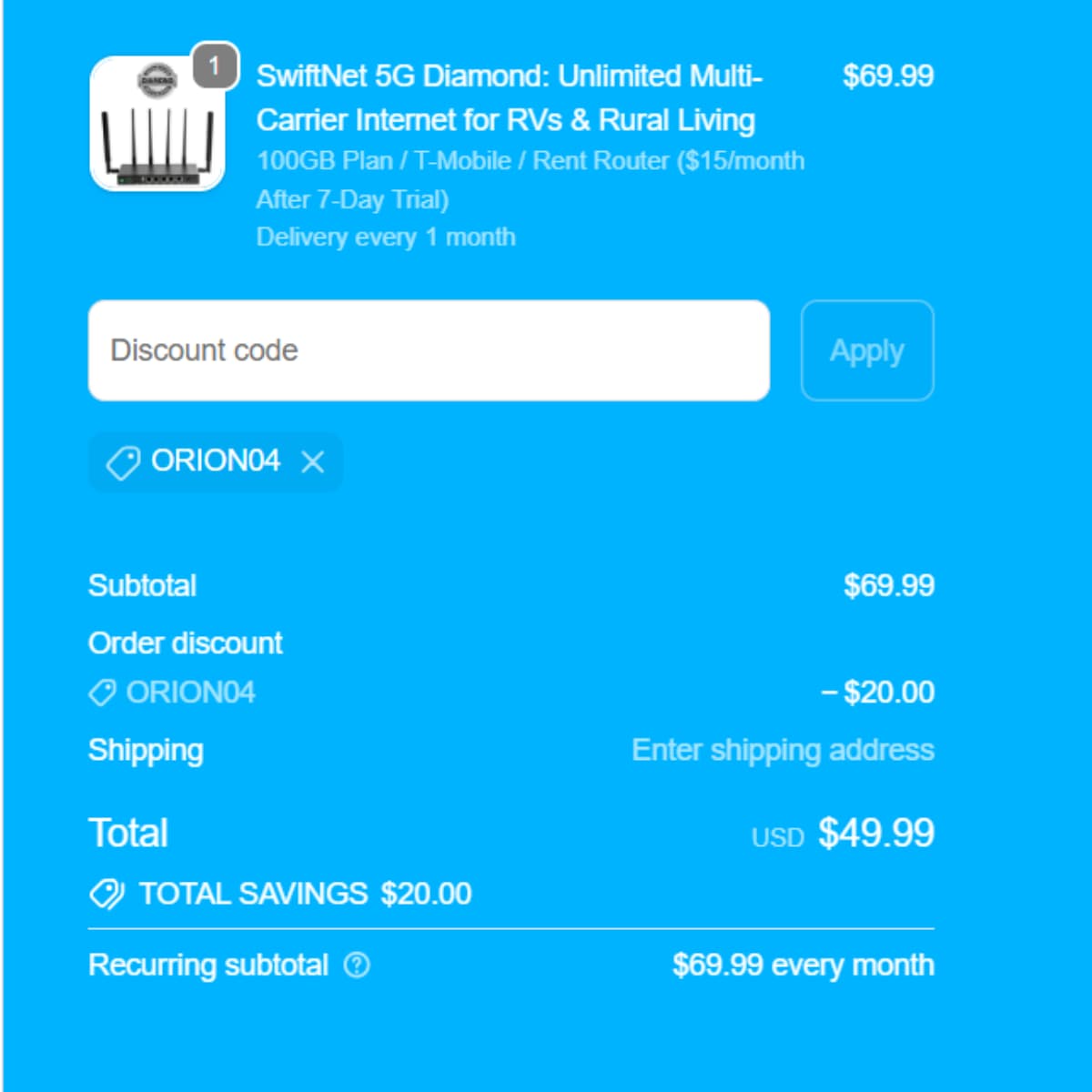
Diamond checkout evidence
Verify today’s plan, data choice, device commitment, initial deduction and recurring subtotal.
Check Current Deal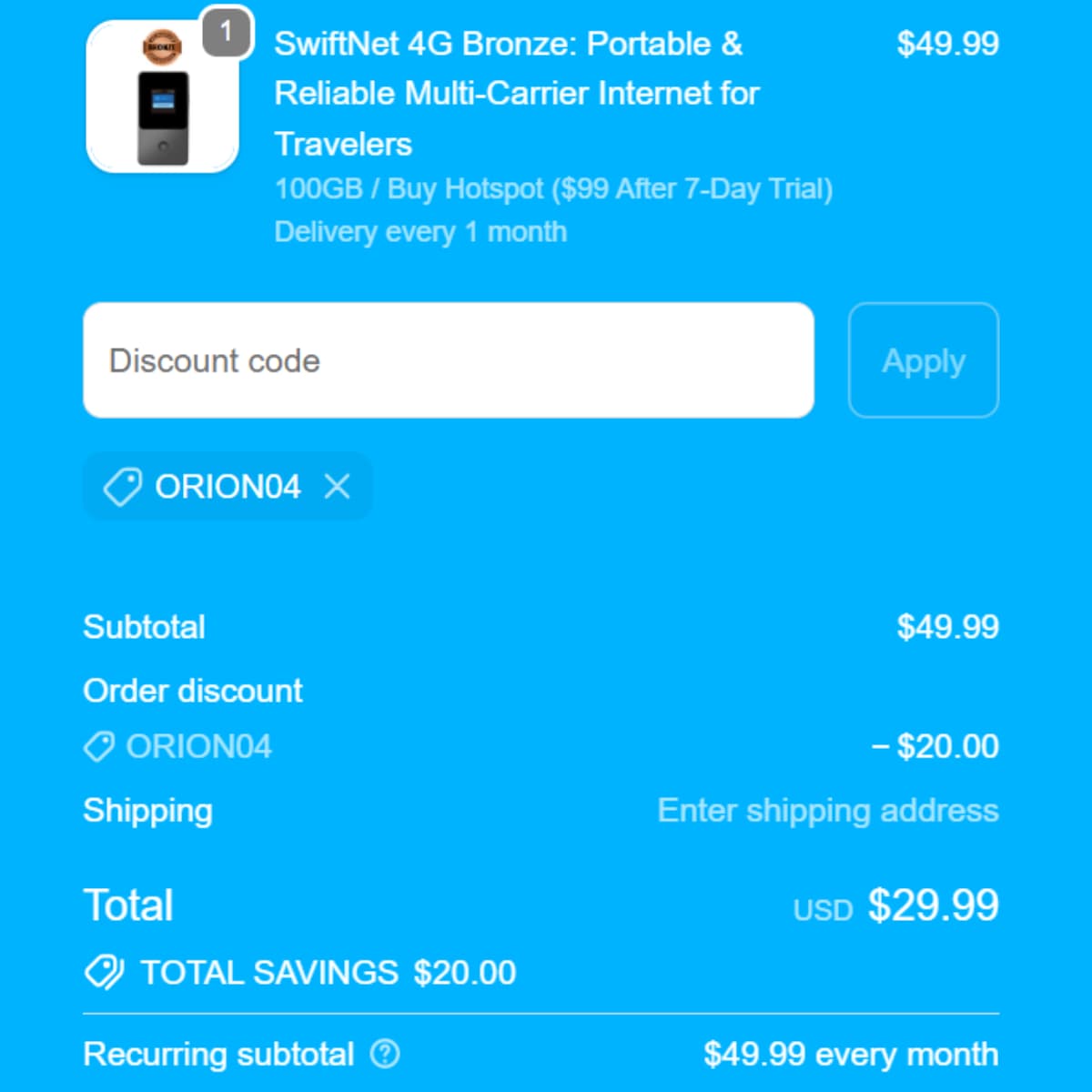
Bronze checkout evidence
Confirm the current portable-plan terms in your cart rather than relying on an older price image.
Check Current DealFinal Verdict
Diamond is the SwiftNet starting point when remote work belongs to an RV or rural living space; Bronze is the complementary choice when essential access must follow the worker. Waveform support has a narrower mission: improve the physical signal path when service exists outside but the structure weakens it indoors.
My recommendation is to test the system against the work that cannot fail—calls, uploads, VPN access and the expected device load. If it protects those tasks, the value expands into longer stays, better stopping choices and fewer hours lost searching for somebody else’s WiFi.
Compare current SwiftNet remote-work configurations and check ORION04.
SwiftNet WiFi for Remote Work FAQs
Which SwiftNet plan is best for regular remote work?
5G Diamond is the stronger starting point for recurring calls, uploads, cloud tools and several connected devices when local cellular coverage is usable.
What is 4G Bronze best for during remote work?
Bronze suits portable personal access for email, maps, messages, documents and short laptop sessions away from the main workspace.
What should I test before relying on SwiftNet?
Test the real location and work hours, then run video calls, uploads, VPN or remote desktop tools and the expected number of connected devices.
Can an external antenna improve the setup?
Compatible antenna support can help when usable signal exists outside but RV or building materials weaken it indoors. It cannot create service where the carrier has no usable signal.
Can ORION04 reduce the checkout total?
ORION04 provides an extra $20 off eligible SwiftNet plan orders at initial checkout. The regular recurring monthly charge still applies.

CandidCodes may earn a commission from purchases made through sponsored links in this article. Affiliate Disclosure. This does not change the price you pay. Specifications, coupon eligibility, stock and policies should be confirmed before ordering.