Ditto Music Support for New Artists: What to Know Before Your First Upload
How this review was evaluated: This article focuses on the support questions new artists usually care about most before signup, including first-upload help, edits, payouts, account access, app basics, upgrade support, and public trust signals. Core claims are checked against Ditto Music’s live site pages.
Starting with a new distributor is rarely just about price. For most first-time artists, the real fear is simpler: What if I do not know how to upload correctly, fix mistakes, get paid, or find help when something goes wrong?
That is where Ditto’s support structure matters. Its live support hub is not just a contact page. It opens with a searchable help center and clear categories for Frequently Asked Questions, The Basics, Uploading Music, Making Edits, Getting Paid, Your Account, and Ditto Music App, alongside more specialized sections for platforms, publishing, promotion, and licensing.
For a new artist, that changes the buying question. Instead of asking only whether Ditto has features, the better question becomes whether Ditto gives you a visible route for the problems beginners usually hit first. On the current live site, the answer looks much closer to yes than to “figure it out alone.”
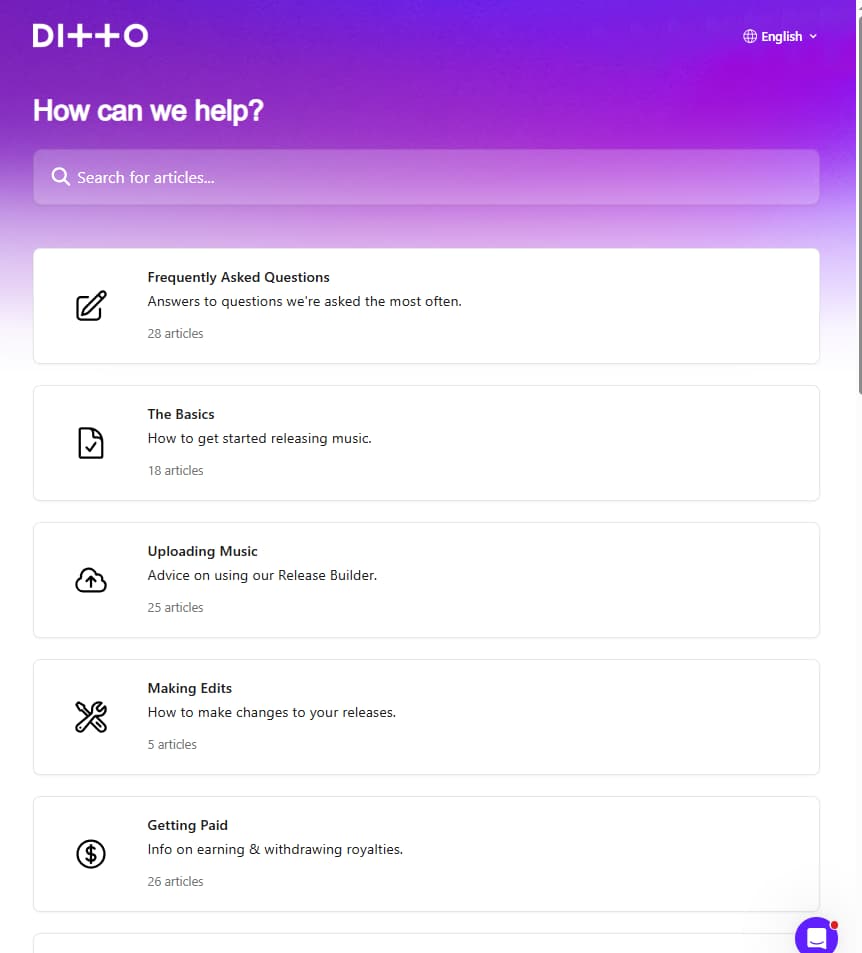
Ditto’s support hub gives new artists clear help routes for common questions before the first upload.
Before signup, the first reassurance is knowing where beginner questions live
If you have never released music before, the most comforting section is probably The Basics. Ditto’s live collection includes beginner questions about what Ditto Music is, how much it costs, whether you can release for multiple artists from one account, who owns the rights to your music, what release statuses mean, whether you can view analytics in more detail, and whether Ditto offers a free trial.
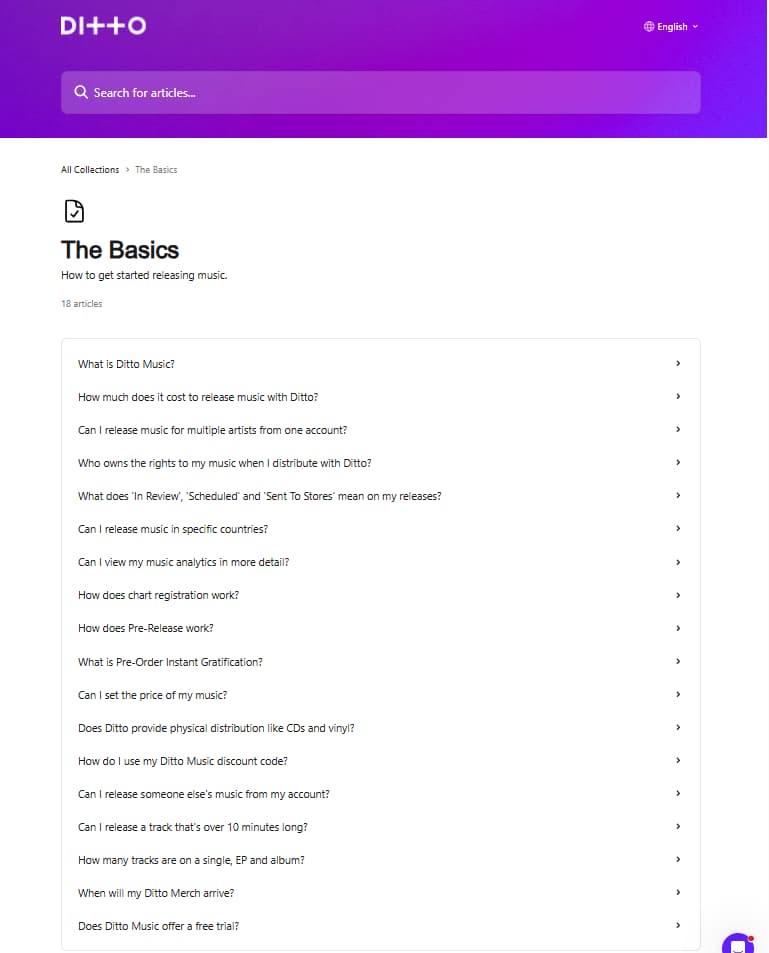
Ditto’s The Basics section makes common beginner questions visible before an artist even starts the first release
That matters because beginners do not usually need “advanced industry strategy” first. They need visible answers to basic trust questions: What am I paying for? Who owns my music? Can I understand what happens after I press upload? Ditto’s support layout shows those concerns are expected, not treated like edge cases.
The practical takeaway is simple. If you are nervous before signup, do not start with every tool page at once. Start with The Basics, because that is where Ditto’s support system is clearest about cost, ownership, release states, and general first-step confusion.
Your first upload does not have to feel blind
The next fear usually appears the moment you begin building a release. Ditto’s Uploading Music collection is focused on Release Builder questions, and the current live list covers issues like rejected artwork, audio format, featured artists, explicit lyrics, credits, lyrics uploads, TikTok snippet selection, specific release times, re-releases, and even AI-generated music.
That is exactly the kind of help a new artist needs before the first upload goes live. It means the support system is not waiting until after you make a mistake. It already anticipates common upload friction points, including metadata, artwork, formatting, credits, and release timing.
For reassurance, this is one of Ditto’s stronger trust signals. A distributor feels much less risky when the “how do I actually upload this correctly?” questions are already visible and organized before you even submit a release.
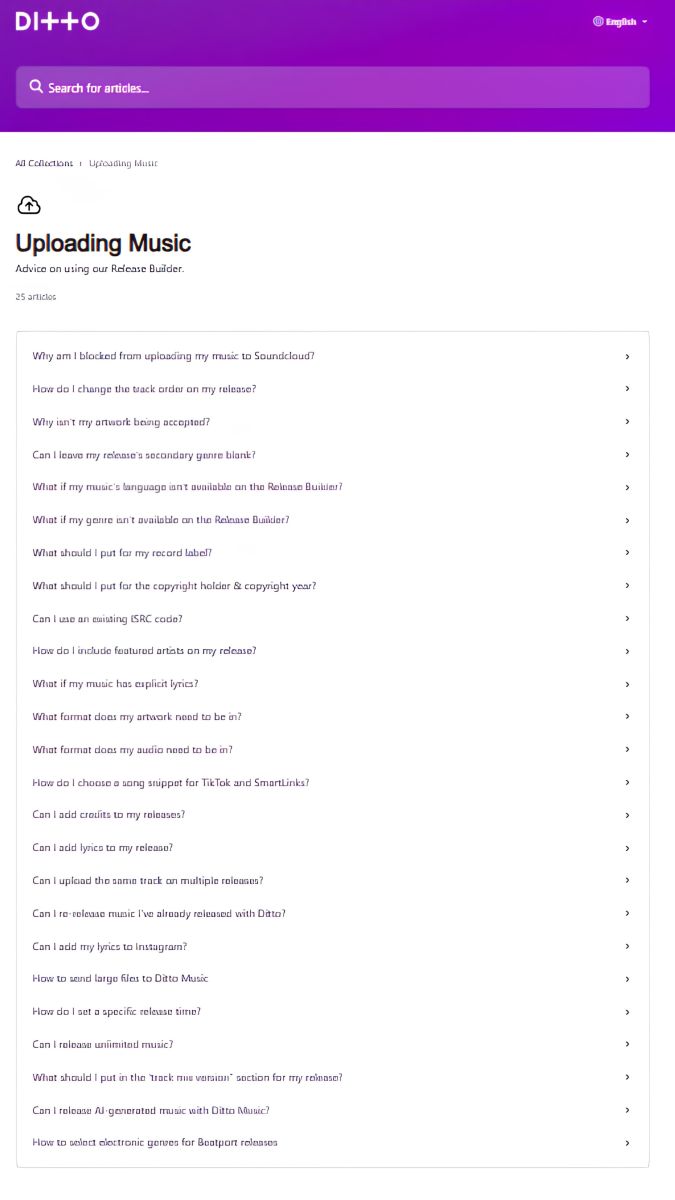
Ditto’s Uploading Music support section shows that common first-release problems are already documented before an artist submits a release.
Mistakes happen, so visible edit paths matter more than hype
A lot of new artists worry less about uploading and more about what happens after they realize something is wrong. Ditto’s Making Edits collection is small but very targeted. On the live page, it includes articles on editing a release while it is still in review, removing and re-uploading a release, adding more stores, changing the release date, and changing an artist or band name.
That is reassuring because it signals something important: Ditto expects that artists will need to correct releases sometimes. In other words, the platform does not present music distribution as a one-shot process where one wrong field means permanent damage and no guidance.
For a first-time artist, that kind of visibility is underrated. It lowers the emotional cost of getting started, because “what if I need to change something?” already has a support route attached to it.
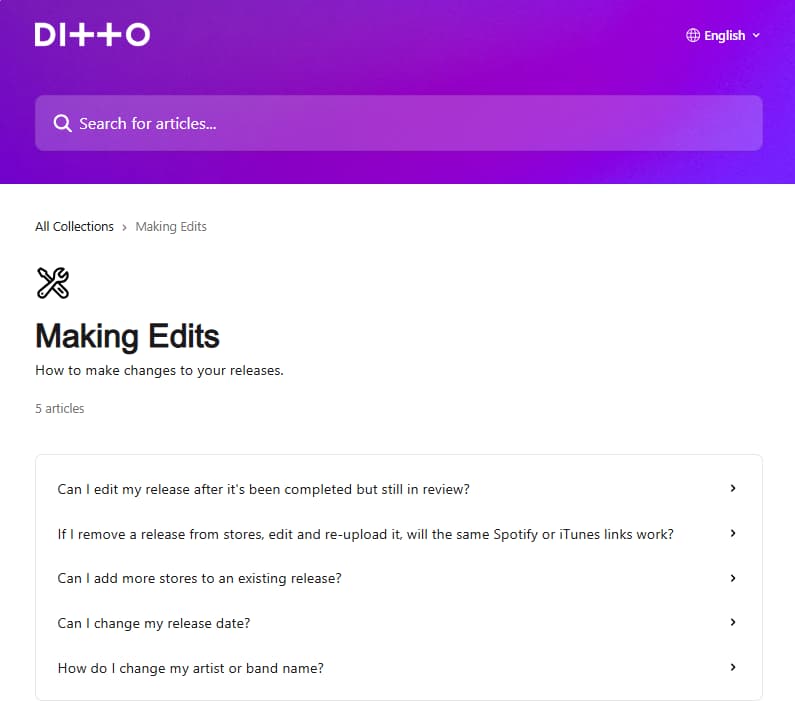
Ditto’s Making Edits section shows that common post-upload fixes already have a clear support route for artists.
Getting paid is where reassurance becomes practical
For most artists, support stops feeling abstract the moment money is involved. Ditto’s Getting Paid collection is one of the most important support areas on the live site. It includes articles on withdrawing royalties, adding or changing payout methods, minimum withdrawal amount, split royalties, identity confirmation, viewing sales data and earnings, pending royalties, payout currency, PayPal, Payoneer, bank transfer fees, and how long withdrawals take to reach your bank account.
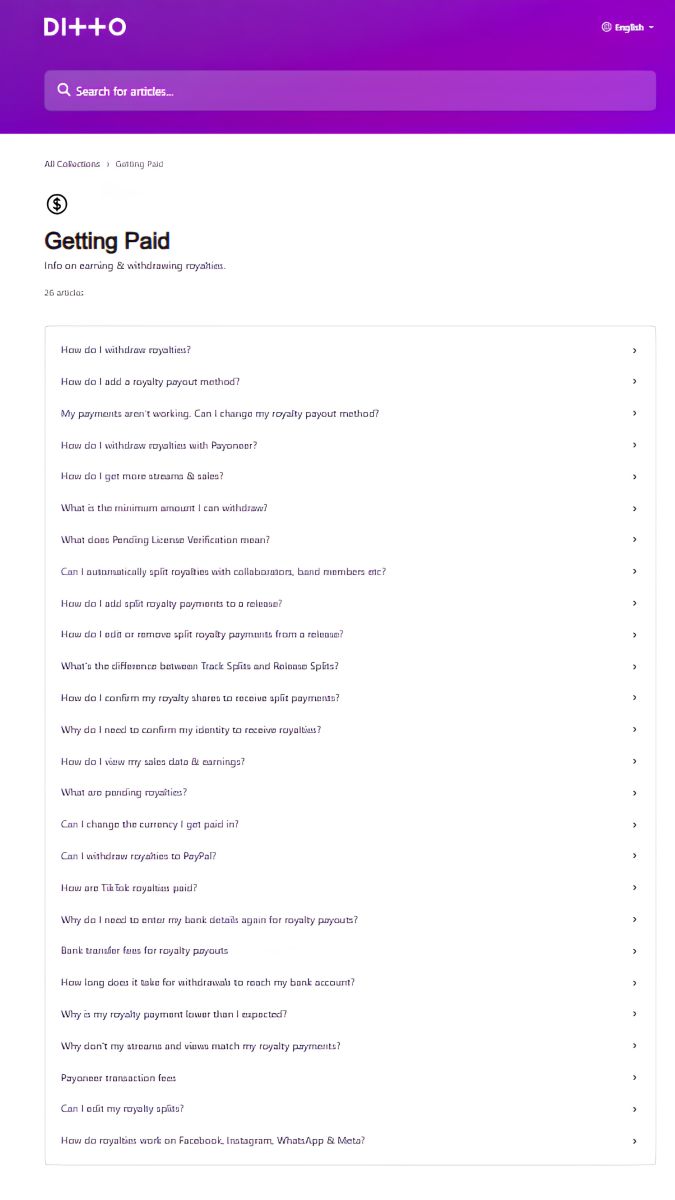 Ditto’s Getting Paid section turns royalties and payouts into a visible support route instead of a vague promise.
That is useful because the fear here is not “does Ditto have payouts?” The fear is “Will I know what to do when my money is sitting there, delayed, split, pending, or lower than expected?” Ditto’s help structure shows those questions are anticipated in detail.
If you are choosing a distributor partly based on peace of mind, this is one of the strongest pages to read before signup. It turns a vague promise about royalties into a visible support map for withdrawal, payout setup, timing, and split-payment issues.
Account and app help make everyday problems feel less intimidating
Not every support issue is about a release itself. Ditto’s Your Account section covers practical account tasks such as subscription renewal, order and transaction history, support response timing, password resets, changing the linked email, suspension questions, subscription changes, royalties paying for a subscription, and payment-method updates.
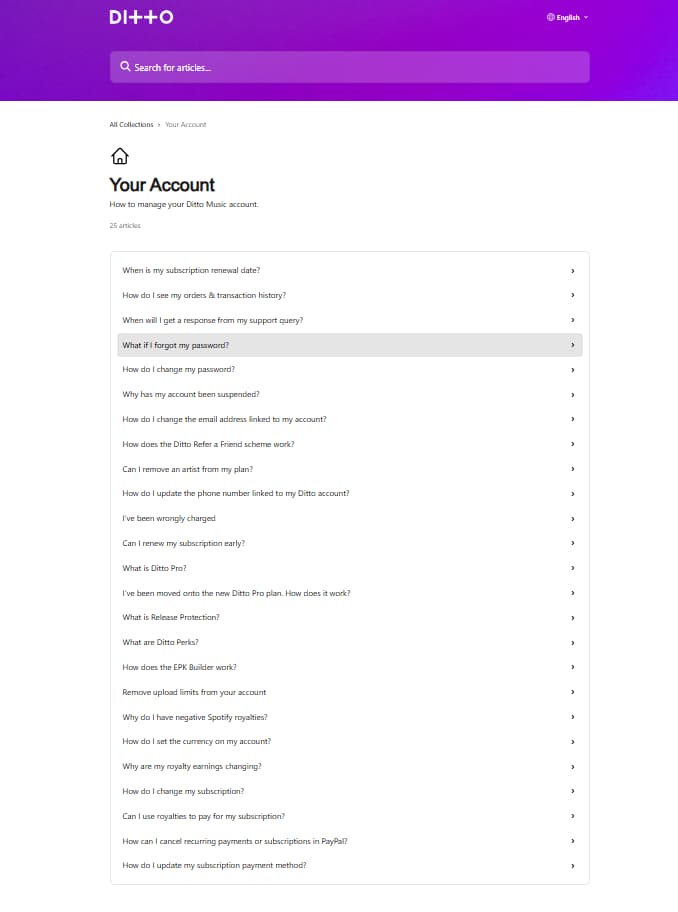
Ditto’s Your Account section makes everyday account issues easier to manage, from subscriptions and login problems to billing and payment updates.
Its Ditto Music App support section is smaller, but it still covers the basics new users tend to care about first: whether Ditto has an app, Google login, refunds for iOS app purchases, Android subscription cancellation, and plan upgrades via the app.
This is the kind of support detail that often decides whether a platform feels manageable over time. A beginner-friendly setup is not just “I can upload.” It is also “I can recover my password, understand my plan, fix payment issues, and navigate the app without feeling trapped.”
When does priority support start to matter?
For some artists, the standard support hub will already cover most early-stage questions. But Ditto also uses priority support as part of its upgrade case for Pro. On the live Pro page, Ditto says artists can “skip the queue,” chat with the team whenever needed, and that support is available 24/7 to help answer questions and navigate the industry.
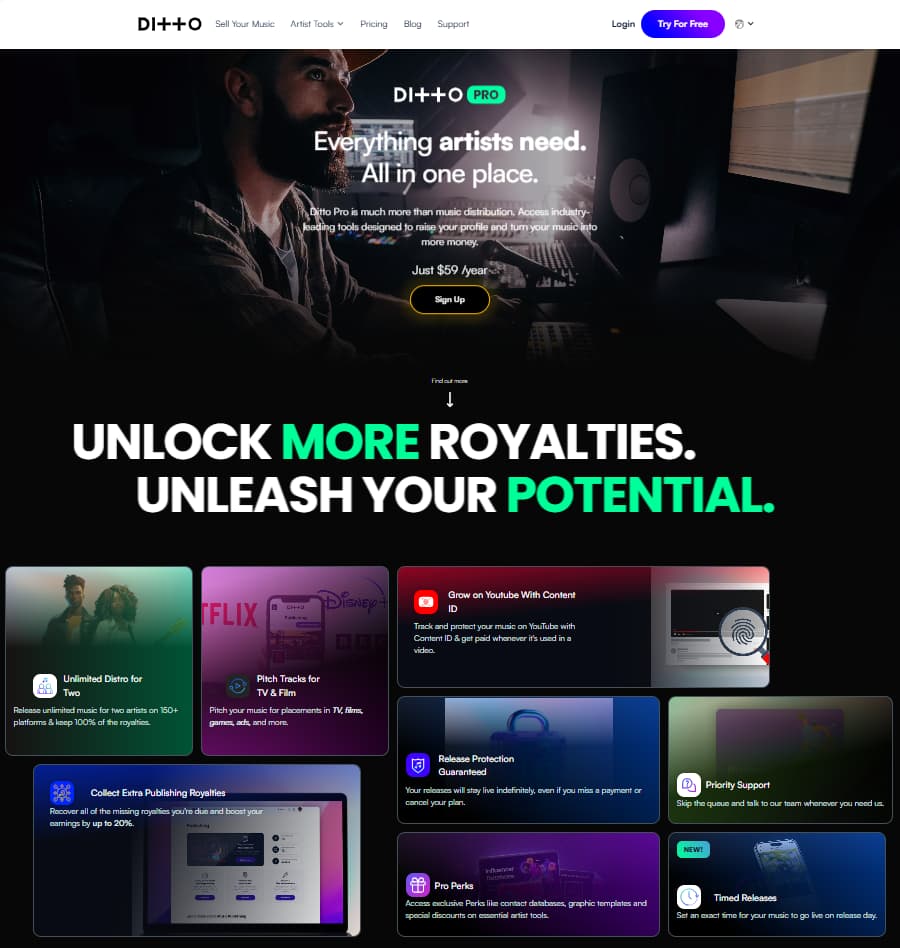
Ditto Pro positions priority support as part of a broader upgrade path for artists who need faster help and more advanced release tools.
That does not mean every new artist should upgrade immediately. It means there is a clearer dividing line. If you are experimenting with your first upload, the visible help collections may be enough. If you are managing two artists, moving a back catalogue, collecting publishing royalties, using Content ID, or relying on faster human help during more complex releases, then priority support becomes much more relevant.
Ditto’s own positioning supports that interpretation. Pro is framed as more than basic distribution, and the support angle is part of that value stack, not just an afterthought.
Support trust also shows up in public reviews
Support is not only visible in Ditto’s help center. It also shows up on the reviews page. Ditto’s live reviews page highlights 2 million+ artists worldwide, 150+ music platforms, 100% rights & royalties, and a 4.2 out of 5 Trustpilot rating based on 4,929 reviews. More importantly for this article, one verified review specifically says Ditto’s support team is “super helpful and responsive” and helped the artist navigate issues, get music live, and answer newbie questions.
That does not prove every support interaction will feel perfect. But it does matter that support praise appears not just in Ditto’s own feature copy, but also in a public review environment where the onboarding experience is part of what users talk about.
If you are a cautious first-time artist, this is the kind of reassurance that matters more than flashy promises. The combination of visible help routes and public praise for onboarding help makes Ditto easier to trust than a platform that only says “contact us if you need anything.”
.jpg)
Ditto Music combines public trust metrics with real user reviews, making it easier for first-time artists to evaluate both scale and onboarding reassurance.
The best next step is the one that matches your confidence level
If you are still worried about basic setup, start with The Basics and Uploading Music. If your fear is making mistakes, go straight to Making Edits. If your biggest concern is money, start with Getting Paid. If you want more reassurance around subscriptions, login, and daily admin, open Your Account and Ditto Music App first.
That is the real reason Ditto’s support setup works for new artists. It does not ask you to learn everything at once. It gives you a visible route for the problem you are most likely to face next. Start with the route that matches your confidence level and support needs.