
SwiftNet customer service matters because portable internet is not a plug-and-forget product for every RV park, rural home, campsite or truck stop. The useful question is not just “does SwiftNet have support?” It is “what should I check before contacting support, and when is support actually the right next step?” Support is useful when setup gets messy. It is not a magic wand for bad coverage, bad placement or a checkout you did not read.
We may earn a commission when you buy through our links. See our Affiliate Disclosure.
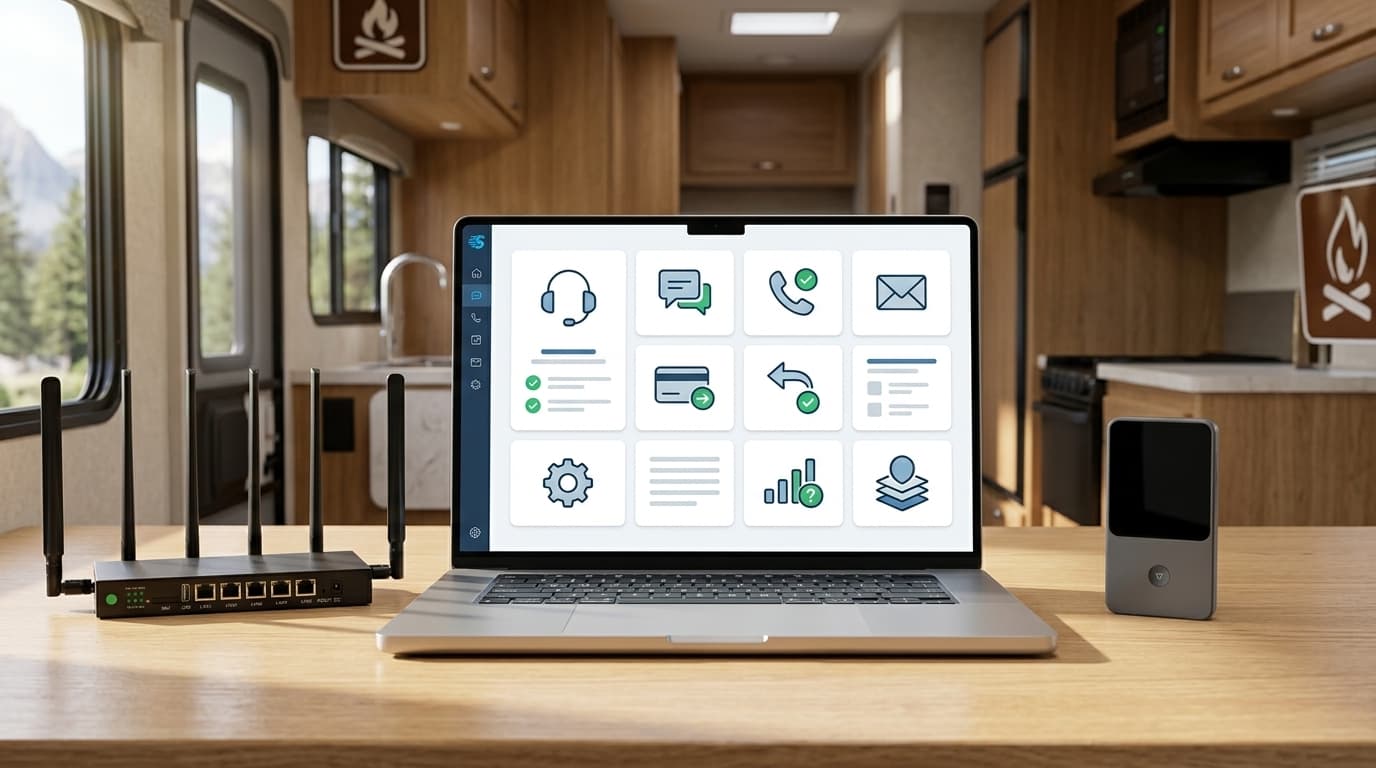
Use support after you check coverage, setup, power, placement and device terms.
Customer service is most useful when the problem is specific and repeatable: the device will not activate, signal shows but data does not work, billing looks unclear, refund timing needs confirmation, or speed remains poor after basic placement and one-device testing.
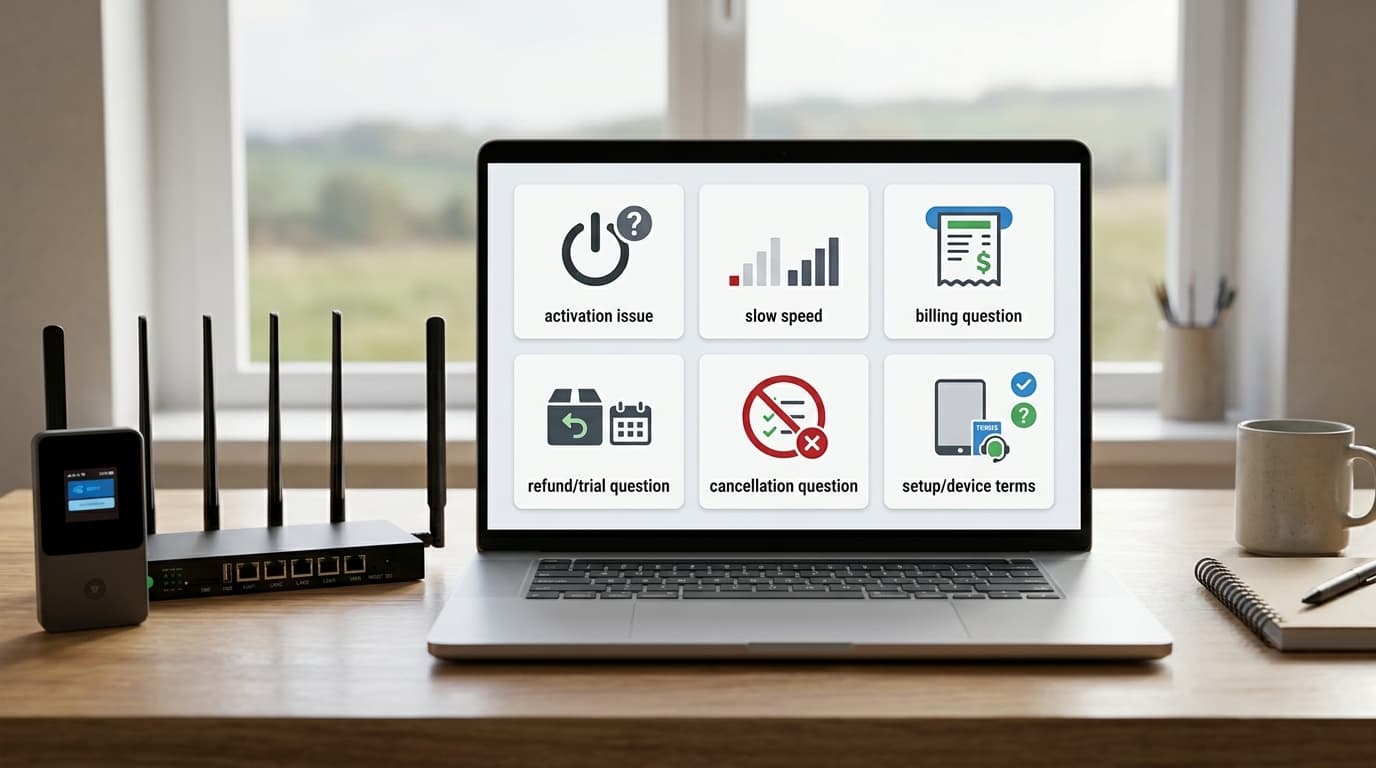
Contact support when the problem is specific, repeatable and not fixed by the basics.
Support becomes useful when you can describe the actual problem: activation does not complete, the device shows signal but no data, speed stays far below what your location tests suggest, billing or recurring subtotal is unclear, or refund/cancellation timing needs confirmation.
Activation does not complete.
Send plan, device, data option, order context and screenshots. Guesswork is adorable, but screenshots are faster.
Signal appears but no data works.
This is when provisioning, device profile, APN or support-side checks may matter.
Speed stays poor after fair testing.
Move the device, test one device, check heat and run several tests before calling it a plan failure.
Subtotal, refund or cancellation is unclear.
If money is involved, get written confirmation. Memory is not a payment policy.
Do the boring checks first. They save time.
Before contacting SwiftNet support, check power, cable fit, router lights, one-device connection, placement, heat and whether the problem started after moving locations. This is not busywork. It gives support something useful to work with instead of the classic human bug report: “internet bad.”
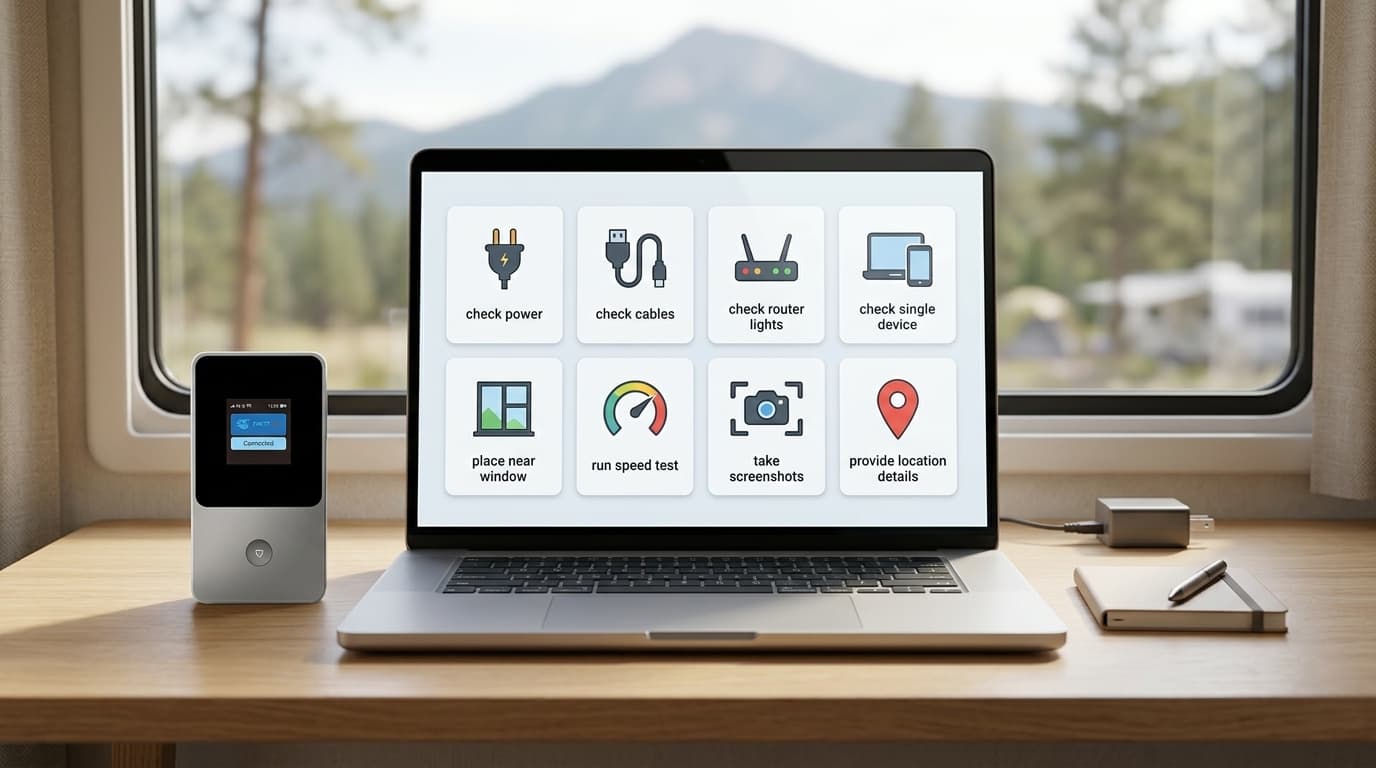
Confirm the plan and device. 4G Bronze hotspot problems are not the same as 5G Diamond router problems.
Check power and cables. RV power instability can look like router failure.
Read the lights. Status lights are the first diagnostic screen before you touch settings.
Test one device first. If one device works and another does not, the router may not be the problem.
Move the router or hotspot. Window placement, heat and metal RV walls can change the result.
Support can help faster when your evidence is clean.
Send support the plan, device, selected data option, location type, router light behavior, whether one or all devices fail, speed-test screenshots if speed is the issue, checkout screenshots if billing is the issue, and what you already tried. That list sounds boring because it is. It also saves time.
SwiftNet lists phone, email and live chat support on its site.
SwiftNet shows phone support, email support and a live chat widget on its site. That is useful, but it does not replace preparation. Before you call, email or chat, keep your order details, selected plan, device type, location, router lights, speed-test screenshots and checkout subtotal nearby.
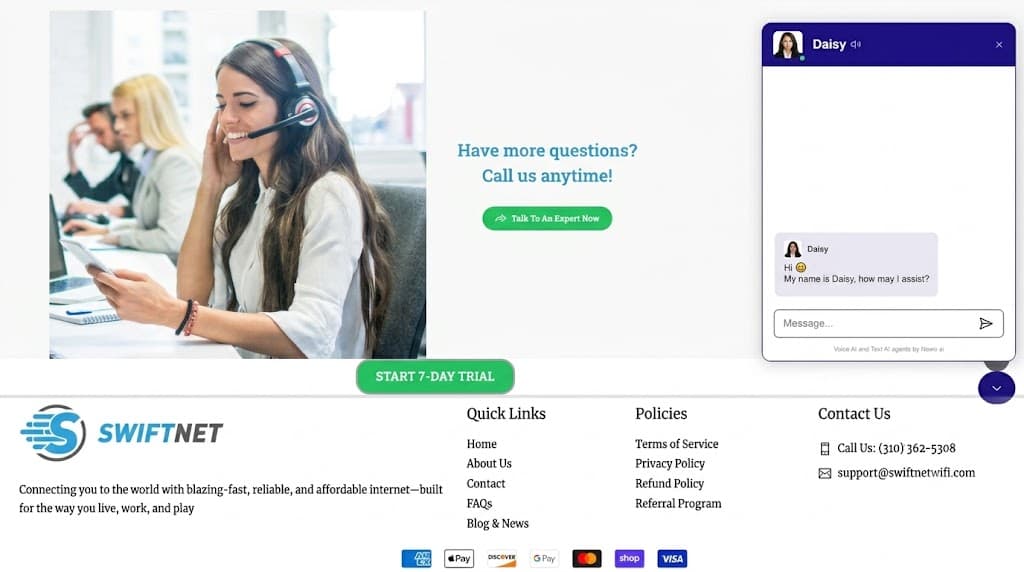
Call when the issue needs faster confirmation.
(310) 362-5308Best for activation, billing, cancellation or refund timing questions where you need a clear next step.
Email when screenshots matter.
support@swiftnetwifi.comBest when you need to send checkout screenshots, speed-test proof, device status or written details.
Use chat for quick setup questions.
Live chat widget shown on site
Good for simple questions, but keep screenshots ready if the issue involves billing, speed or device setup.
Do not start with “it does not work.”
Send the device, plan, location, lights, speed tests and what you already tried. Support teams are not psychic, which remains inconvenient.
Reboot first. Factory reset last.
Start with a reboot or power cycle. That is the safer first move when the router feels stuck, speed gets unstable or the device needs to reconnect. Save factory reset for last, or use it only when SwiftNet support or device instructions point you there. A factory reset can wipe settings and turn one problem into a scavenger hunt.
5G Diamond support questions usually start with setup and speed expectations.
5G Diamond support questions often involve antennas, placement, 5GHz WiFi, router power, tower load, device count and speed tests. Do not judge the plan from one bad corner of an RV or cabin. The router deserves a fair placement test before support gets blamed for physics being rude.
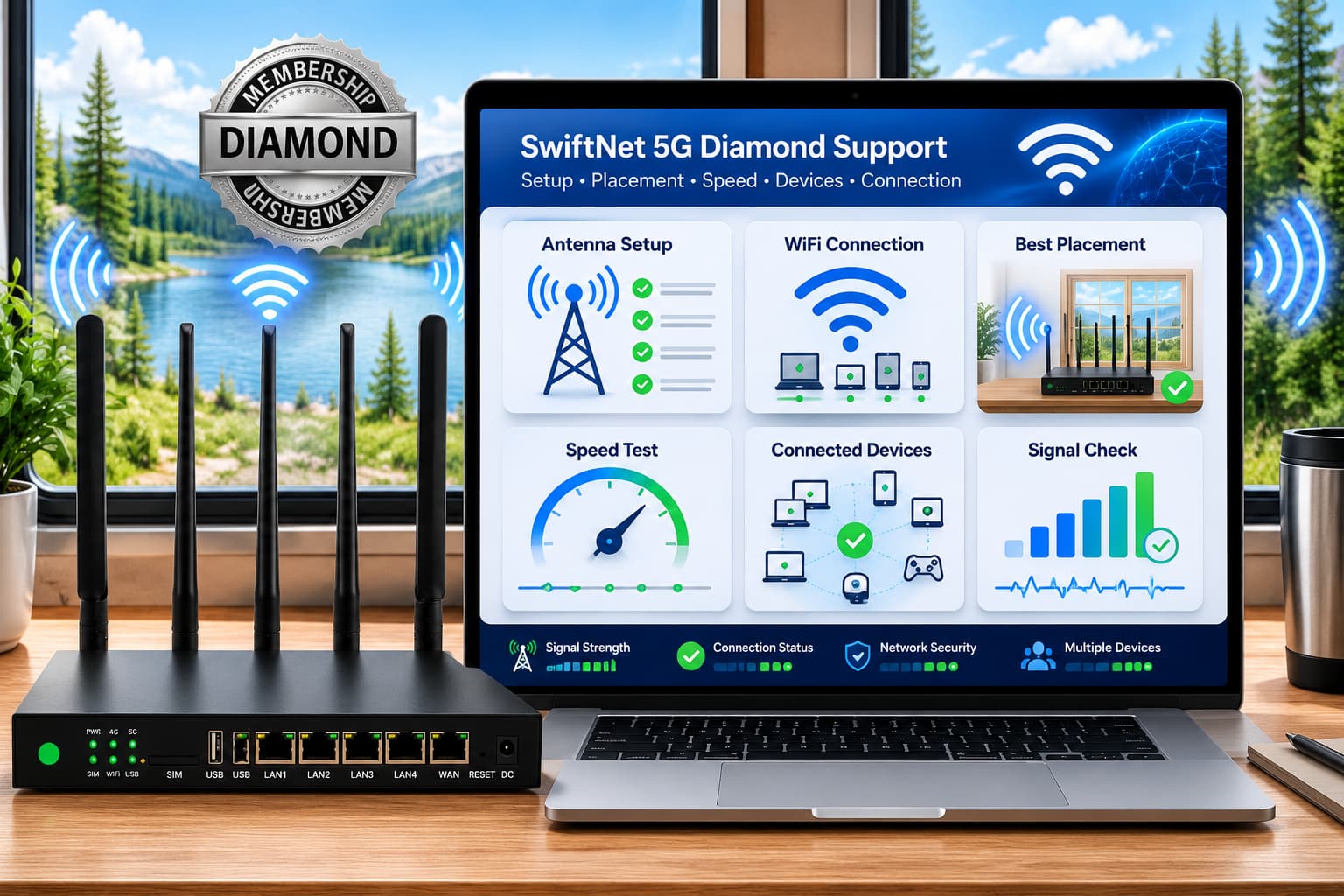
Contact support if
- ✅ Router powers on but data will not work.
- ✅ Signal appears but speed stays unusable.
- ✅ Setup instructions do not match your device.
- ✅ Window placement and several tests still fail.
Check first if
- ✕ You have not tried better placement.
- ✕ You tested with every device connected.
- ✕ The router is hot or buried in a cabinet.
- ✕ You have not checked coverage.
4G Bronze support is mostly about activation and lighter backup use.
4G Bronze support questions are usually lighter: hotspot activation, WiFi connection, basic browsing, signal, and whether the plan fits travel backup use. It is the cleaner path for maps, email, messages and light browsing, not the first tool I would throw at several-device remote work.
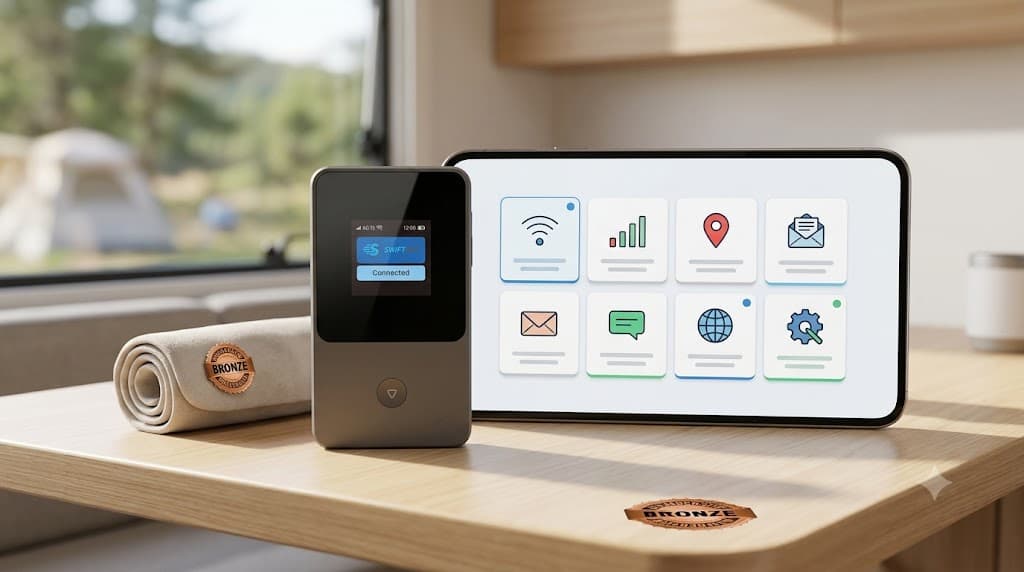
Ask support if
- ✅ Hotspot will not activate.
- ✅ One-device test still cannot browse.
- ✅ Signal appears but no data loads.
- ✅ Travel backup setup does not match instructions.
Upgrade / compare if
- ✕ You need daily calls and uploads.
- ✕ Several devices stream at once.
- ✕ You want rural home internet most days.
- ✕ Your workload fits 5G Diamond better.
If the question involves money, keep screenshots.
If your question involves money, do not rely on memory. Screenshot the checkout, the discount line, selected plan, device terms, trial timing and recurring subtotal. Use support for written confirmation around refunds, cancellation, billing questions and return steps.
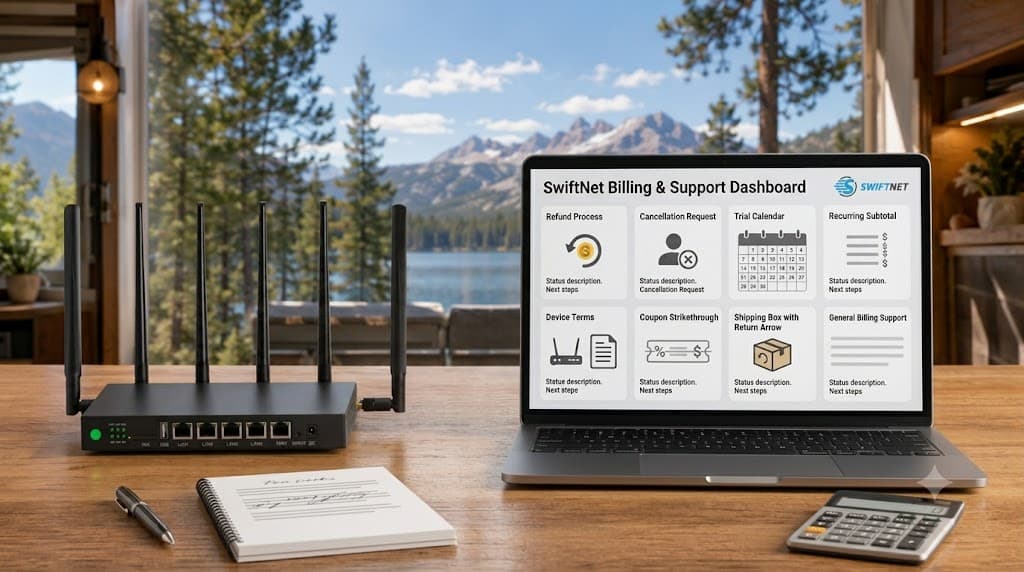
Check the recurring subtotal.
The first checkout is not the whole bill. Humanity keeps learning this the expensive way.
Confirm ORION04 appears.
If the discount line is missing, screenshot before paying or backing out.
Ask before the trial clock gets tight.
Testing late and asking later is a terrible sport.
Get written confirmation.
Cancellation questions should be clear before the next renewal, not after it politely eats your card.
Support can help troubleshoot. It cannot manufacture signal.
If every device connects to the router but internet is still slow, the problem may be upstream cellular coverage, tower load, placement or local congestion. Support can help you narrow that down. It cannot repeal terrain, metal RV walls or overloaded towers, because physics continues to be deeply uncooperative.
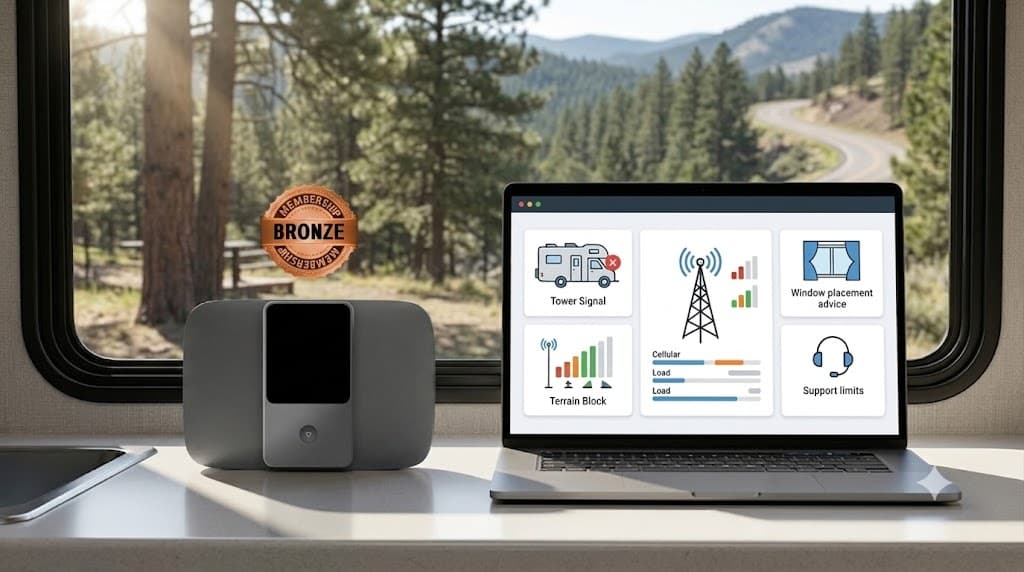
Use the troubleshooting path after the basic checks, not instead of them.
Use the troubleshooting path to narrow problems by power, lights, one-device testing, placement, heat, settings and carrier-side behavior. Use the setup guide to separate a safer reboot from a more disruptive reset or settings change. Read them when the issue is still repeatable after you have checked the boring stuff first.
Customer service is useful, but it is not a substitute for buying correctly.
Support may need screenshots and repeatable tests.
That is mildly annoying, but it is also how useful troubleshooting works.
Support cannot fix every coverage problem.
A weak campsite or rural valley may need placement changes, another location, antenna support or a different option.
Refund questions are time-sensitive.
Ask early. Trial windows are clocks, not inspirational wall art.
Speed claims still depend on real location.
A clean support reply does not make a crowded tower less crowded.
SwiftNet Customer Service FAQ
Use SwiftNet support wisely: document first, then ask for help.
SwiftNet customer service is most useful when you bring a clear problem: plan, device, location, router lights, speed tests, screenshots and what you already tried. Use 4G Bronze if you need lighter backup support questions. Use 5G Diamond if the setup has to carry heavier RV, rural, work or multi-device use. Either way, check coverage, device terms, trial timing, refund rules and recurring subtotal before paying.