SwiftNet can be fast enough for work, entertainment and a shared RV network, but the useful number is not the highest download result.
Performance is the combination of download, upload, latency, consistency and how many devices compete for the same cellular link.
 by Nguyen Dinh · Last checked September 4, 2026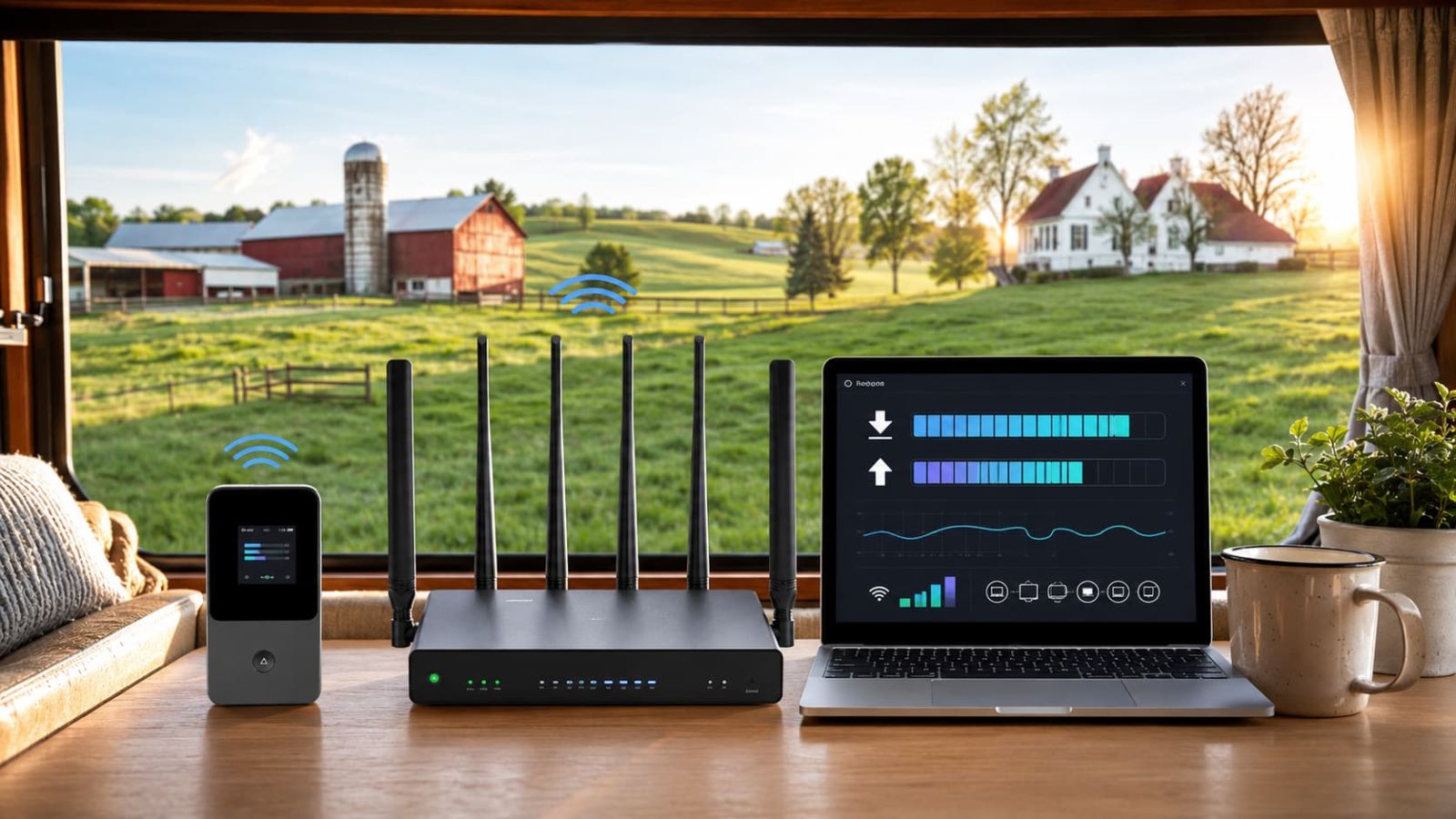
Quick verdict
How Fast Is SwiftNet WiFi? The Short Answer
SwiftNet lists up to 300 Mbps for 5G Diamond in 5G areas and up to 100 Mbps in 4G areas.
It positions 4G Bronze around a reliable 100 Mbps 4G LTE claim. Those are manufacturer-stated ceilings, not a promise for every campsite or rural address.
Diamond is the performance-first option when an RV or rural home needs one network for video calls, uploads, streaming and several connected devices.
Bronze has a different job: portable internet for maps, messages, email and personal access between locations.
Choose Diamond if:
- The network serves a living space: several recurring devices need continuity rather than occasional access.
- Outgoing work matters: calls, uploads and cloud synchronization make upload stability valuable.
- Time online is productive time: fewer connection rebuilds protect meetings and focused work.
Choose Bronze if:
- Internet must travel in a compact form: portability creates more value than a stationary router.
- Demand belongs mainly to one person: maps, email and short laptop sessions do not require a whole-home network.
- You already use Diamond at base: Bronze can leave without taking the RV network offline.
Exclusive SwiftNet WiFi Coupon Code
Choose the performance role first. When the configuration fits, use ORION04 for an extra $20 off eligible SwiftNet plan orders at initial checkout.
The regular recurring monthly charge still applies.
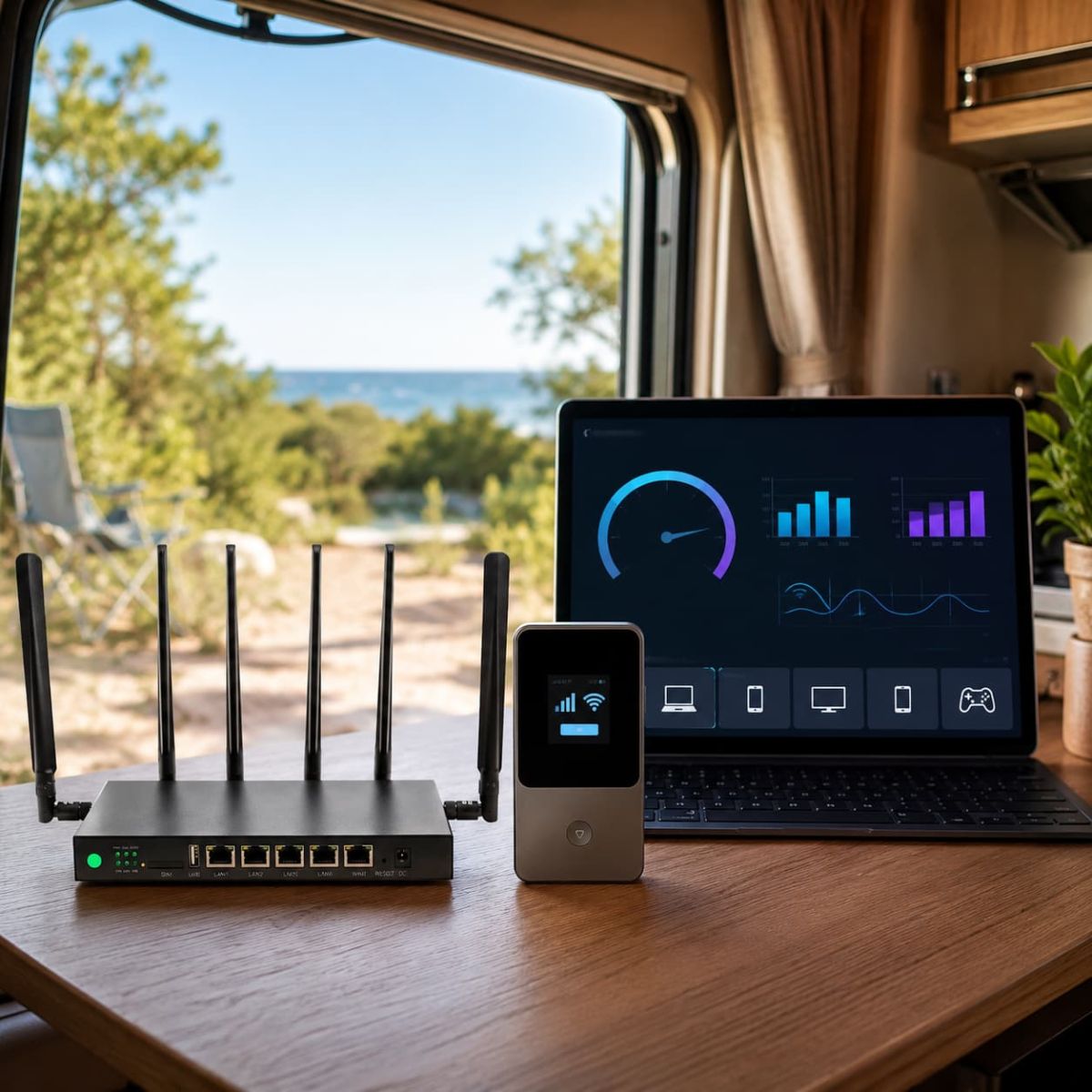
Use ORION04 after selecting an eligible plan. Confirm current eligibility on the Store page.
Terms & Conditions
ORION04 applies to eligible SwiftNet plans at initial checkout. Eligibility and validity may change. Confirm the deduction before payment.
How We Assessed SwiftNet Performance
This analysis uses the supplied manufacturer speed claims, plan and data choices, product images and SwiftNet demonstration videos. Video results are location-specific evidence. They do not establish a universal speed for another carrier, tower, address or time of day.
Performance is judged by the job completed: a natural video call, an upload that finishes, a stream that remains stable, or several household devices that stay useful together. That is more informative than treating one peak download result as the product.
The Listed Speed Claims—and What They Can Buy You
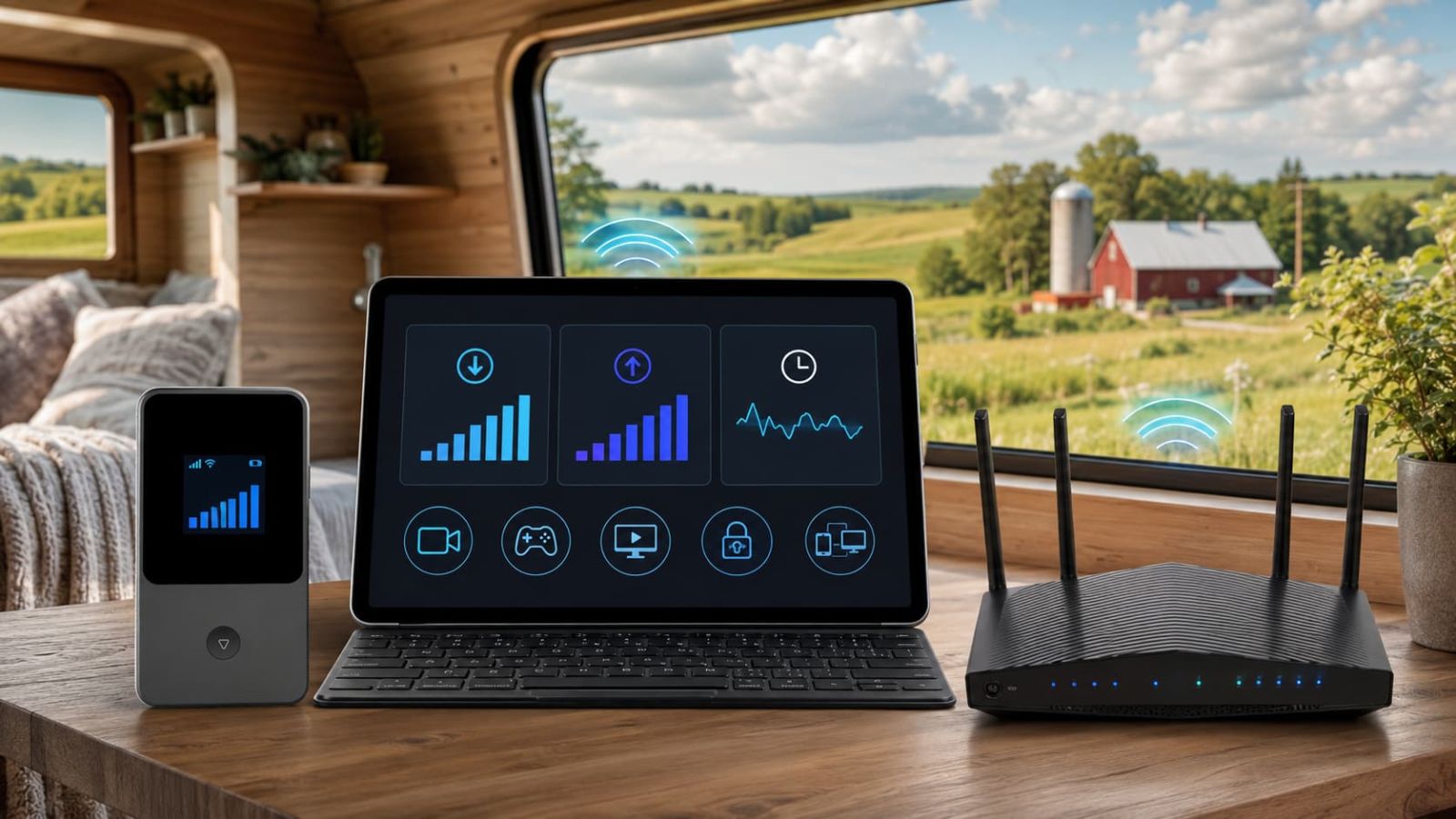
Diamond’s higher listed 5G ceiling creates room for shared demand when local 5G service is available. The benefit is not downloading a test file for sport; it is allowing work, entertainment and background device activity to coexist with fewer collisions.
Bronze’s listed 4G performance belongs to a portable use case. A traveler gains more from dependable access to navigation, messages and a laptop than from paying for capacity intended to serve an entire living space.
Download Opens the Door; Upload and Latency Decide How the Room Feels
Download speed carries incoming content
Web pages, software, films and incoming video rely on download capacity. More headroom becomes useful when several devices request content at once.
Upload speed carries your work outward
Camera video, cloud files and outgoing presentation data depend on upload performance. A remote worker can notice weak upload long before a streaming viewer notices weak download.
Latency controls responsiveness
Conversation timing, remote desktop and gaming depend on how quickly data makes the round trip. A lower, stable delay can feel better than a high download result paired with erratic response time.
Consistency protects the whole session
A connection that holds its behavior through a meeting or film creates more value than a brief peak followed by repeated drops.
5G Diamond: Performance for the Shared Living-Space Network

Diamond should be tested first when internet supports the rhythm of an RV or rural home. A dedicated router keeps laptops, television, music and household devices on one network while phones remain available for calls, navigation and authentication.
The higher performance ceiling becomes valuable through concurrency. One person can join a call while another streams and background devices remain connected. The ownership gain is fewer negotiations over who may use the connection and fewer pauses to rebuild a hotspot.
4G Bronze: Performance That Travels With One Person
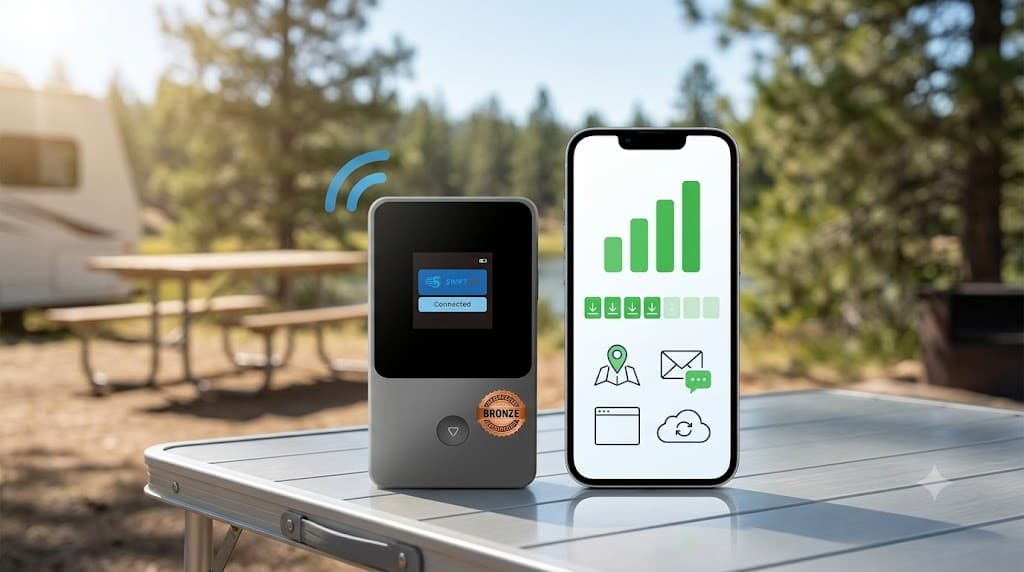
Bronze turns usable 4G service into portable personal access. At a trailhead, roadside stop or campsite, the value is having maps, messages, email and a short laptop session without making shared WiFi or a phone hotspot part of every plan.
Beside Diamond, Bronze creates a two-zone system: the RV network stays active while one person leaves with internet. Neither device is being asked to abandon its strongest role.
Buy Performance for the Workload, Not the Speed-Test Screenshot
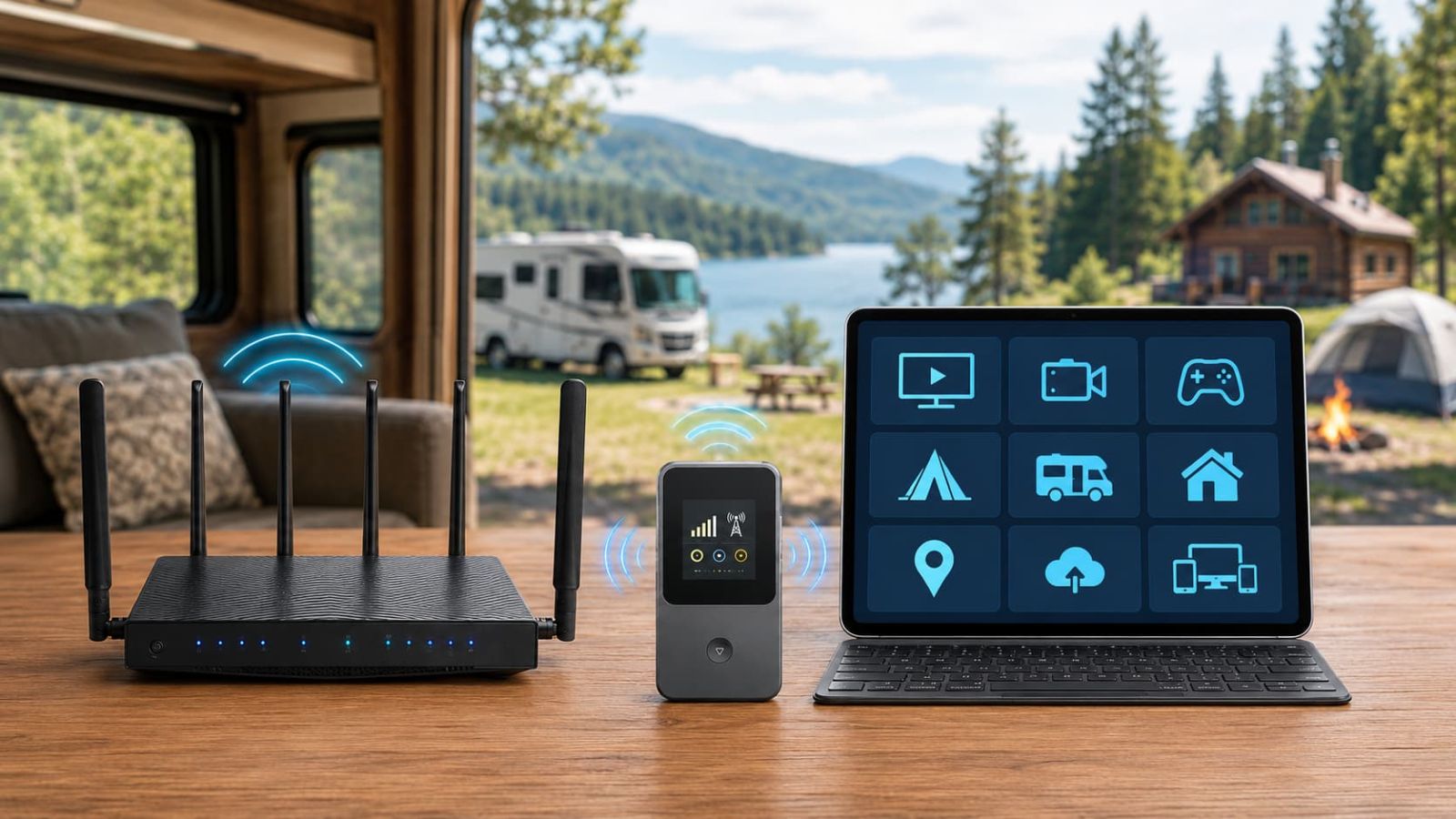
Video calls and remote work
Prioritize upload stability, latency and behavior during normal work hours. Diamond is the stronger fit when the connection carries work most days.
Streaming and family entertainment
Download headroom matters, but data consumption and simultaneous devices decide whether the setup remains comfortable across an evening.
Casual gaming
Stable latency matters more than headline Mbps. Test the game at the real location and busy hour before treating the connection as gaming-ready.
Travel access
Bronze wins value through availability and portability. A modest workload completed wherever the day stops can be more useful than unused capacity tied to the RV.
Data Choice Determines How Long Speed Remains Useful
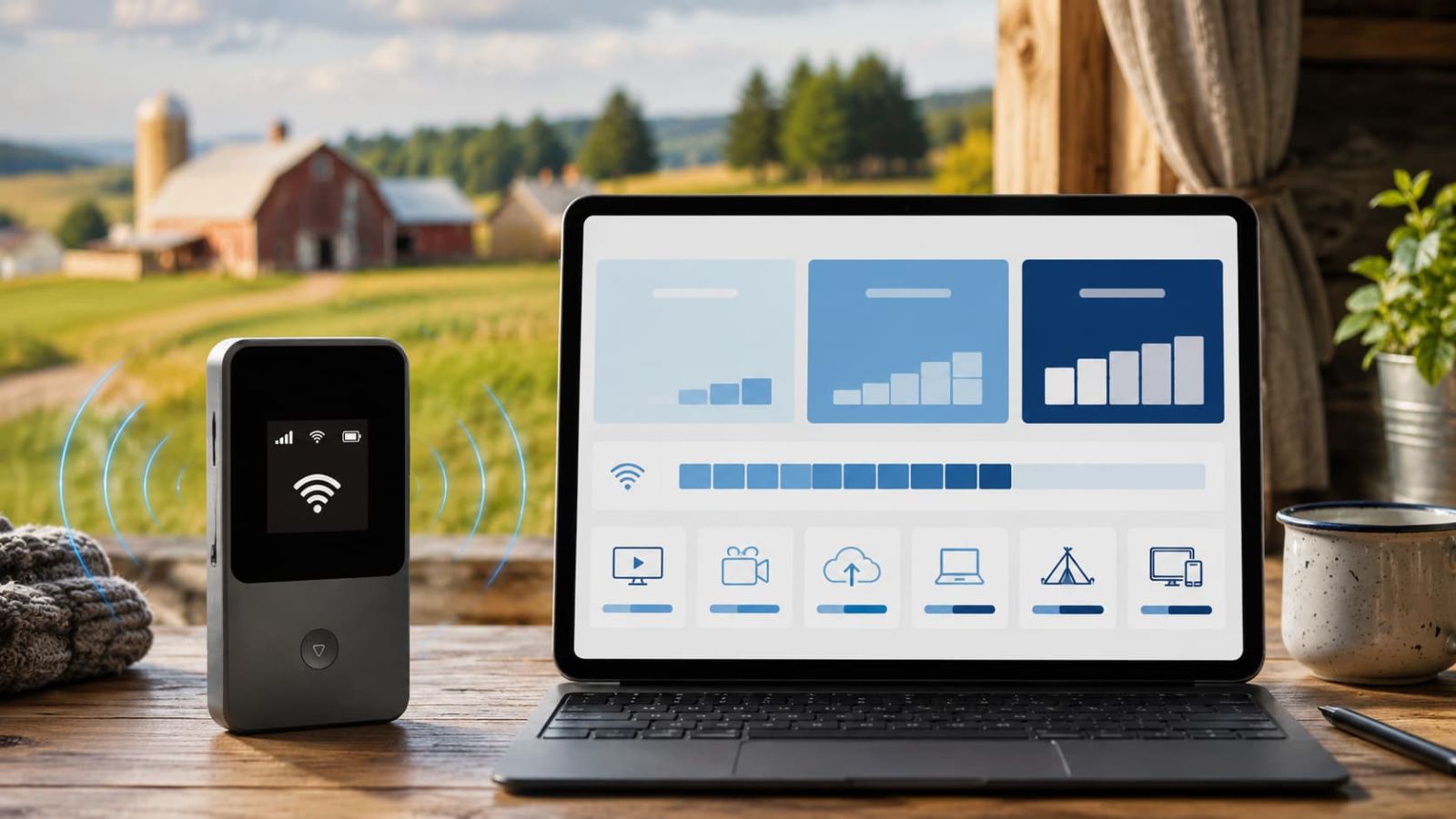
The supplied material identifies 100GB, 200GB and Unlimited paths. Match the tier to repeated behavior rather than the fastest isolated test. Maps, email and short travel sessions consume data differently from daily meetings, cloud uploads, television and several household users.
Do not pay for speed that the data choice prevents you from using comfortably. Estimate the recurring workload first, then confirm the current configuration and terms on the Store page.
Run a Speed Test That Recreates the Future Day
- Use the final device position. Metal walls, coated glass and interior placement can change the radio path.
- Repeat at the hours that matter. Evening tower load may differ from a quiet daytime test.
- Measure download, upload and latency. Keep all three results; each explains a different failure.
- Run the real workload. Make the call, start the VPN, upload the file and use the expected device count.
- Repeat across important stops. RV travel turns location variation into part of the ownership decision.
SwiftNet Speed-Test and Activation Videos
SwiftNet 5G Diamond Speed Test – Ultimate Internet for RV & Rural Living
Use the demonstration to understand the result produced at that location, then repeat the same workloads at your own address.
How to Activate SwiftNet 4G Bronze Hotspot Portable Internet for Travelers
The activation guide shows the portable setup path. Performance still needs to be checked wherever Bronze is expected to travel.
When SwiftNet Feels Slow, Fix the System in the Right Order
Move the device before changing the plan. Compare window-side and outdoor reception. Retest at another time to separate congestion from weak coverage. Reduce active device load to see whether household demand is consuming the available link.
Move from Bronze to Diamond when the job has changed from portable personal access to a persistent shared network. Consider compatible external antenna support when usable service exists outside but reaches the router poorly indoors.
For the location-first workflow, read the SwiftNet WiFi Coverage Guide.
Current SwiftNet WiFi Offers
Prices and promotions can change without altering the performance comparison. Use the Store page for current configurations, code verification and policy details.
Final Verdict
Diamond is the stronger performance choice for a shared living-space network; Bronze is the more useful performance choice when connectivity must travel. Judge both by completed workloads, not peak download alone. Upload, latency, consistency, device load and data choice determine whether the connection improves the day.
Compare current SwiftNet configurations and check code ORION04.
SwiftNet WiFi Speed FAQs
How fast is SwiftNet WiFi?
SwiftNet lists up to 300 Mbps for Diamond in 5G areas and up to 100 Mbps in 4G areas. Bronze is positioned around a 100 Mbps 4G LTE claim. Actual results vary by location and network conditions.
Is Diamond faster than Bronze?
Diamond has the higher listed ceiling and is designed for a shared RV or rural-home network. Bronze prioritizes portable personal access.
Can SwiftNet support streaming?
It can when local coverage, data choice and device load fit the stream. Diamond is the stronger starting point for recurring or multi-device entertainment.
Is SwiftNet suitable for gaming?
Casual gaming may work when latency is stable. Test ping consistency at the real location and during the hours you play.

CandidCodes may earn a commission from purchases made through sponsored links in this article. Affiliate Disclosure. This does not change the price you pay. Specifications, coupon eligibility, stock and policies should be confirmed before ordering.