SwiftNet WiFi and Starlink solve different remote-work problems. Starlink is easier to recommend when cellular coverage keeps failing and you have open sky. SwiftNet is easier to compare when you want a simpler cellular setup and your RV, cabin or travel stop has workable signal.
We may earn a commission when you buy through our links. See our Affiliate Disclosure.
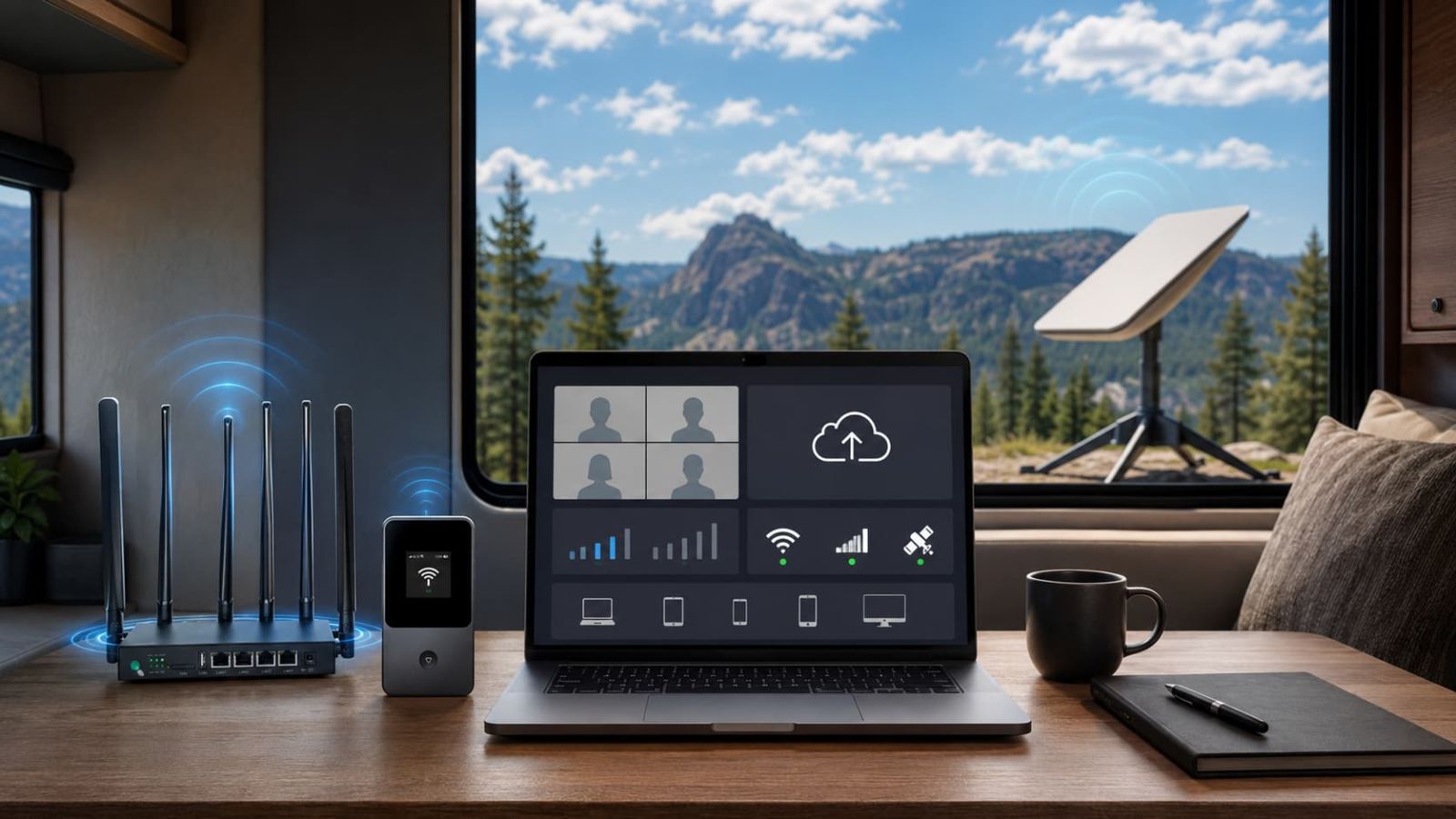
Image: SwiftNet vs Starlink remote work setup
Quick Verdict
Choose Starlink for weak-cell areas. Choose SwiftNet when cellular coverage works.
The right answer is not “satellite always wins” or “cellular is always simpler.” That would be convenient, but real-world internet depends on location and setup. Your best pick depends on sky view, cellular signal, upload needs, device load and how often you move.
🛰️ Best non-cellular option
Starlink is easier to recommend when remote work is the main job and your biggest problem is weak cellular coverage.
📶 Best cellular setup to compare
SwiftNet 5G Diamond is the easier SwiftNet pick when your work locations have usable signal and you want a simpler router-style cellular setup.
Remote-work need
Better fit
Why it matters
Full-time off-grid work
Starlink
Better starting point when cellular is weak and sky view is good.
RV or cabin with usable cell signal
SwiftNet 5G Diamond
Simpler cellular setup without a satellite-style install.
Email, maps and backup work
SwiftNet 4G Bronze
Lower-cost backup path for lighter tasks.
Tree cover, tight parking or blocked sky
SwiftNet first
Starlink needs sky view. Trees and obstructions can make the satellite setup less reliable.
Weak cellular but open sky
Starlink first
A cellular router still needs usable tower signal.
Who This Is For
This comparison is for people who actually work online, not just browse between campsites.
Use this guide if internet outages cost you calls, uploads, work sessions or client patience. If you only need maps and short browsing, you can probably start with a phone hotspot or SwiftNet 4G Bronze before choosing a larger satellite setup.
Compare Starlink if
- ✅ Cellular signal is weak where you work.
- ✅ You can get a clear sky view.
- ✅ Remote work is daily, not occasional.
- ✅ You can handle a larger setup and live-cost checks.
Compare SwiftNet if
- ✅ Your RV, cabin or stop has usable cellular coverage.
- ✅ You want a simpler router or hotspot path.
- ✅ You need backup internet instead of a whole satellite setup.
- ✅ You want to test ORION04, subtotal and device terms first.
Best Upgrade Pick
Starlink is the stronger bet when cellular coverage is the problem.
Starlink is the option to compare when remote work is serious and your problem is not price, but weak cell service. It still needs a practical place to set up, a usable sky view and live cost checking before you treat it like the answer to everything.

Image: Starlink remote work RV rural setup
Check before choosing Starlink: sky view, equipment cost, plan cost, portability rules, setup space and whether your usual parking spot is under trees, buildings or other obstructions.
Best Cellular Pick
SwiftNet 5G Diamond is the better SwiftNet starting point for heavier remote work.
If cellular coverage is workable, 5G Diamond is the SwiftNet path to compare for laptop work, video calls, uploads, streaming and multiple devices. 4G Bronze is still useful, but more as a budget backup than a full remote-work base.

Image: SwiftNet 5G Diamond remote work setup
SwiftNet path
Best role
Buyer note
5G Diamond
Heavier cellular remote work
Better fit for calls, uploads, streaming, laptop work and several devices.
4G Bronze
Lighter backup work
Better for email, maps, light browsing and backup when shared WiFi fails.
Remote Work Test
Do not trust either option until it survives your actual workday.
A connection that opens websites can still fail at real work. Test the boring things: calls, upload, VPN, remote desktop, evening use and device load. Boring tests save money. That is the test that matters.
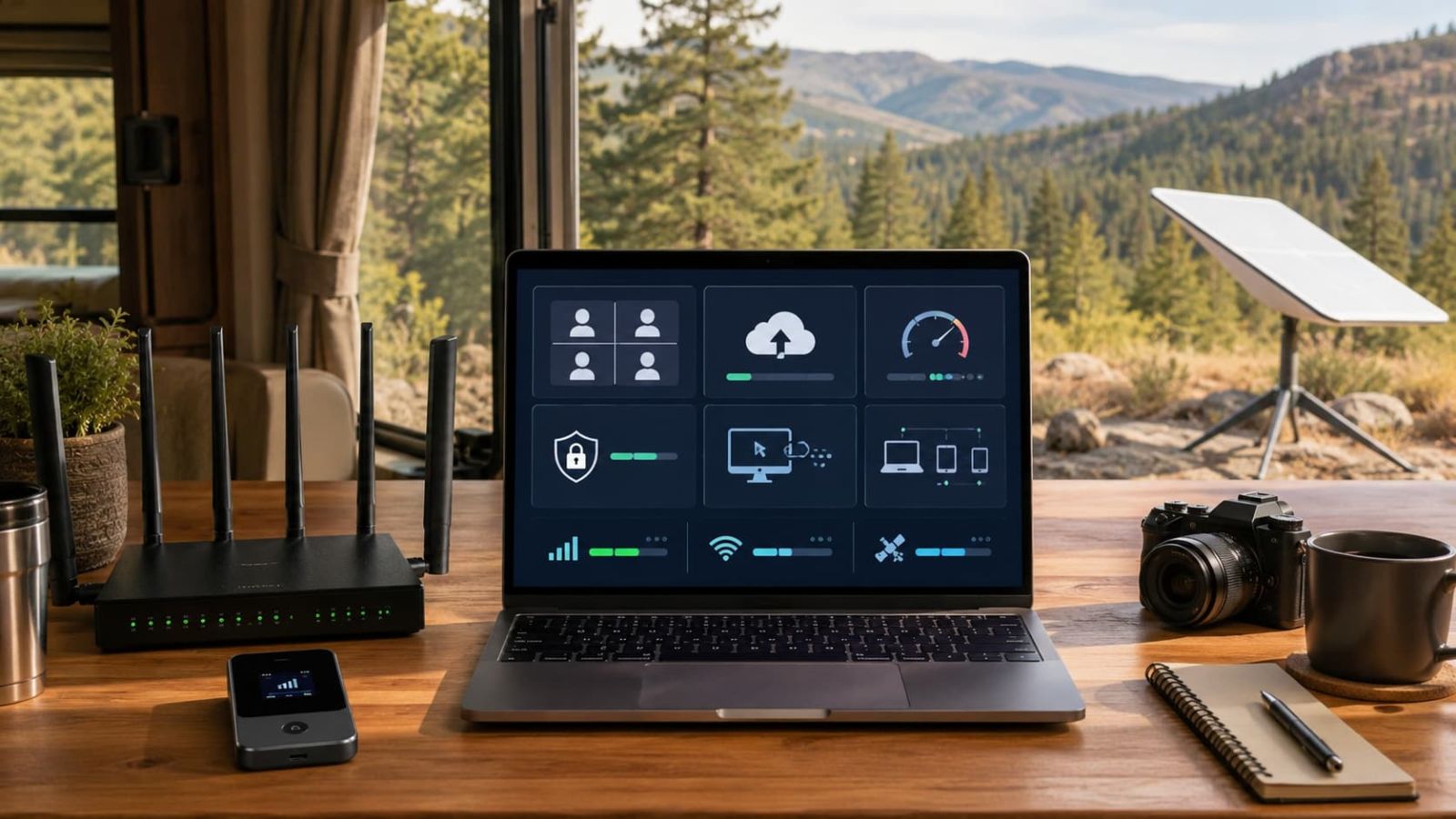
Image: remote work internet test checklist
1
Run a real video call. Test the camera on, not just a polite five-second join.
2
Upload a real file. Remote work breaks on upload more often than marketing copy admits.
3
Test VPN or remote desktop. Latency matters more here than a pretty download number.
4
Add devices slowly. Test one laptop first, then add phone, tablet, TV or co-worker devices.
5
Test the actual work location. Campsite, cabin, truck stop, rural road and home driveway are not the same test.
Price & True Cost
Do not compare SwiftNet and Starlink by the cheapest headline price.
For remote work, the real cost is the plan, equipment path, location fit, recurring monthly charge and whether the setup works where you actually sit with your laptop. A cheap plan that fails your workday is not cheap. It is a recurring cost for a setup that does not solve the real problem.
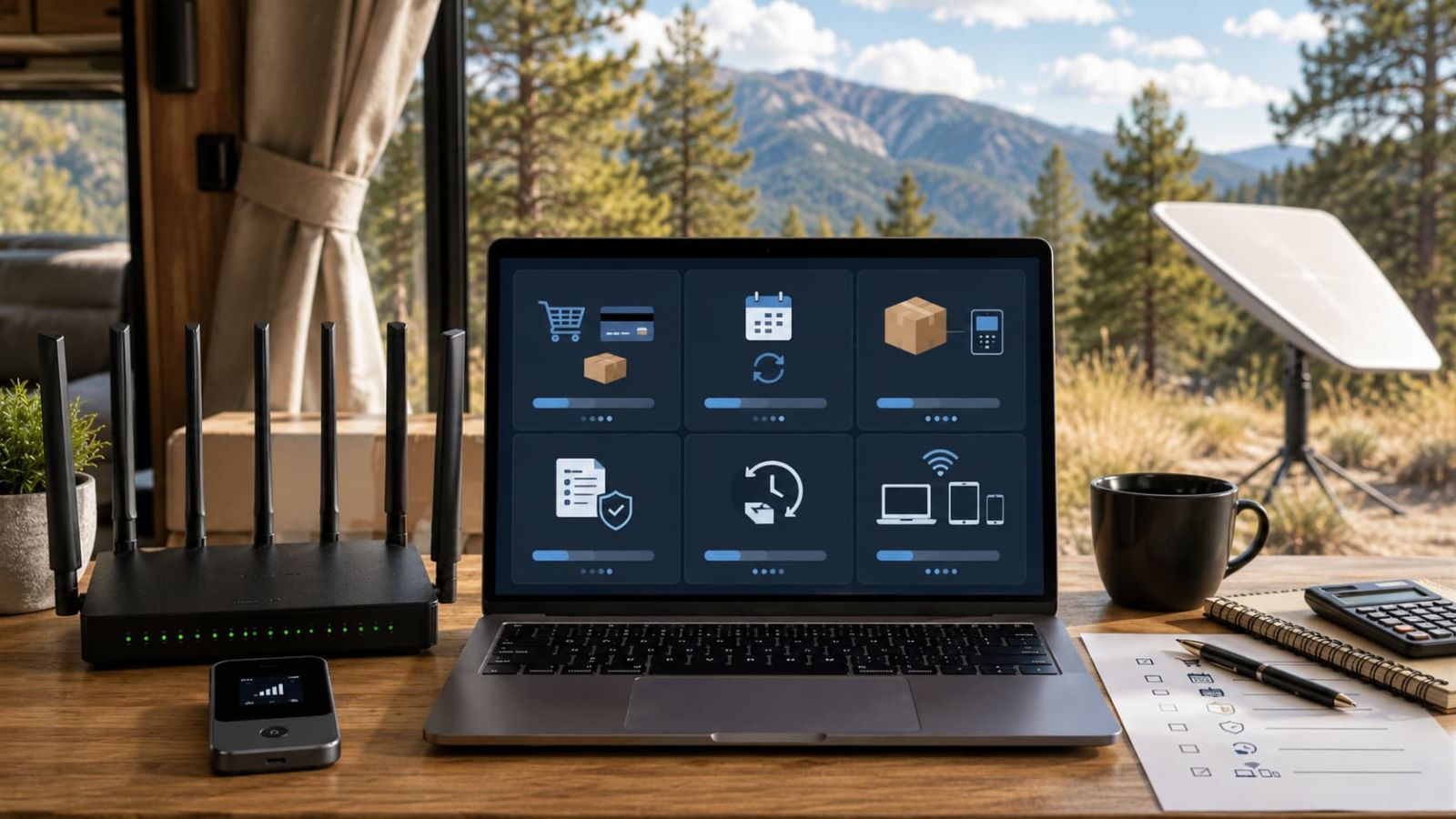
Image: SwiftNet vs Starlink price and true cost comparison
Option
Visible price / deal
Best remote-work fit
SwiftNet 5G Diamond
$69.99 from $99.99; ORION04 can lower the checked first checkout to $49.99 before shipping, tax or later recurring charges.
Better SwiftNet pick for heavier cellular work: laptop calls, uploads, streaming and several devices where cellular coverage is usable.
SwiftNet 4G Bronze
$49.99 from $79.99; ORION04 can lower the checked first checkout to $29.99 before shipping, tax or later recurring charges.
Better budget backup for maps, email, messages, light browsing and travel fallback. Do not force it into a full-time work setup.
Starlink Residential
Screenshot provided shows Residential 100 Mbps at $55/mo, Residential 200 Mbps at $85/mo and Residential Max at $130/mo.
Better if your remote-work location is more fixed, your cellular options are weak and you can keep a clear sky view.
Starlink Roam
Screenshot provided shows Roam 100GB at $55/mo, Roam 300GB at $80/mo and Roam Unlimited at $175/mo.
More relevant Starlink lane for RV, travel, nomad and working-on-the-go use. Check current availability before treating the screenshot as your final checkout.
Cost check
SwiftNet buyer move
Starlink buyer move
First payment
Check ORION04 appears on the checkout page and confirm whether the first total is the real first total before later charges.
Check the live plan page and checkout for hardware, service, shipping and regional availability before comparing it with SwiftNet.
Recurring cost
Check monthly plan subtotal, device rent or buy terms, taxes and whether the plan still fits after the discount moment is over.
Compare Residential vs Roam based on where you actually work. Roam is usually the more relevant lane for RV, travel and working on the go.
Wrong-fit risk
SwiftNet is a bad buy if cellular signal is weak at your actual work spot, even if the first checkout looks attractive.
Starlink is a bad buy if your usual work spot has blocked sky, tight parking, heavy tree cover or a setup routine you will not actually tolerate.
Buyer rule: compare total cost, not the cheapest headline price. Starlink starts at $55/mo in the screenshot, but the plan lane matters. SwiftNet can start lower at first checkout with ORION04, but the device terms and recurring subtotal still decide whether it is the smarter remote-work setup.
Specs That Matter
Remote work cares about upload, latency and location fit, not just download speed.
For remote work, the spec sheet only matters after the location works. SwiftNet needs usable cellular signal. Starlink needs usable sky view. After that, test upload, latency, video calls, VPN, remote desktop and device load. A strong marketing number still needs to survive real work tests.
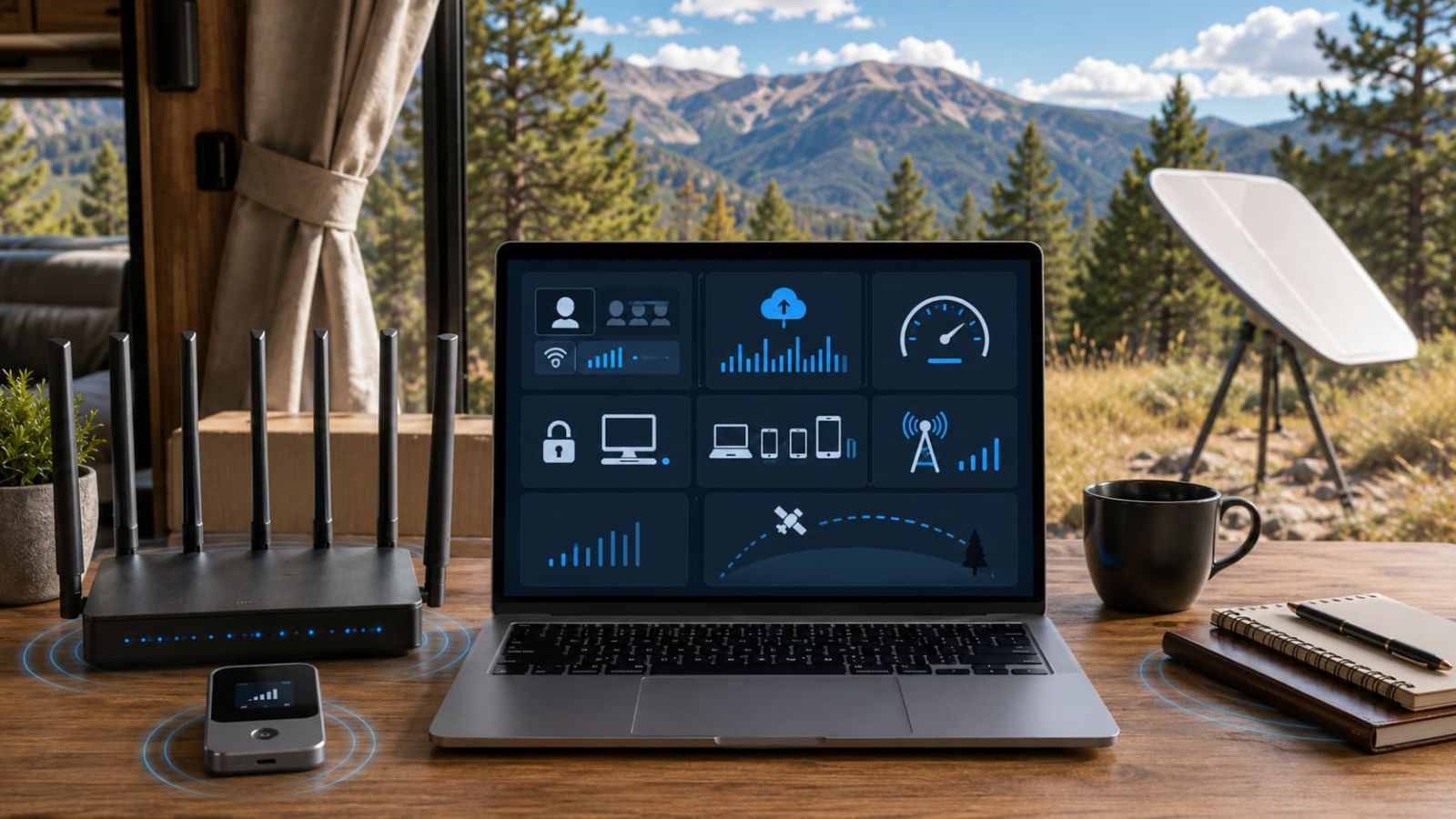
Image: SwiftNet vs Starlink video call upload latency test
Remote-work factor
SwiftNet
Starlink
Signal requirement
Needs usable cellular coverage at the RV site, cabin, truck stop, rural road or travel workspace.
Needs a clean sky view. Trees, buildings, tight parking and obstructions can matter more than the plan name.
Download
5G Diamond claims up to 300 Mbps in 5G areas and up to 100 Mbps in 4G areas. 4G Bronze is positioned around a reliable 100 Mbps 4G LTE claim.
Screenshot shows Starlink plan lanes by Residential and Roam tiers; real performance should be checked at the actual work location.
Upload
Important for cloud files, video calls, client work and remote apps. Test a real upload before trusting the setup.
Often a stronger non-cellular lane when cellular upload is poor, but still depends on sky view and current network conditions.
Latency
Can be workable for calls, VPN and remote desktop if cellular quality is solid. Test during work hours, not during a lucky quiet window.
Can be a better route when cellular is unstable, but obstructions and congestion can still affect real-time work.
Device load
5G Diamond is the better SwiftNet path for laptop plus phone plus tablet plus streaming. 4G Bronze is better kept to lighter backup use.
Can fit heavier workdays when the sky view and plan fit are right. Check whether the chosen plan has the data lane you need.
Setup style
Router or hotspot-style cellular setup. Easier to compare if you want fewer physical setup steps.
Satellite-style setup. Better when cellular fails, but not as simple as placing a hotspot near a window.
Test
Pass means
Fail means
Video call
Camera-on call stays stable for the length of a real meeting.
Check upload, latency, placement, sky view or cellular signal before blaming the whole service.
File upload
Your actual file size uploads without stalling or forcing you to monitor the upload constantly.
Upload is the weak point. Compare 5G Diamond vs Starlink before relying on 4G Bronze.
VPN / remote desktop
Remote apps stay responsive enough for a work session.
Latency or stability is the issue, not just download speed.
Evening workload
The connection still works when the campground, rural tower or Roam area gets busier.
Congestion or plan fit may matter more than the daytime test.
Testing rule: run one laptop first, then add the phone, tablet, TV and secondary devices. A setup that works for one laptop can still fall apart when every device in the RV is connected at the same time.
Flaws But Not Dealbreakers
Both options have real trade-offs.
SwiftNet flaw
It still depends on cellular coverage.
If your work spot has poor cellular signal, 5G Diamond cannot turn nothing into a tower. Check coverage first.
SwiftNet flaw
4G Bronze is not a full-time workhorse.
It is easier to justify for backup, maps, email and light work, not heavy daily calls and uploads.
Starlink flaw
Sky view is not optional.
Trees, buildings and tight parking can make the satellite path less convenient than the brochure in your head.
Starlink flaw
Setup and cost need more checking.
Do not compare it against SwiftNet without checking current equipment, plan and portability terms.
More SwiftNet guides from CandidCodes: See the full
SwiftNet Wifi hub for ORION04 coupon details, current deals, 5G Diamond vs 4G Bronze comparisons, RV and rural internet guides, setup help, speed tests, shipping and refund policy.
FAQ
Starlink vs SwiftNet For Remote Work FAQ
Is SwiftNet WiFi or Starlink better for remote work?
Starlink is easier to recommend when cellular coverage is weak and you have clear sky. SwiftNet is easier to compare when your work locations have usable cellular signal and you want a simpler router or hotspot setup.
Is SwiftNet 5G Diamond good enough for remote work?
It can be, if coverage is workable where you actually work. It is the stronger SwiftNet path for video calls, uploads, laptop work, streaming and multiple devices.
Is SwiftNet 4G Bronze enough for remote work?
4G Bronze can fit lighter work, backup browsing, email, maps and messages. It is not the first pick for regular uploads, heavy calls or several devices.
Should I choose Starlink if I work from an RV?
Compare Starlink if you often park where cellular signal is poor and you can get a clean sky view. If your RV spots have good cellular signal, SwiftNet may be simpler to test first.
What should I check before buying?
Check cellular coverage for SwiftNet, sky view for Starlink, live price, device terms, recurring cost, trial or return timing, upload needs, latency and the number of devices you use.
Final Verdict
Choose the internet setup that fixes your actual weak point.
Choose Starlink if remote work is the main job and cellular coverage keeps failing. Choose SwiftNet 5G Diamond if you want a simpler cellular setup and your work locations have usable signal. Choose 4G Bronze if you mainly need cheaper backup for email, maps and lighter work. Skip the blind buy until you test the place you actually work, because hope is not a bandwidth plan.