Fireflies.ai Review 2026: Pricing, Free Plan, AskFred & Is It Worth It?
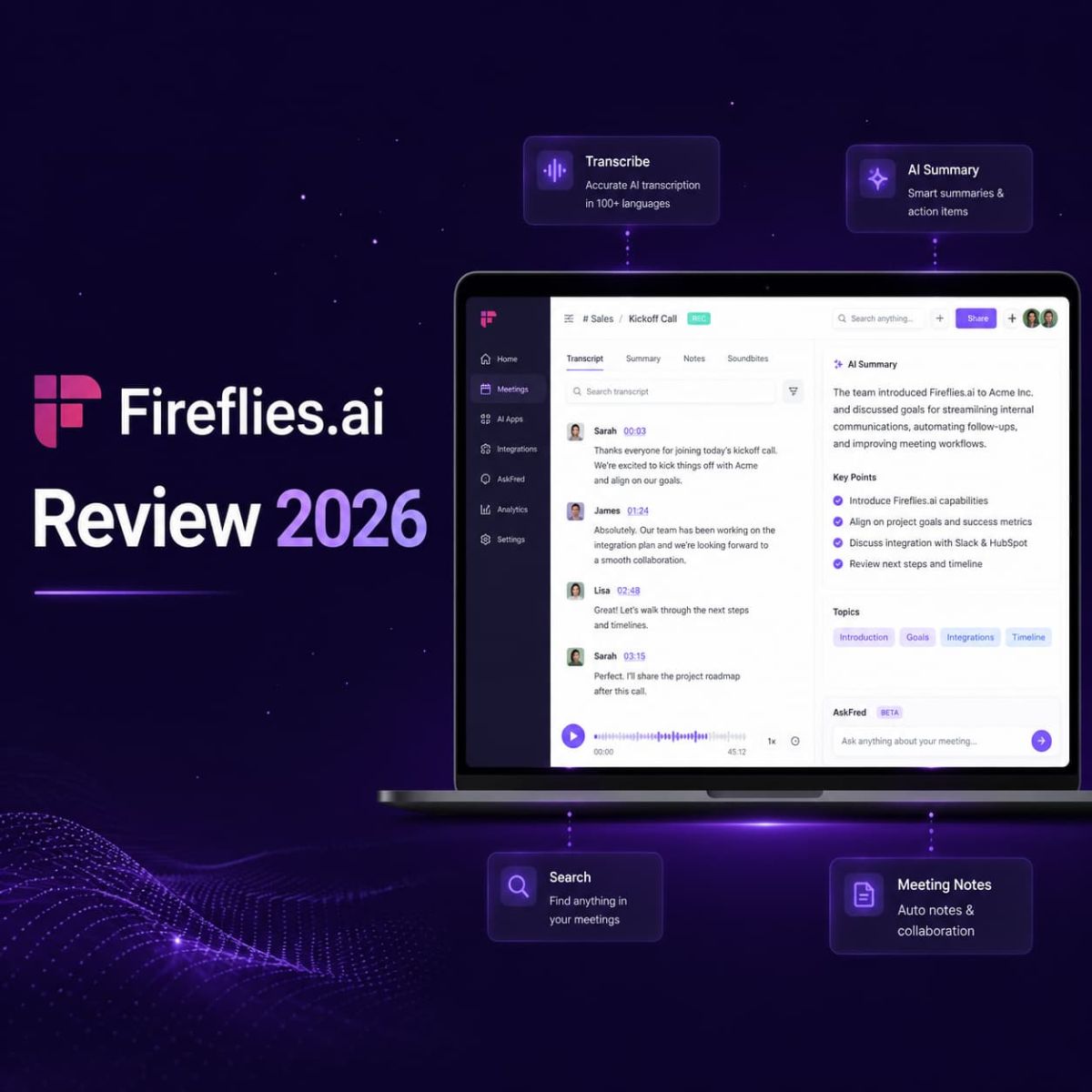
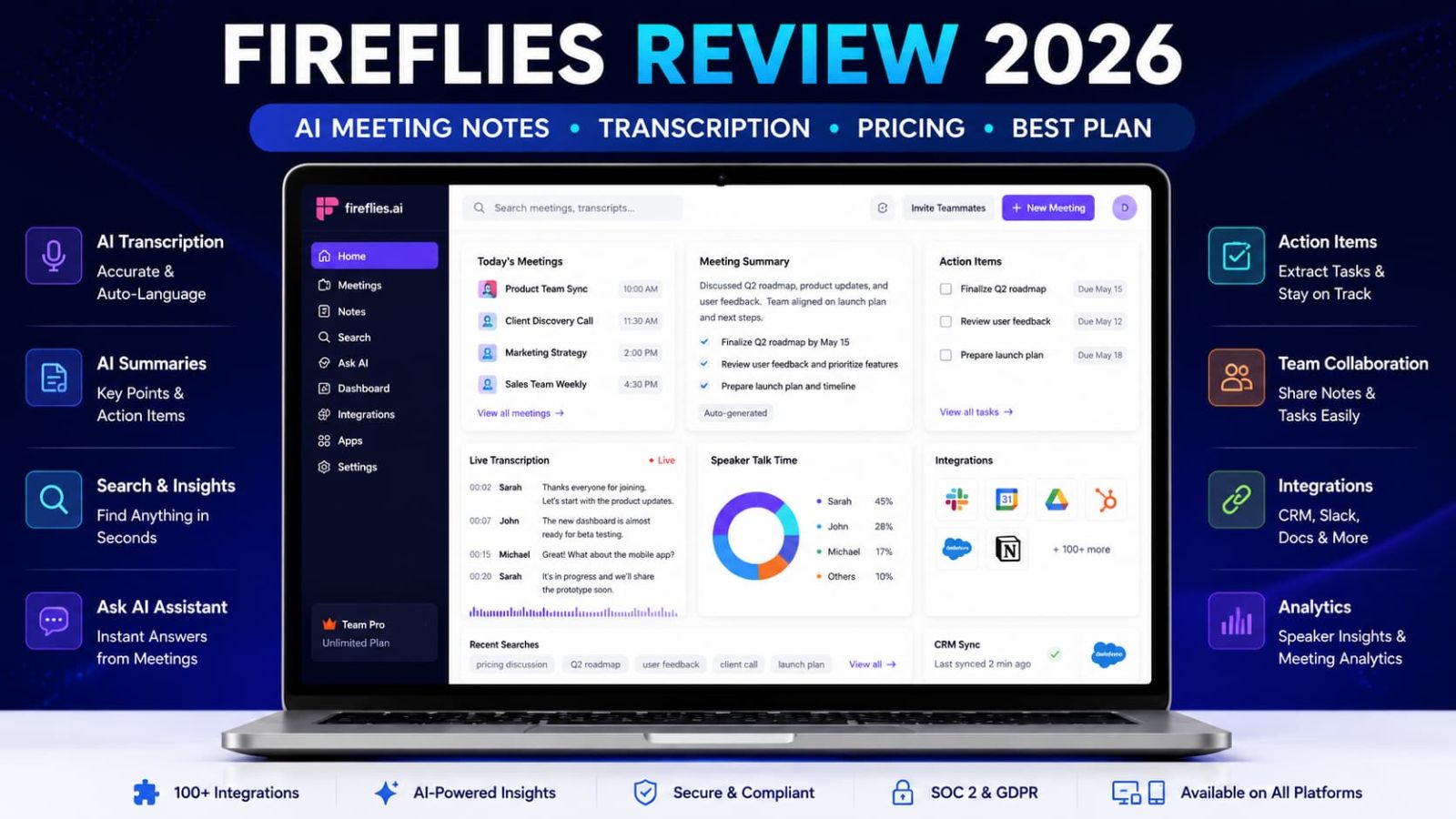
Fireflies.ai is an AI meeting assistant for teams that need meeting transcription, automated summaries, searchable call history, AskFred, integrations, and conversation intelligence without turning every follow-up into a scavenger hunt.
Why Trust This Fireflies Review?
We reviewed Fireflies.ai like a SaaS buyer would: pricing, Free vs Pro vs Business vs Enterprise, AI credits, transcription, summaries, AskFred, integrations, security signals, public review sources, and where the tool may be overkill.
Free, Pro, Business, and Enterprise plan details are separated with monthly and annual notes where shown.
The Fireflies affiliate link is kept exactly as provided: https://fireflies.ai/?fpr=03111983.
The review focuses on meeting capture, summaries, searchable knowledge, CRM sync, team follow-up, and compliance-aware usage.
No productivity promises. No perfect-transcript fantasy. Just what Fireflies can support and what teams still need to verify.
How We Researched Fireflies
We reviewed Fireflies.ai through its official website, pricing page, integrations, AskFred documentation, Trust Center resources, and public review signals.
We also compared Fireflies with other AI meeting assistants to understand where it fits for transcription, summaries, searchable meeting history, and team workflows.
Research note: This is a research-based review, not a long-term internal deployment test. Teams should still test Fireflies with real meetings, integrations, and consent requirements before rolling it out widely.
What Is Fireflies?
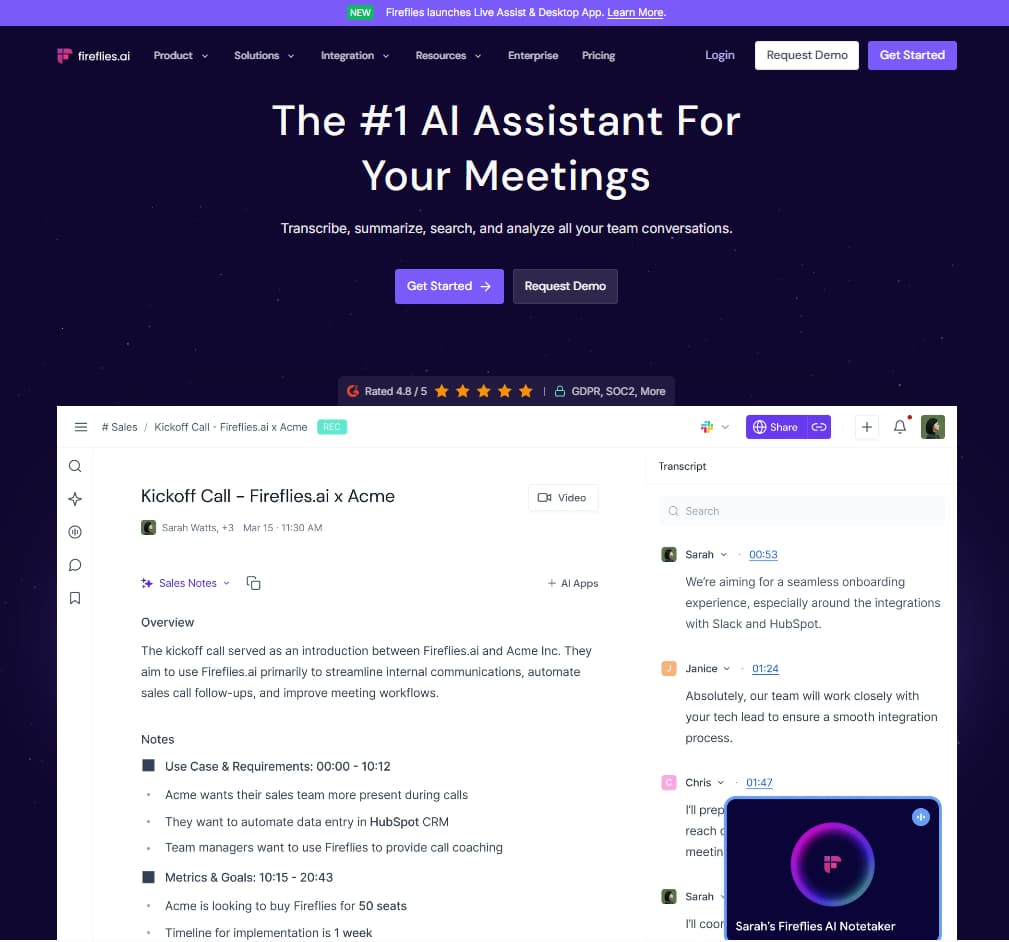
Fireflies.ai is an AI meeting assistant that transcribes, summarizes, searches, and analyzes team conversations. It can join meetings, capture audio, create transcripts, generate AI summaries, highlight action items, and help users search across meeting history.
In plain English: Fireflies helps teams stop treating meetings like disposable audio events. It captures what was said, extracts useful notes, and makes the conversation searchable later.
Related Fireflies Guide
Current trial notes, pricing links, affiliate disclosure, and quick buyer overview.
View Store Page →Who Should Use Fireflies?
Fireflies is best for people whose meetings contain decisions, customer details, commitments, and action items that need to be remembered accurately.
Sales and Customer Teams
Best fit: You need call notes, customer context, follow-ups, CRM sync, and searchable meeting history. Plan to check: Business.
Founders and Managers
Best fit: You attend too many meetings and need summaries, action items, and team visibility without manually typing everything. Plan to check: Pro or Business.
Agencies and Consultants
Best fit: You need client meeting records, searchable decisions, and cleaner handoff notes after discovery or strategy calls. Plan to check: Pro first, Business if CRM/video matters.
Why AI Meeting Notes Matter in 2026
Remote and hybrid teams now create huge amounts of business knowledge inside calls. The problem is that meetings are easy to attend and hard to preserve. Important details get trapped in recordings no one watches, handwritten notes no one shares, or memory, which remains a deeply suspicious storage system.
| Manual meeting workflow | With Fireflies | Why it matters |
|---|---|---|
| Someone manually takes notes during the call. | Fireflies captures transcript and summary so participants can focus on conversation. | Useful when meetings contain decisions, customer details, or follow-ups. |
| Action items are scattered across chat, docs, and memory. | AI summaries and task extraction make follow-up easier to find. | Reduces lost commitments after meetings. |
| Recordings are hard to search. | Meeting content becomes searchable by keyword or AI question. | Helps teams reuse meeting knowledge later. |
| CRM updates are manually copied from call notes. | Integrations can sync meeting data into connected tools where supported. | Supports sales and customer success workflows. |
| Managers lack visibility into recurring customer conversations. | Business features can support conversation intelligence and team-level analysis. | Better for meeting-heavy revenue and customer teams. |
Fireflies Pricing 2026
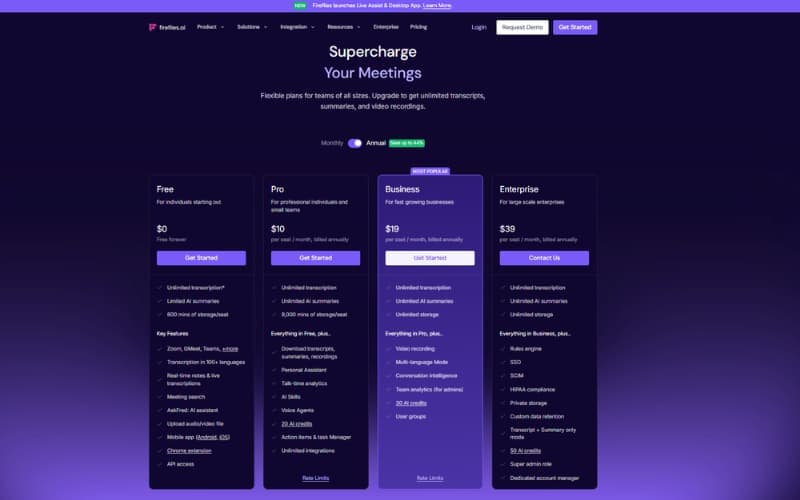
Fireflies has four main pricing tiers: Free, Pro, Business, and Enterprise. Based on the official pricing page and Fireflies help center pricing guide, Pro costs $18/seat/month monthly or $10/seat/month billed annually. Business costs $29/seat/month monthly or $19/seat/month billed annually. Enterprise costs $39/seat/month billed annually.
| Plan | Price shown | Best for | Important notes | Best action |
|---|---|---|---|---|
| Free | $0 | Testing the workflow and light meeting use. | Basic meeting transcription access, limited storage and usage. Better for testing than serious team use. | Try free |
| Pro | $18 monthly or $10 annual per seat/month | Individuals, consultants, founders, and small teams. | Unlimited transcription, unlimited AI summaries, transcript downloads, integrations, and storage for regular use. | Start testing |
| Business | $29 monthly or $19 annual per seat/month | Active teams, sales, customer success, and meeting-heavy workflows. | Unlimited storage, video recording, conversation intelligence, CRM-oriented workflows, and stronger collaboration. | Evaluate Business |
| Enterprise | $39 annual per seat/month | Larger organizations with security, admin, and procurement requirements. | Enterprise controls, advanced administration, compliance review, and annual procurement workflow. | Contact sales |
Pricing, AI credits, storage limits, video recording, CRM sync, meeting caps, integrations, and Enterprise requirements can change. Always confirm current plan details on the official Fireflies pricing page before subscribing.
Which Fireflies Plan Should You Pick?
Pick by meeting volume and workflow complexity. Optimism has never synced CRM notes correctly.
Business Annual
Best if your team relies on meetings every week and needs unlimited storage, video recording, conversation intelligence, CRM-oriented workflows, and stronger team collaboration.
Use this if you want to test whether Fireflies fits your meeting workflow before paying. It is not ideal for regular team usage.
Use this if you are an individual, consultant, founder, or small team that needs unlimited transcription, AI summaries, downloads, and integrations.
Use this when meetings are part of revenue, customer success, recruiting, or operations and you need unlimited storage, video, CRM workflows, and conversation intelligence.
Use this for enterprise controls, security review, advanced admin, compliance support, and annual procurement.
Key Features That Matter in Real Work
Fireflies makes sense when meeting content needs to become reusable knowledge. If nobody reviews the summaries, searches old calls, or acts on follow-ups, you have not bought productivity. You have bought a transcript museum.
Meeting Transcription and AI Summaries
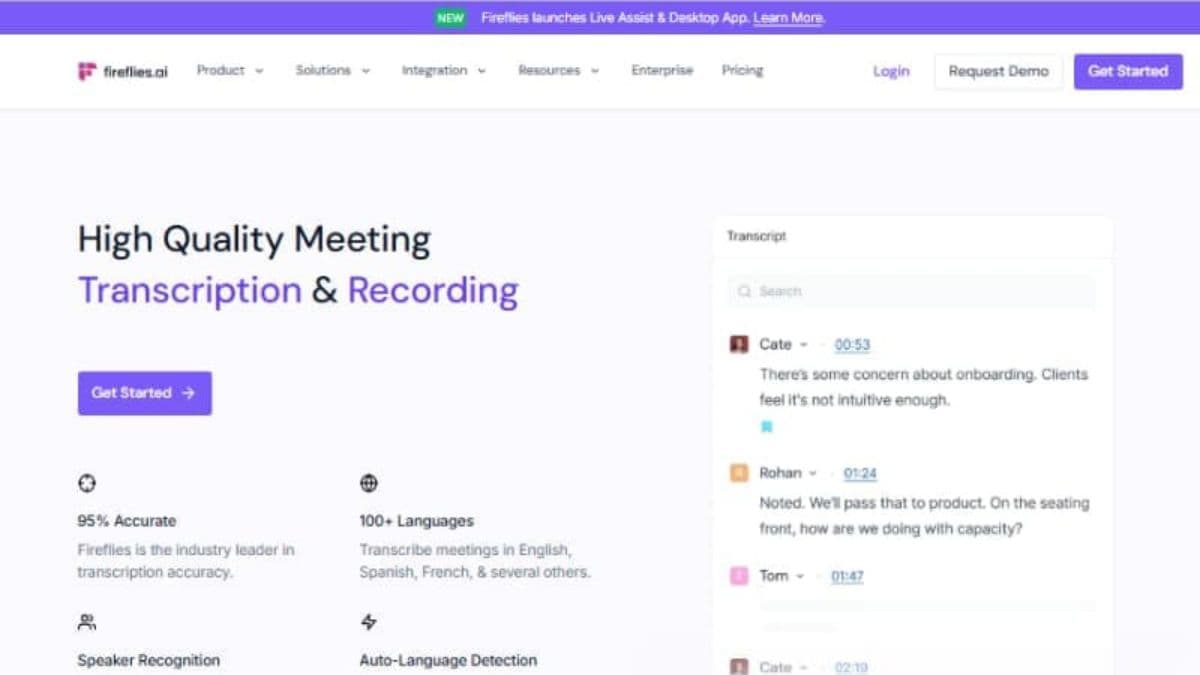
Fireflies can transcribe meetings and generate AI summaries so teams do not rely only on manual notes. This matters when sales calls, client meetings, recruiting calls, or project check-ins contain details people will need later.
AskFred AI Assistant
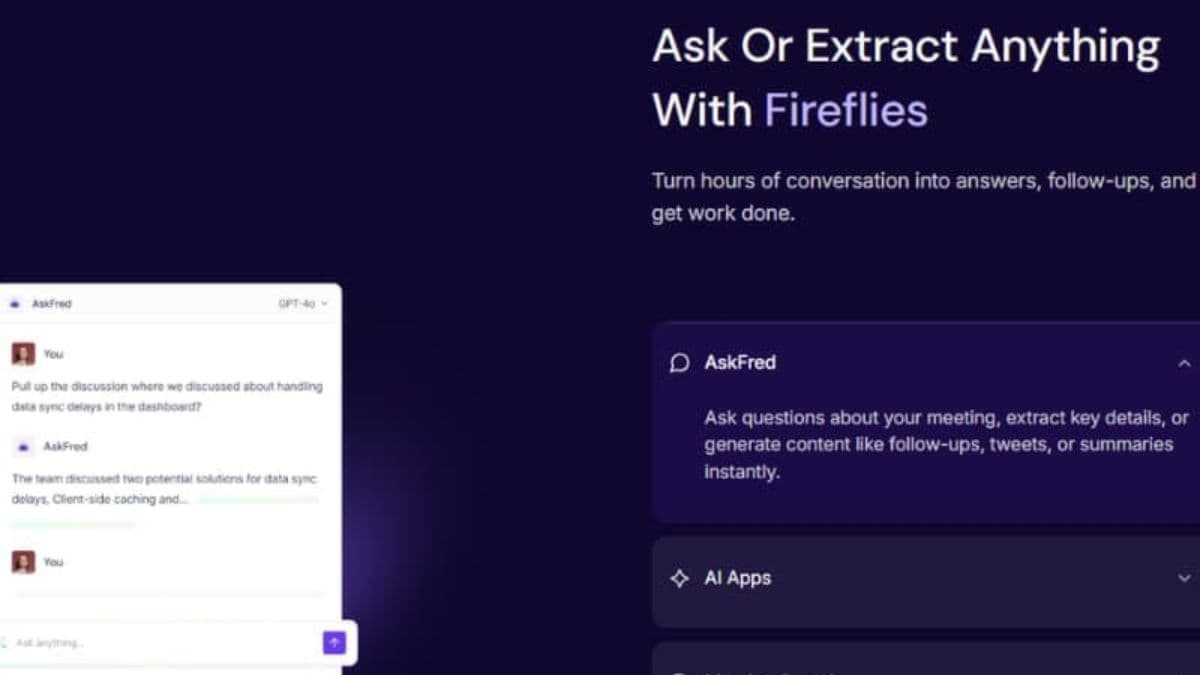
AskFred lets users ask natural-language questions about meeting transcripts. A founder can ask what objections came up across calls instead of digging through old transcripts manually like a digital archaeologist.
Integrations and Workflow Sync
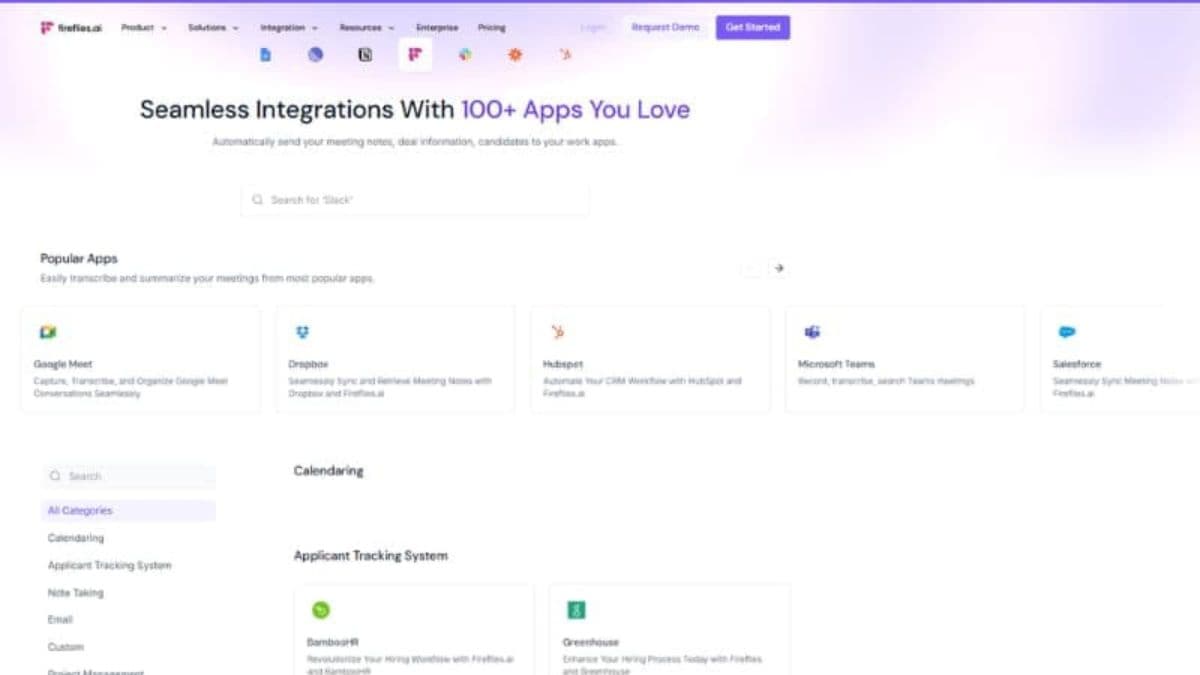
Fireflies connects with many apps and can sync notes, tasks, CRM entries, and updates into connected workflows where supported. This makes meeting notes more useful after the call ends.
Conversation Intelligence
Business-level workflows can help teams analyze recurring conversations, coaching patterns, customer themes, and call trends. This matters more for sales, CS, recruiting, and team managers than casual meeting users.
Searchable Meeting Library
Searchable meeting history helps teams retrieve past decisions, customer comments, and commitments without replaying recordings. This is useful only if your team actually names, tags, and reviews meetings properly.
Security, Privacy, and Compliance Signals
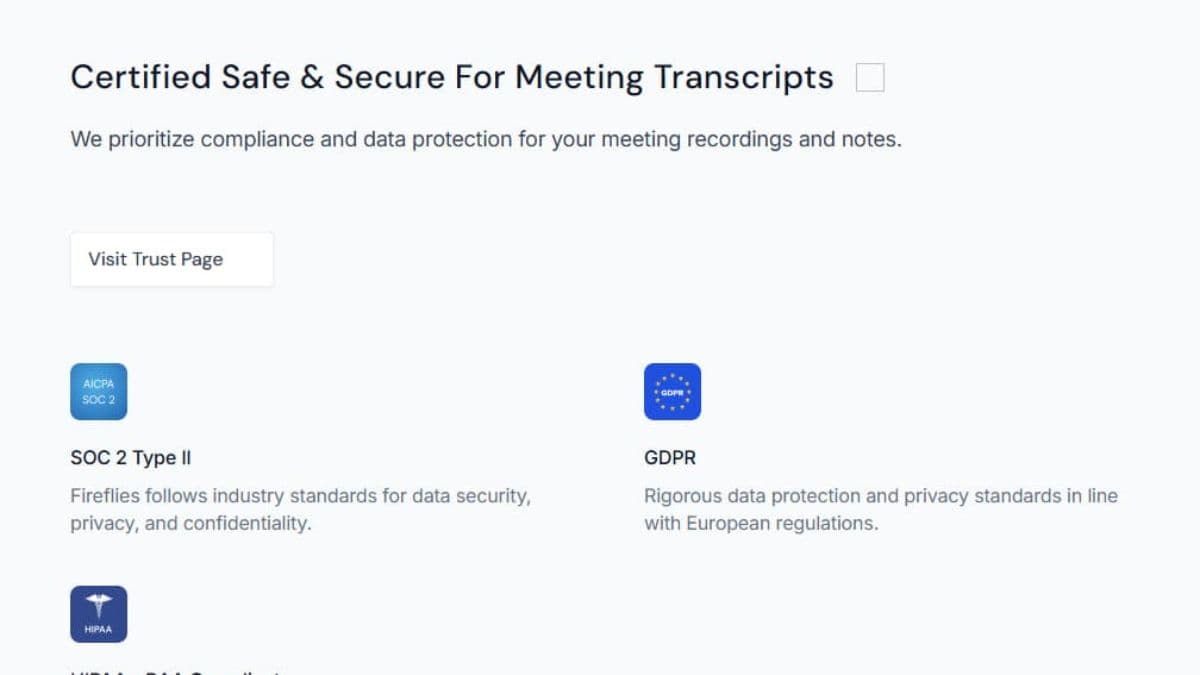
Fireflies publishes security and trust resources, including SOC 2 and GDPR references. Teams should still check consent rules, recording policies, and internal data access before inviting Fireflies to sensitive conversations.
How to Use Fireflies Without Damaging Trust or Compliance
Use Fireflies with clear consent and privacy rules. Tell participants when meetings are recorded, avoid recording sensitive calls without appropriate review, check company policies, configure storage carefully, and decide who can access transcripts.
Best Way to Test Fireflies Before Paying Long-Term
Start with one meeting type, such as sales discovery calls or internal project check-ins. Review transcript quality, summary usefulness, integrations, and team behavior before rolling it out everywhere like a manager discovering automation for the first time.
Related Communication Workflow
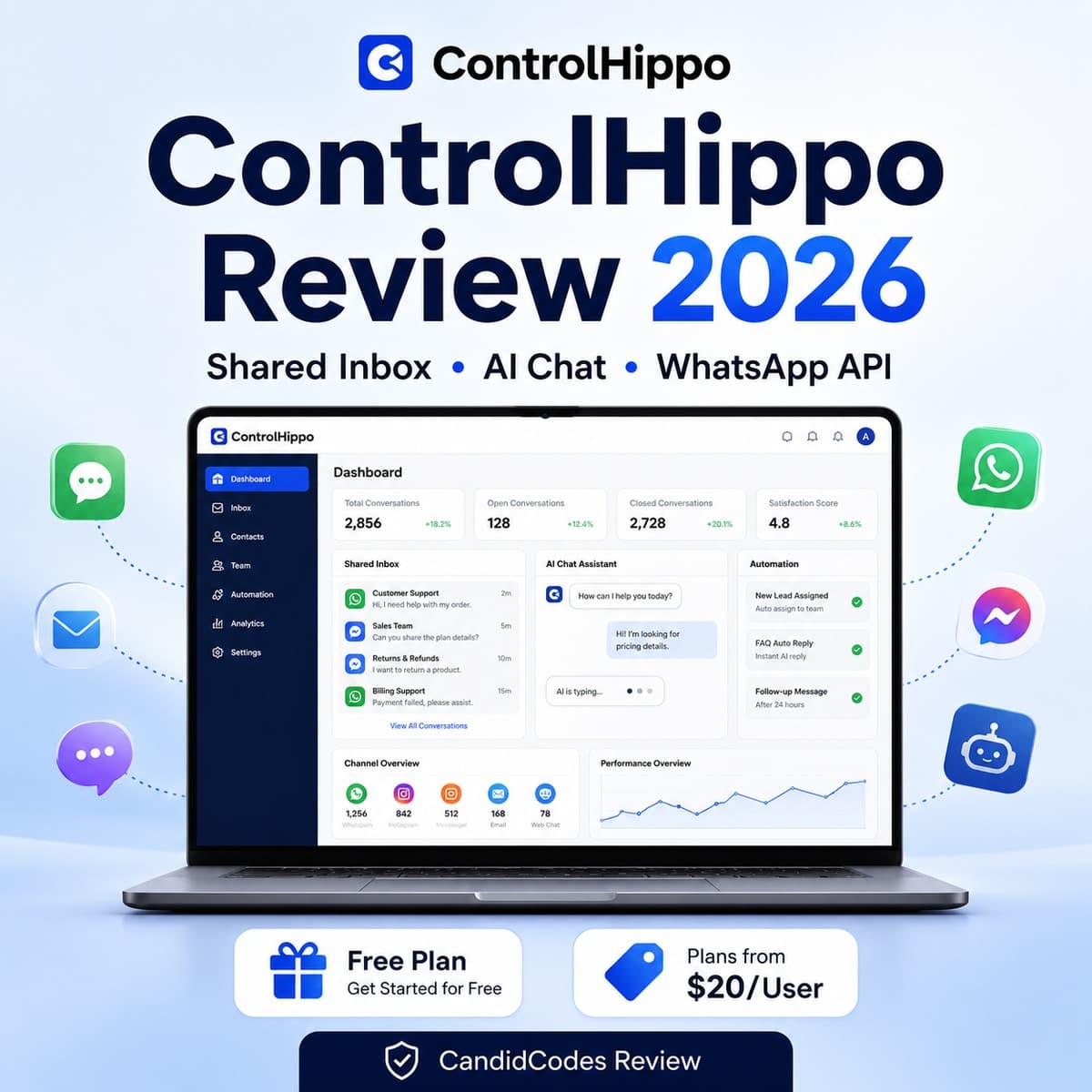
Fireflies captures meeting intelligence; ControlHippo focuses more on shared inbox and customer communication workflows.
Read ControlHippo Review →Fireflies Pros and Cons
-
You have frequent meetings: Fireflies is strongest when calls contain decisions, customer details, or follow-ups worth saving.
-
You need searchable notes: Transcripts, summaries, and AskFred can help recover meeting context later.
-
You use team workflows: Integrations can move notes into CRM, Slack, docs, and task workflows where supported.
-
You want to test first: The Free plan makes it easier to evaluate the workflow before paying.
-
You rarely attend meetings: The value drops if there are few calls worth capturing.
-
You cannot record meetings: Strict no-recording policies or consent limits may make Fireflies unsuitable.
-
You expect perfect transcripts: Accuracy still depends on audio quality, accents, speakers, and meeting conditions.
-
Your team ignores notes: Meeting notes are only useful if people review and act on them. Shocking, yes.
Is Fireflies Worth It?
Fireflies is worth testing if your meetings contain information that needs to be captured, searched, summarized, and shared later. It is especially useful for sales calls, customer interviews, client meetings, recruiting calls, and cross-functional project meetings.
Pro is enough for many solo users and small teams. Business is the more serious team plan because it adds unlimited storage, video recording, and conversation intelligence. Enterprise is best reserved for larger organizations that need stronger controls and annual procurement.
The blunt answer: Fireflies is valuable when meetings create reusable knowledge. It is less valuable when meetings are vague, unnecessary, or politically decorative. Sadly, no AI assistant can summarize its way out of bad meeting culture.
Fireflies vs Alternatives
Fireflies competes with AI meeting assistants, transcription tools, sales conversation intelligence platforms, and meeting note apps. The right alternative depends on whether you need transcription accuracy, AI summaries, sales coaching, CRM sync, privacy controls, or team collaboration.
| Tool | Best use case | Choose it when... | Buyer decision |
|---|---|---|---|
| Fireflies | AI meeting notes, transcription, summaries, and searchable meeting history. | You want a broad meeting assistant with summaries, integrations, and searchable transcripts. | Best fit: meeting-heavy teams that need reusable meeting knowledge. |
| Otter.ai | Live transcription and collaborative notes. | You prioritize live notes and transcription-first collaboration. | Compare if: live transcription experience matters more than broader workflow sync. |
| Fathom | Simple meeting summaries and clips. | You want fast call summaries and easy meeting capture. | Compare if: you want a lighter meeting capture workflow. |
| Avoma | Sales and revenue conversation intelligence. | Coaching, deal intelligence, and sales process insights matter more than general meeting notes. | Compare if: your use case is revenue team coaching. |
| tl;dv | Recorded meeting highlights and async sharing. | You want to share clips, highlights, and async meeting context. | Compare if: async sharing is the key workflow. |
Related Buyer Decision
Compare Fireflies and Fathom when you want a simpler meeting assistant decision path.
Read Fireflies vs Fathom →What Users Are Saying About Fireflies
Fireflies has public review signals across software review platforms, its official website, security pages, Trust Center, and documentation. Ratings and review counts can change, so always check current public sources directly before choosing a plan.
G2
Useful for checking user sentiment around transcript quality, summaries, usability, integrations, admin controls, and team adoption.
Check Fireflies on G2 →Official Fireflies Website
Best source for current pricing, plan features, product positioning, meeting workflows, integrations, and security resources.
Visit Fireflies Website →Fireflies Trust Center
Useful for reviewing compliance posture, security documentation, and privacy expectations before deploying Fireflies across a team.
Open Fireflies Trust Center →Frequently Asked Questions
What is Fireflies used for?
Fireflies is used for AI meeting transcription, automated meeting notes, AI summaries, searchable meeting history, action items, conversation analysis, and workflow integrations for team conversations.
How much does Fireflies cost?
Fireflies has a Free plan. Pro costs $18 per seat/month on monthly billing or $10 per seat/month billed annually. Business costs $29 per seat/month on monthly billing or $19 per seat/month billed annually. Enterprise costs $39 per seat/month billed annually. Always verify current pricing on the official Fireflies pricing page.
Does Fireflies have a free plan?
Yes. Fireflies offers a Free plan that can be used to test the workflow. For regular professional use, Pro or Business may be more practical depending on storage, summaries, integrations, video recording, and team needs.
Which Fireflies plan is best?
Business is the best plan to evaluate for many active teams because it adds unlimited storage, video recording, conversation intelligence, and stronger team workflow support. Pro is a good starting point for individuals and smaller teams.
What is AskFred in Fireflies?
AskFred is Fireflies' AI assistant that lets users ask natural language questions about meeting transcripts. It can help retrieve context from individual meetings or search across multiple conversations.
Is Fireflies secure?
Fireflies publishes security and privacy resources, including SOC 2 Type II and GDPR references. Teams should review the Fireflies security page and Trust Center before using it for sensitive conversations.
Is Fireflies worth it?
Fireflies is worth testing if your meetings contain decisions, customer insights, action items, and follow-up details that need to be captured and searched later. It is less useful if you rarely attend meetings or cannot record conversations due to policy or consent restrictions.
Final Verdict
Fireflies.ai is a strong AI meeting assistant for teams that need meeting transcription, AI summaries, searchable call history, AskFred, integrations, and conversation intelligence. Its value is strongest when meetings contain important customer, sales, recruiting, or project details that need to be reused after the call.
Free is useful for testing. Pro is a practical starting point for individuals and smaller teams. Business is the best plan to evaluate for active team workflows because it adds unlimited storage, video recording, and conversation intelligence. Enterprise is for larger organizations with deeper security, admin, and procurement needs.
Fireflies will not make bad meetings good. It can make useful meetings easier to remember, search, and act on. That difference matters, because software can capture the conversation, but it cannot force the meeting to have a point. Tragic, but educational.
Pricing and plan details may change. Always confirm current pricing on the official Fireflies website before subscribing.