
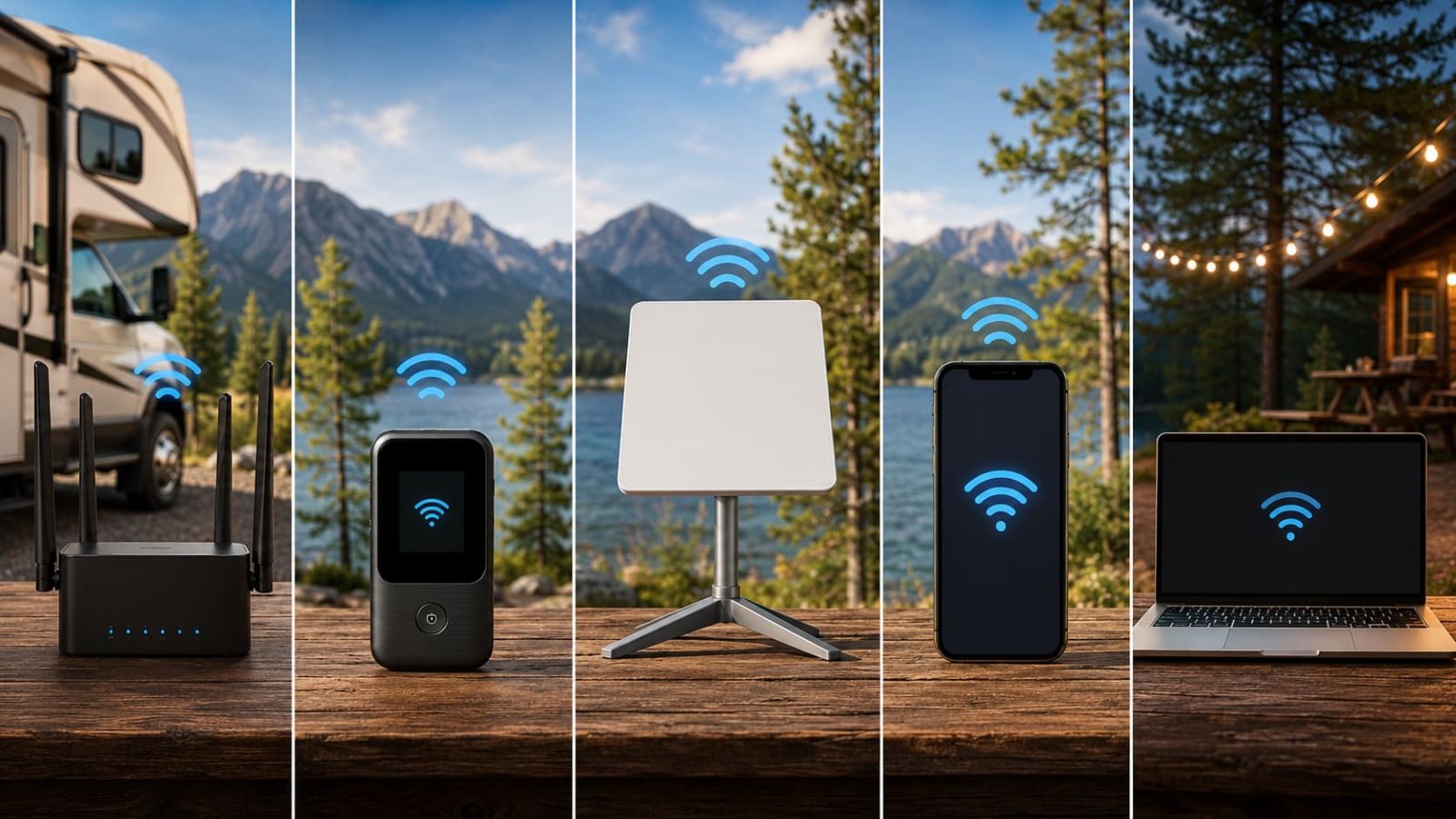
The best internet for RV travelers is not one magic box. It is the setup that matches where you park, how often you move, how much work you do online, and whether cellular signal exists in the first place. Tiny detail, apparently the laws of physics still apply even when marketing pages say otherwise.
We may earn a commission when you buy through our links. See our Affiliate Disclosure.
.png "Best Internet for RV Travelers 2026 Portable WiFi 5G Hotspot Satellite Options")
The best RV internet setup depends on coverage first, workload second, price third.
If your route has usable 4G or 5G coverage, start with portable cellular WiFi. If you camp outside reliable cellular zones, compare satellite first. If you only need maps, messages and backup browsing, a phone hotspot or budget 4G hotspot may be enough. The wrong move is buying the biggest plan because it sounds serious. That is how humans turn WiFi into a monthly subscription-themed bonfire.
Portable 5G / 4G cellular WiFi
This is the easiest first recommendation when your RV route has workable cellular coverage. It is portable, does not need open sky, and can serve multiple devices better than leaning on one tired phone hotspot.

Satellite internet / Starlink-style setup
Satellite is the better path when your real problem is no usable cellular signal. A cellular router cannot invent coverage in a dead zone. Annoying, but brutally important.
4G hotspot / SwiftNet 4G Bronze
A 4G hotspot is not the glamorous answer, which is good, because glamour has never uploaded a work file from a campground. For light maps, messages, email and backup browsing, this lane is easier to justify.
This guide is for RV travelers who need internet that matches the route, not the sales page.
Use this guide if you are choosing a primary or backup internet setup for RV travel, van life, camping, rural stays, road work, or mixed routes where the connection changes by location. It is not written for people comparing fixed fiber or cable at one house. That would be a different problem, with fewer trees and somehow still too many fees.
Use this guide if
- ✅ You travel by RV, camper, van or road-trip setup.
- ✅ You need internet for maps, email, work calls, streaming or backup access.
- ✅ Your route changes between towns, campgrounds, rural stops and remote areas.
- ✅ You want to compare cellular WiFi, hotspot, satellite and antenna options before paying.
Skip this guide if
- ⚠️ You only need fixed home internet at one address.
- ⚠️ You have not checked coverage where you actually park.
- ⚠️ You expect campground WiFi to behave like office fiber. Charming fantasy.
- ⚠️ You want the cheapest monthly price without checking device cost, trial timing or renewal subtotal.
Use this decision tree before comparing plan names.
RV internet gets easier when you stop asking “which brand is best?” and start asking “what is my failure point?” Most bad buys happen because people compare prices before checking coverage, workload and backup needs. Humanity really did invent wheels and then got defeated by a checkout subtotal.
Do you have usable cellular signal where you park?
If yes, start with portable 5G or 4G WiFi. If no, stop comparing cellular plans and check satellite.
Do you work online most days?
Video calls, uploads, streaming and multiple devices need a stronger primary setup than a casual phone hotspot.
Do you only need light travel backup?
Maps, email, messaging and emergency browsing do not always justify a heavier monthly setup.
Is the signal weak but usable nearby?
Then an external antenna can help. It is not magic. It needs some cellular signal to work with.
RV internet options compared by job
This comparison is deliberately practical. We are not ranking shiny nouns. We are matching the option to the job it actually does best.
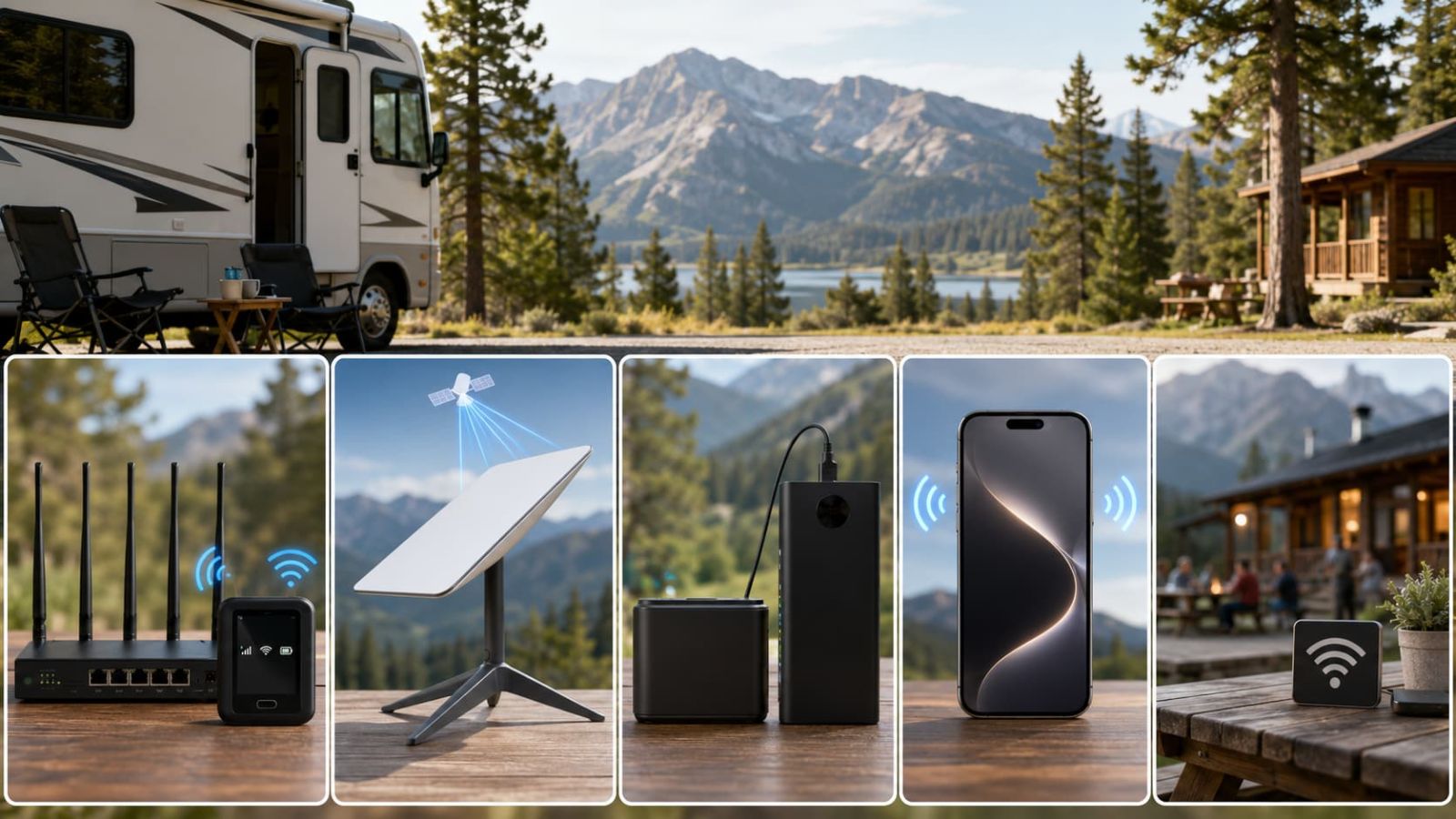
Portable 5G / 4G WiFi is the best first stop for most RV travelers.
If your route has workable cellular coverage, portable cellular WiFi is usually the cleanest starting point. It is easier to move than fixed home internet, less setup-heavy than satellite, and better suited to multiple devices than turning your phone into a permanent WiFi mule.
Start here if cellular coverage already works.
This is the setup I would check first for RV travelers who move through towns, campgrounds, highways, parks near coverage, rural homes with cellular reach, or work spots where 4G/5G already shows usable bars.
For SwiftNet specifically, 5G Diamond is the stronger lane for daily RV internet and remote-work style use. 4G Bronze is the cheaper lane for lighter travel backup. That distinction matters more than shaving a few dollars off the wrong plan.
Buy if
- ✅ You have usable cellular coverage on your route.
- ✅ You need internet for laptops, tablets or multiple devices.
- ✅ You want something lighter than a satellite-first setup.
Skip if
- ⚠️ Your usual stops are true cellular dead zones.
- ⚠️ You need guaranteed performance in very remote areas.
- ⚠️ You have not checked device cost, trial and recurring subtotal.
Satellite internet is the better path when cellular coverage is the problem.
Choose satellite first when you regularly park beyond reliable cellular reach. This is the cleanest example of “more expensive” not automatically meaning “wasteful.” If cellular is missing, a cheaper cellular plan is just a cheaper way to be offline.
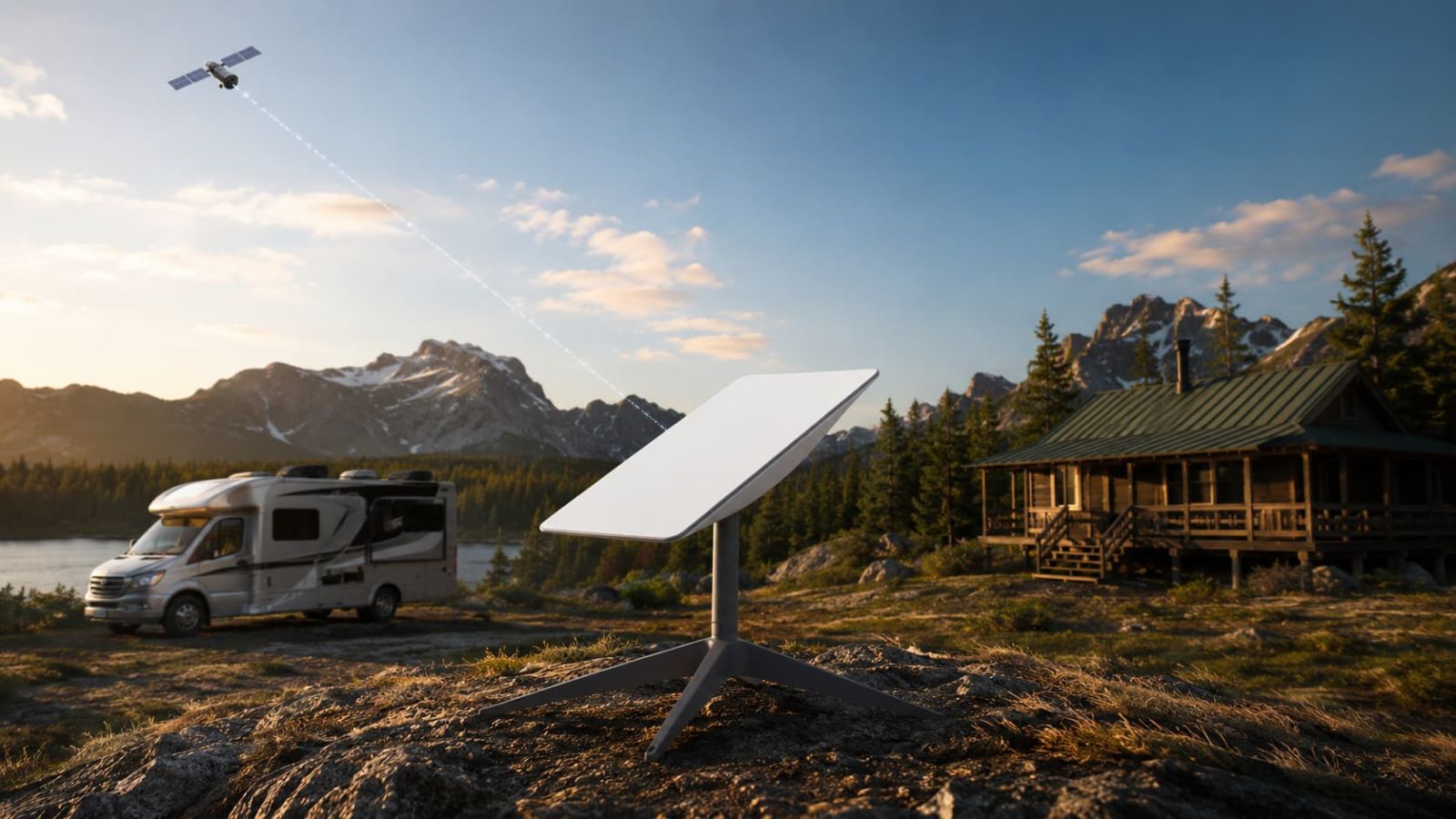
Compare satellite before another cellular provider if signal is missing.
Starlink-style satellite internet makes more sense for remote campsites, open rural land, cabins, ranches and route segments where phone bars are fictional. It is less convenient than cellular when cellular works, but far more logical when cellular does not.
The tradeoff is setup friction. Check power needs, equipment cost, sky view, plan terms, paused-service rules and how often you actually camp in places where satellite is necessary.
Buy if
- ✅ Your normal route has weak or no cellular coverage.
- ✅ You need internet beyond towns and campground towers.
- ✅ You can handle setup, power and open-sky placement.
Skip if
- ⚠️ You mostly stay where 4G/5G already works.
- ⚠️ You only need occasional maps and messages.
- ⚠️ You do not want equipment setup every time you move.
A 4G hotspot is the budget pick when your internet needs are light.
For weekend RV travel, campground backup, road-trip maps, email, messages and light browsing, a 4G hotspot can be the sensible choice. It is not the strongest option. It is the least ridiculous option when your workload is simple.
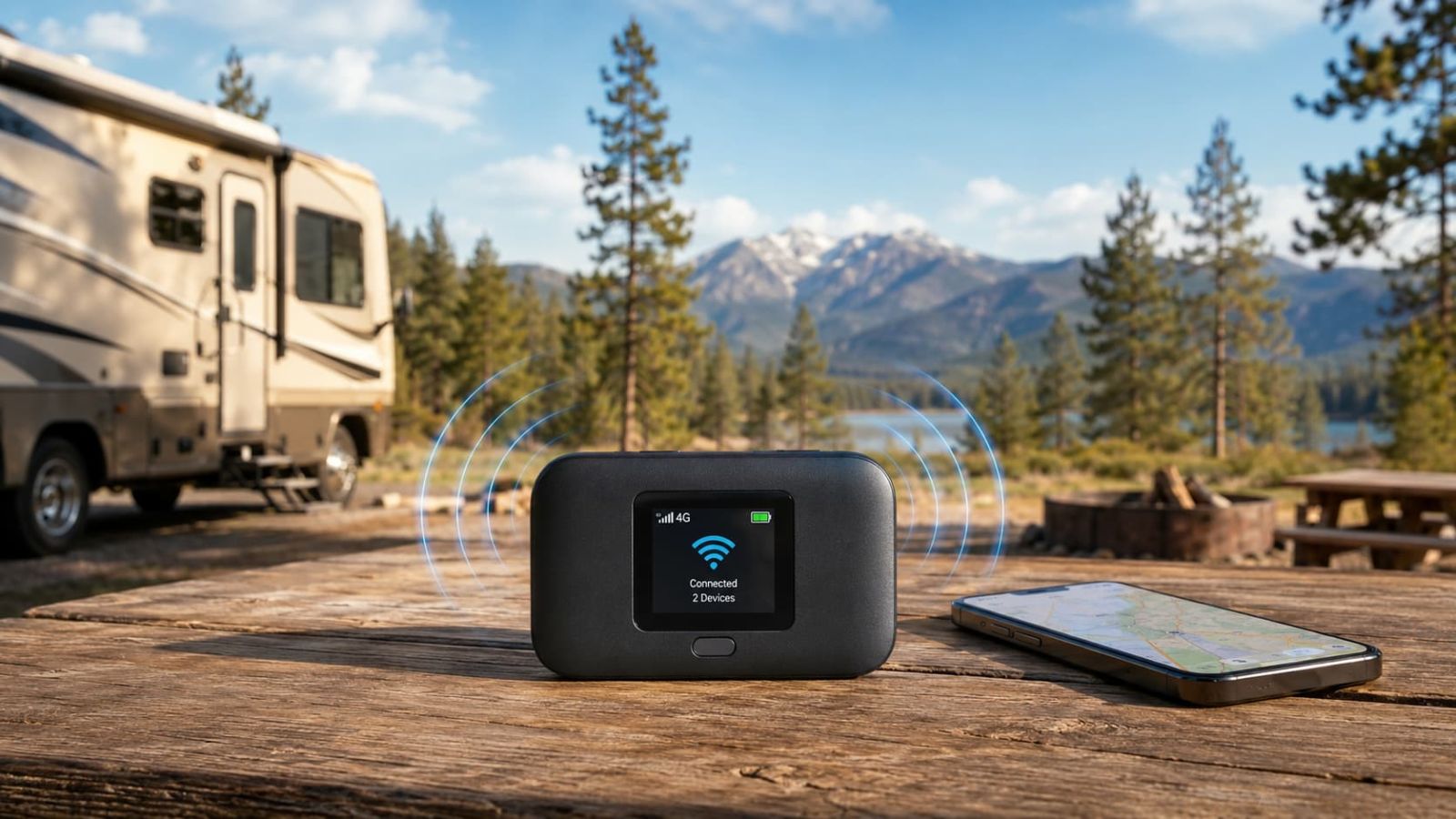
Choose 4G backup when you do not need full-time internet.
SwiftNet 4G Bronze fits this role better than a heavier plan if your use is mostly travel support. It is easier to justify for simple internet needs, especially when ORION04 lowers the first checkout total.
The catch is obvious: this is not the plan I would pick first for full-time work calls, big uploads, streaming-heavy nights, or a family full of devices acting like the internet is oxygen.
Phone hotspots and campground WiFi are backups, not a serious RV internet plan.
A phone hotspot is fine for light backup. Campground or hotel WiFi is fine when it works. Neither should be your only plan if missing a call, failing an upload or losing connection costs real money.
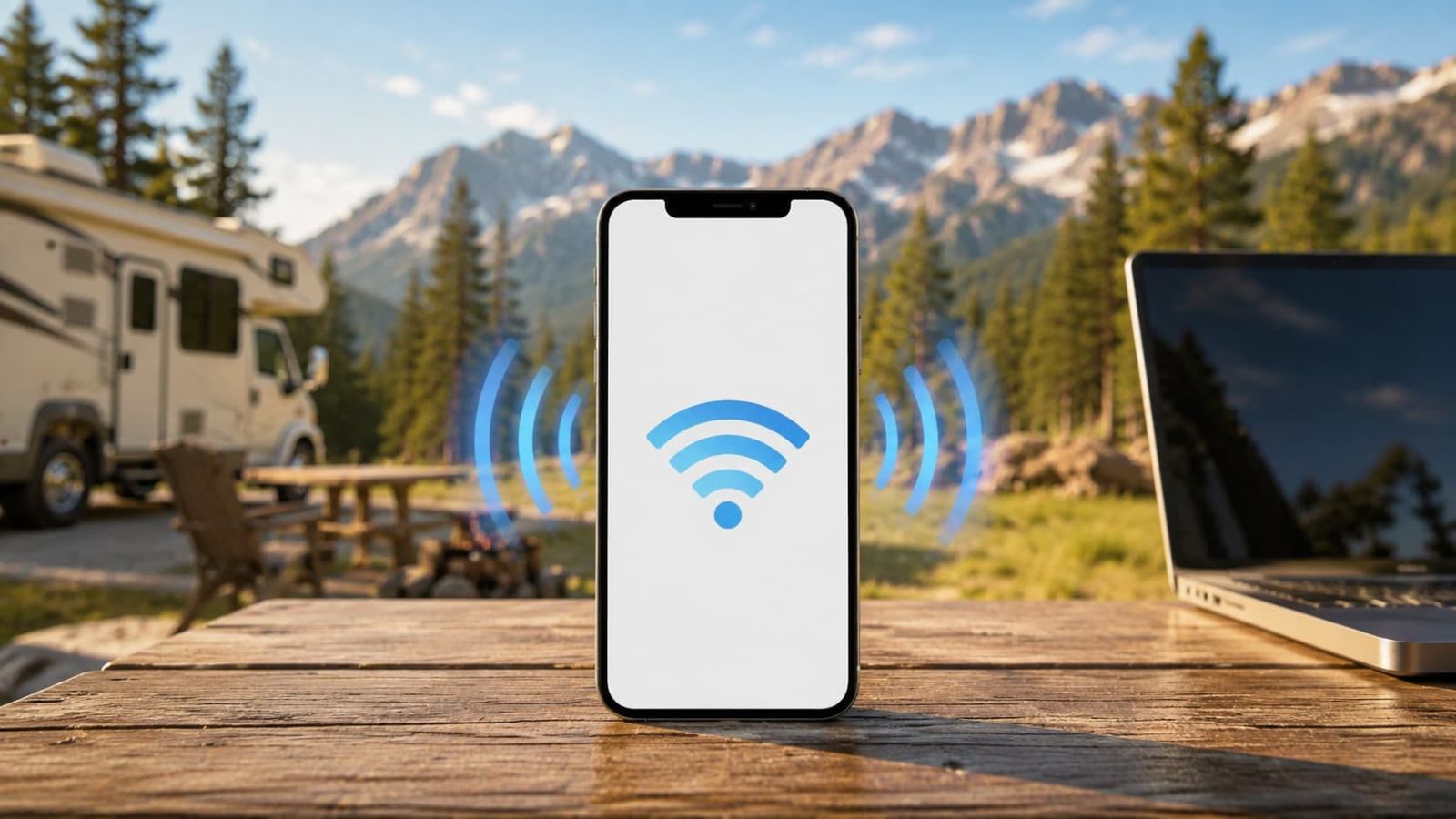
Phone hotspot: fine for light backup, weak as a daily system.
Use it for maps, messages, email and quick browsing. Skip it as your only plan if you work online, share internet with multiple people, or need a more stable connection than “please, phone battery, survive.”
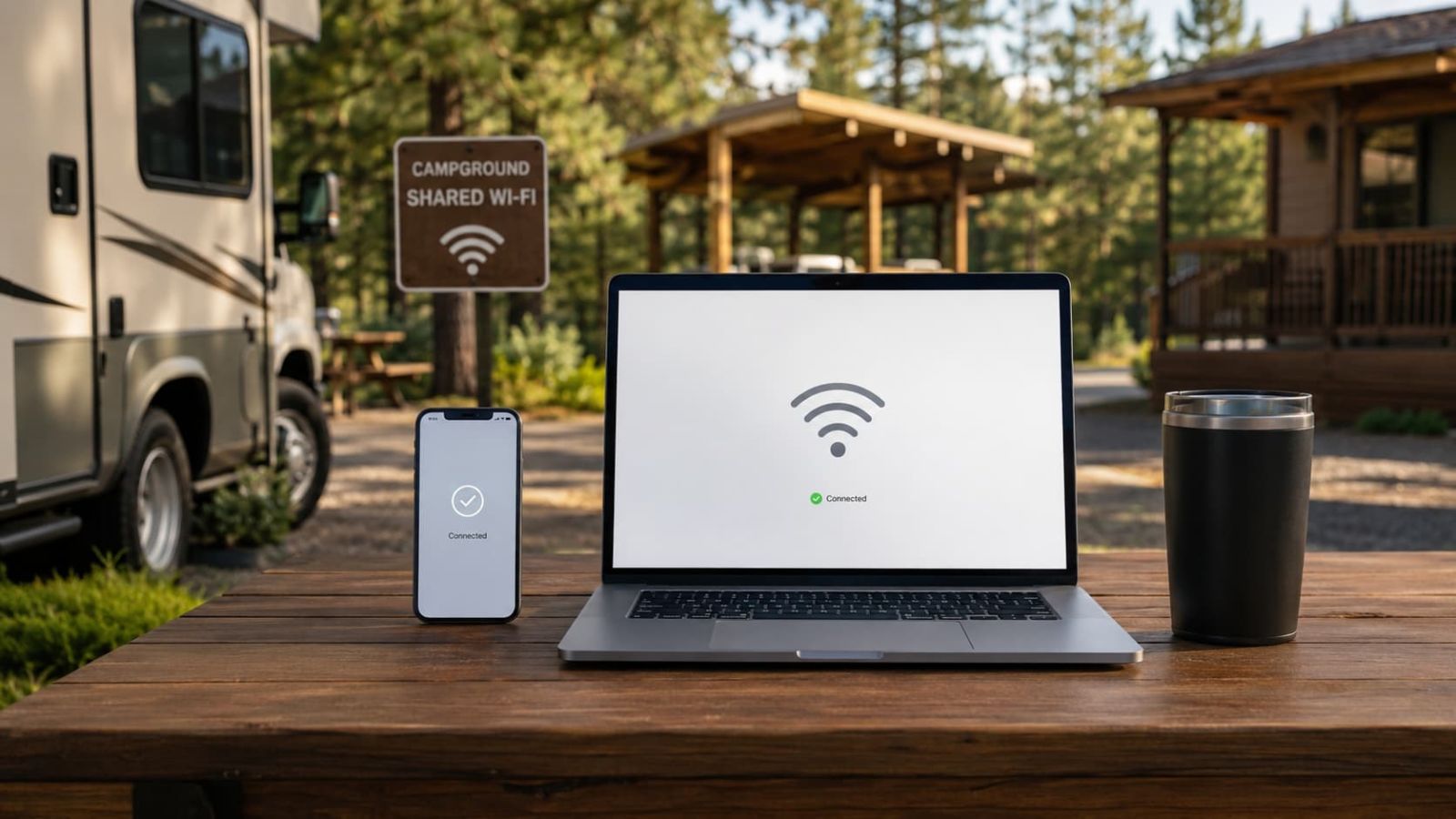
Campground WiFi: useful when it works, hilarious when everyone streams at once.
Shared WiFi is a bonus, not infrastructure. It can save you for light browsing, but it is too inconsistent to carry remote work or family streaming as the only plan.
An external antenna helps only when there is signal to improve.
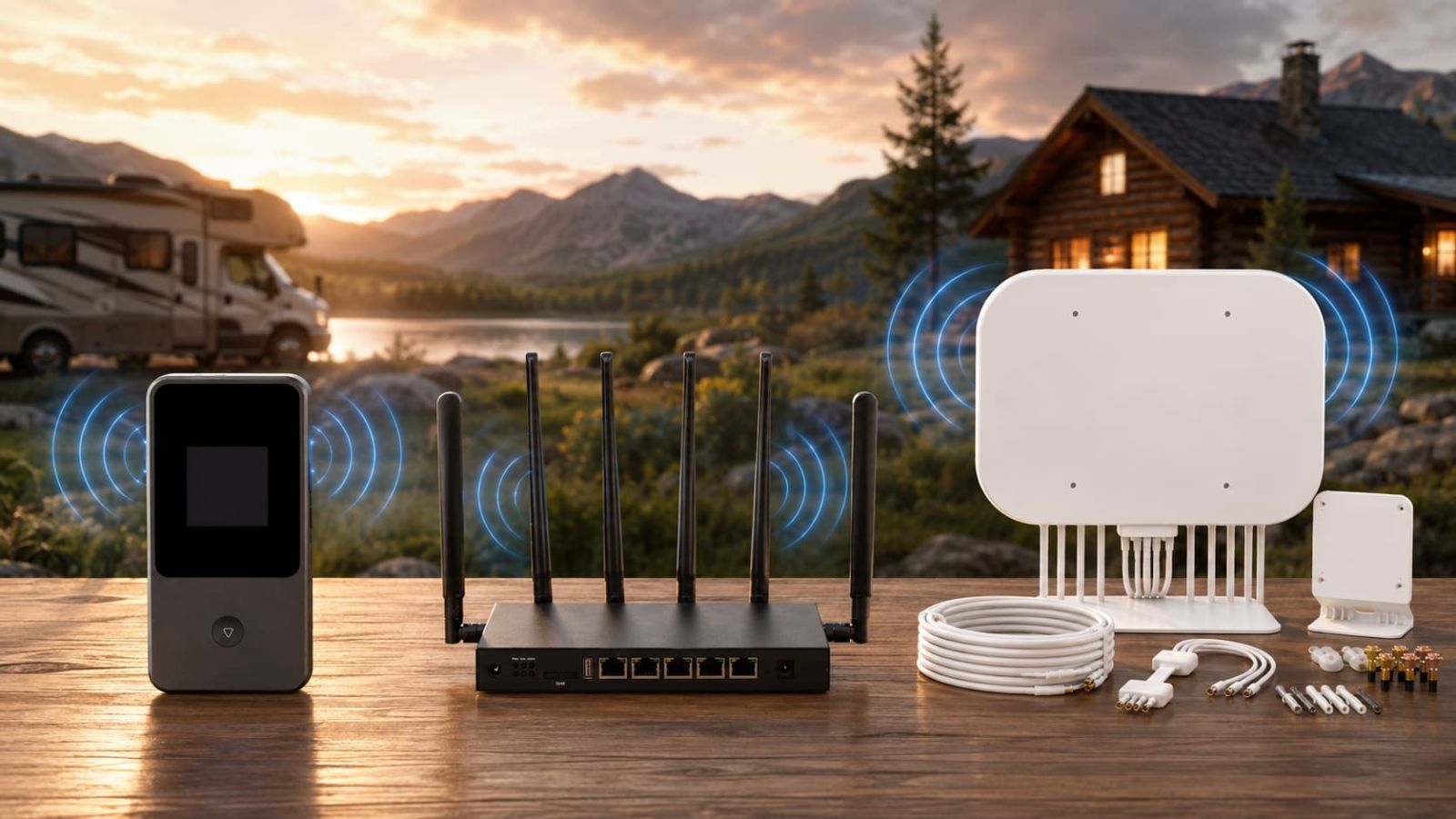
An external antenna is not an internet plan. It is a signal-support tool. That makes it useful in exactly one kind of situation: cellular service exists nearby, but your RV, cabin, terrain or device placement is holding the connection back.
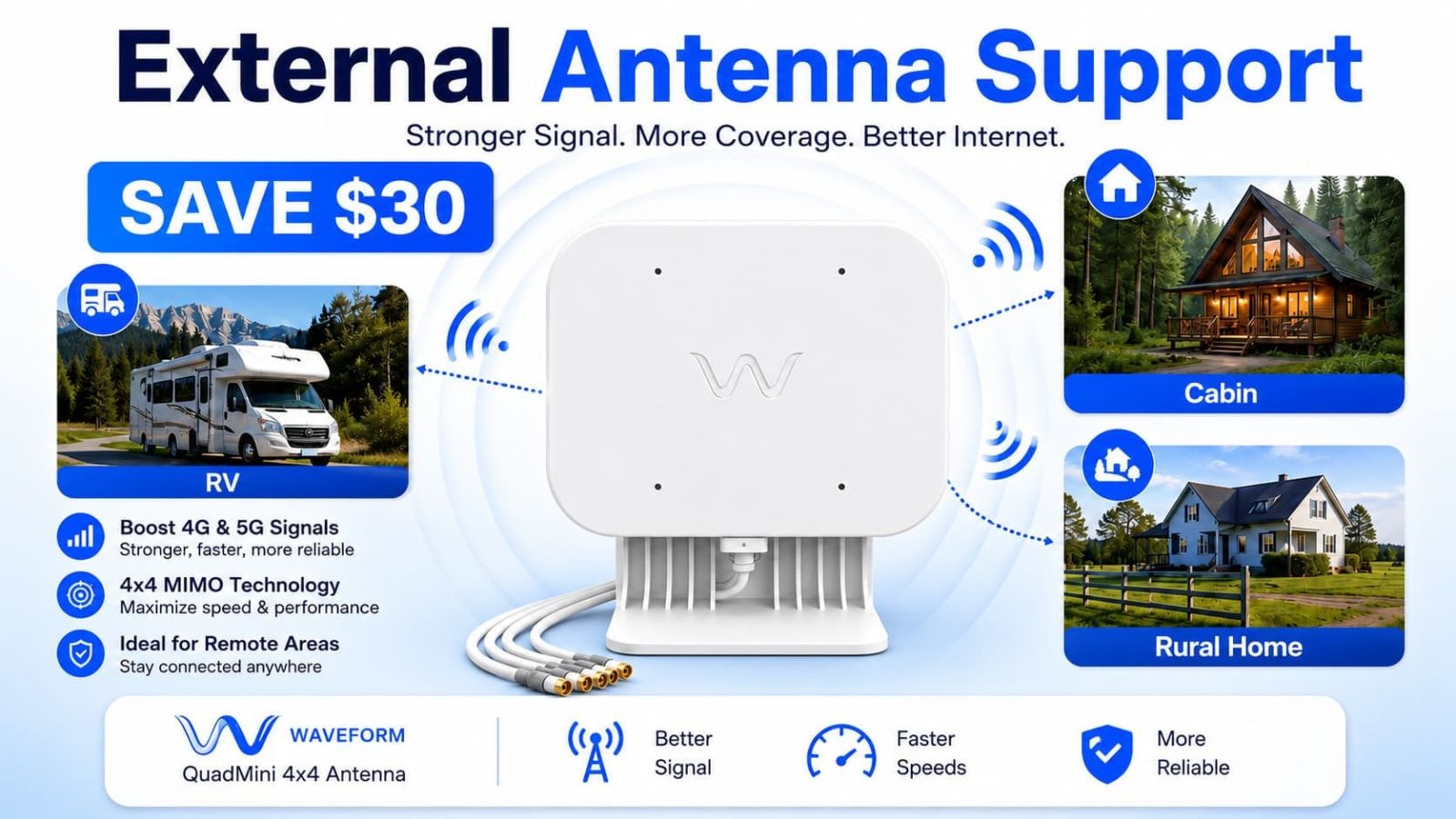
Consider Waveform-style antenna support for weak but workable cellular zones.
Waveform QuadMini makes sense only after you confirm cellular is the right path. It can support a SwiftNet-style setup, but it should not be used to dodge the bigger question: is there enough cellular signal in your location to begin with?
The best RV internet setup is usually a primary connection plus one backup.
One internet source is tidy. Two is realistic. Three is for people who work online, travel through mixed coverage, or have already been humbled by campground WiFi at 8 p.m., which is character development nobody asked for.
Do not let the cheapest plan choose for you.
Cheap internet that fails in your real location is not a deal. It is a very small donation to disappointment. Check coverage and workload first, then check the final checkout total, device cost, trial timing and monthly renewal.
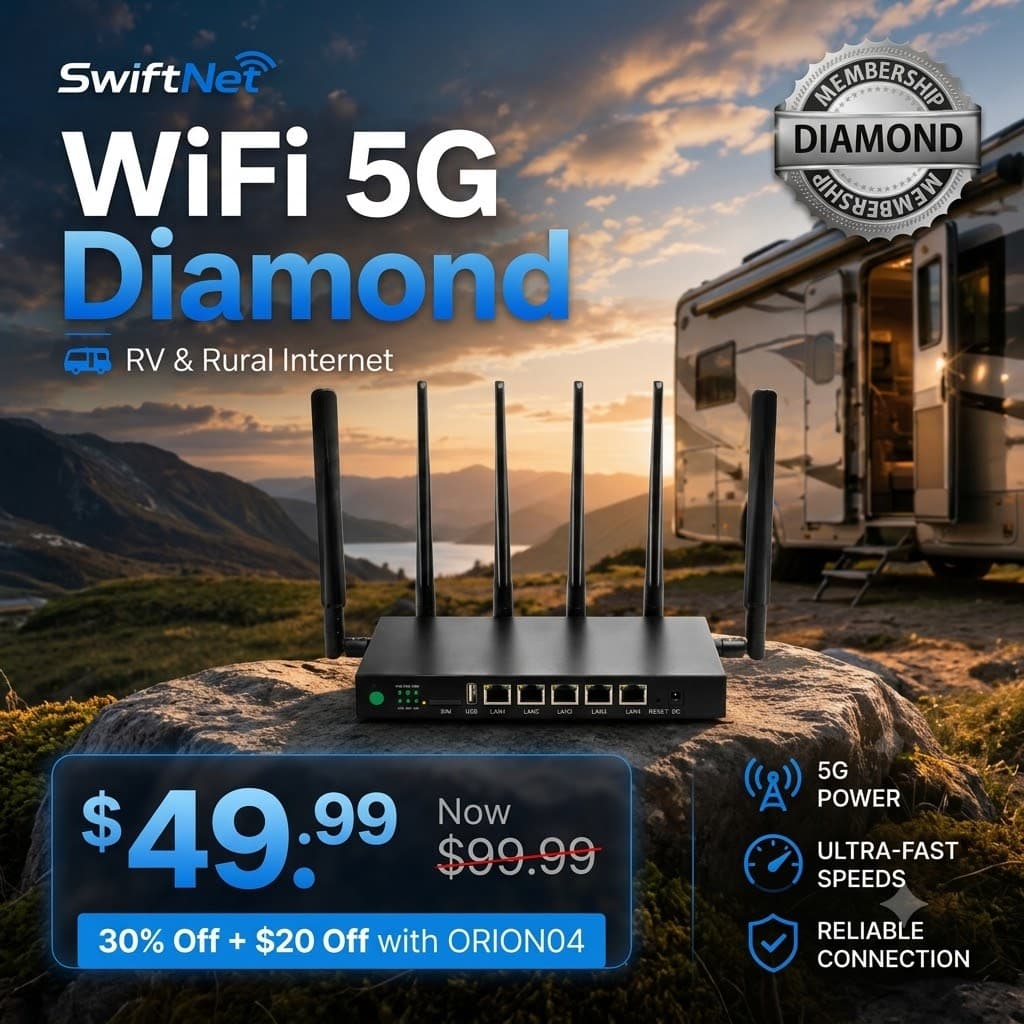
SwiftNet 5G Diamond
Best when daily RV internet matters: remote work, calls, streaming, uploads and multiple devices. Use ORION04 before checkout and verify the recurring subtotal.
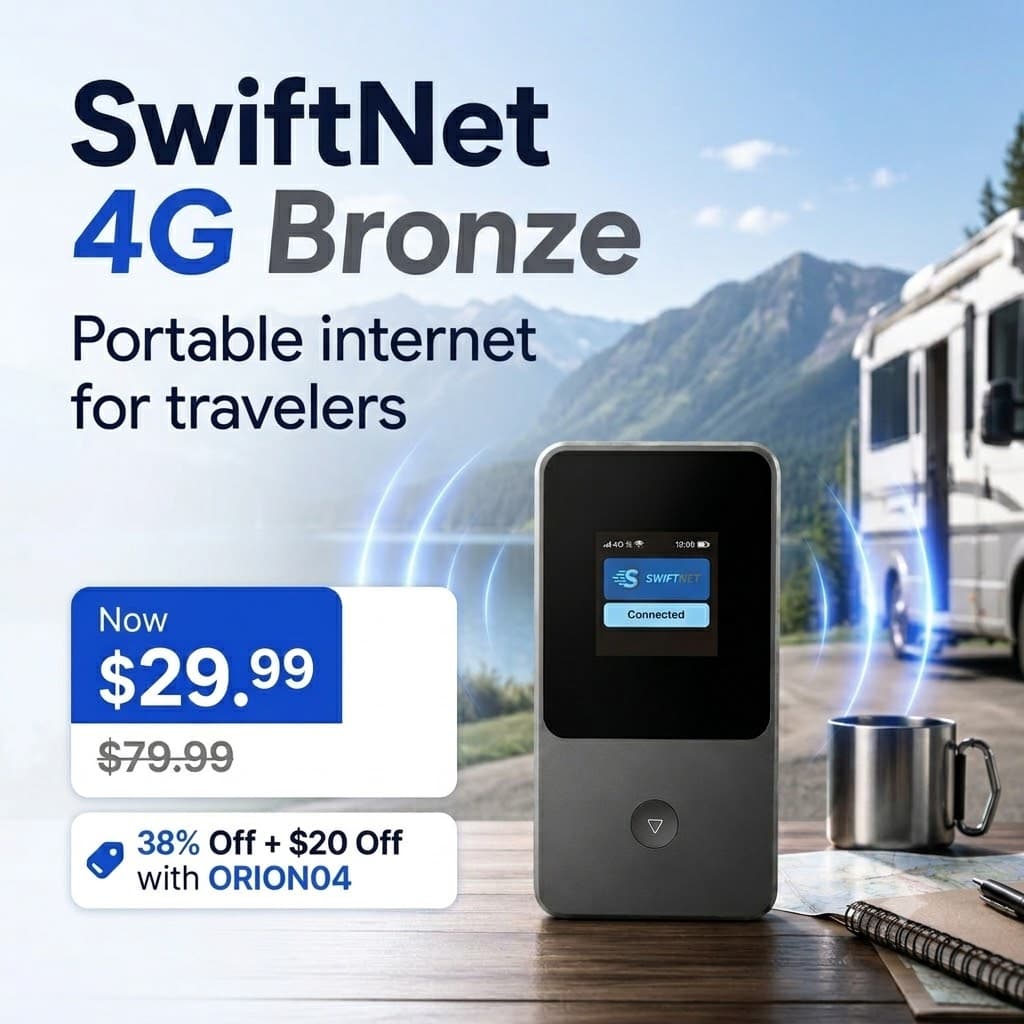
SwiftNet 4G Bronze
Best for lighter travel internet, backup browsing, camping, maps and email. Not the strongest first choice for full-time remote work.
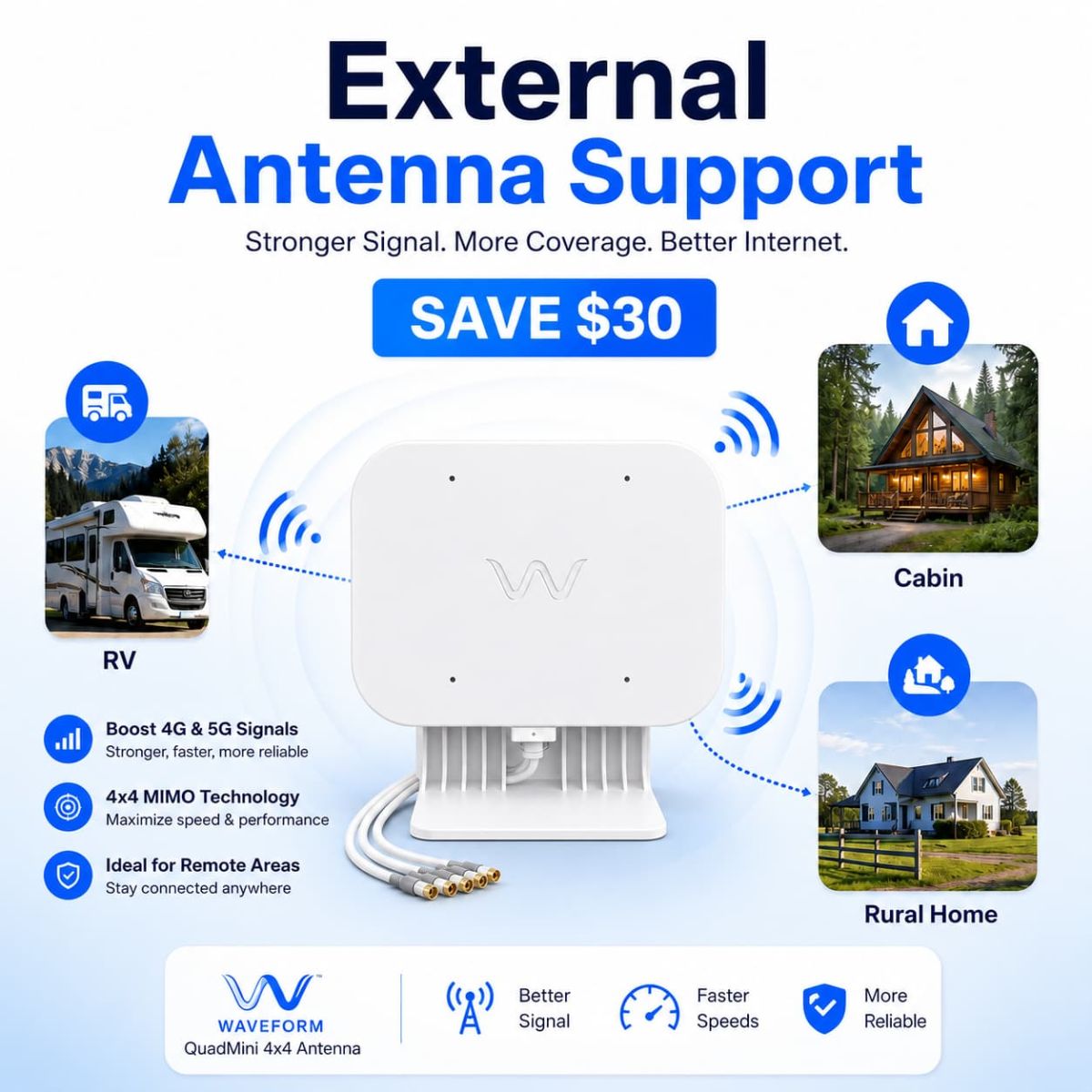
Waveform QuadMini 4x4
Best when the internet plan is right but your signal needs help. Skip it if your route has no usable cellular signal at all.
The checklist that matters more than the sticker price.
Before you pay for any RV internet option, check the boring things. Boring things are where budgets go to be ambushed.
Coverage at your real stops: check your route, not just a homepage promise. RV internet is local.
Your workload: browsing and maps are not the same as video calls, uploads, streaming and multiple laptops.
Final subtotal: check device cost, trial price, monthly renewal, taxes, shipping and add-ons before checkout.
Trial and cancellation rules: know when the trial starts, how returns work, and what happens after the first bill.
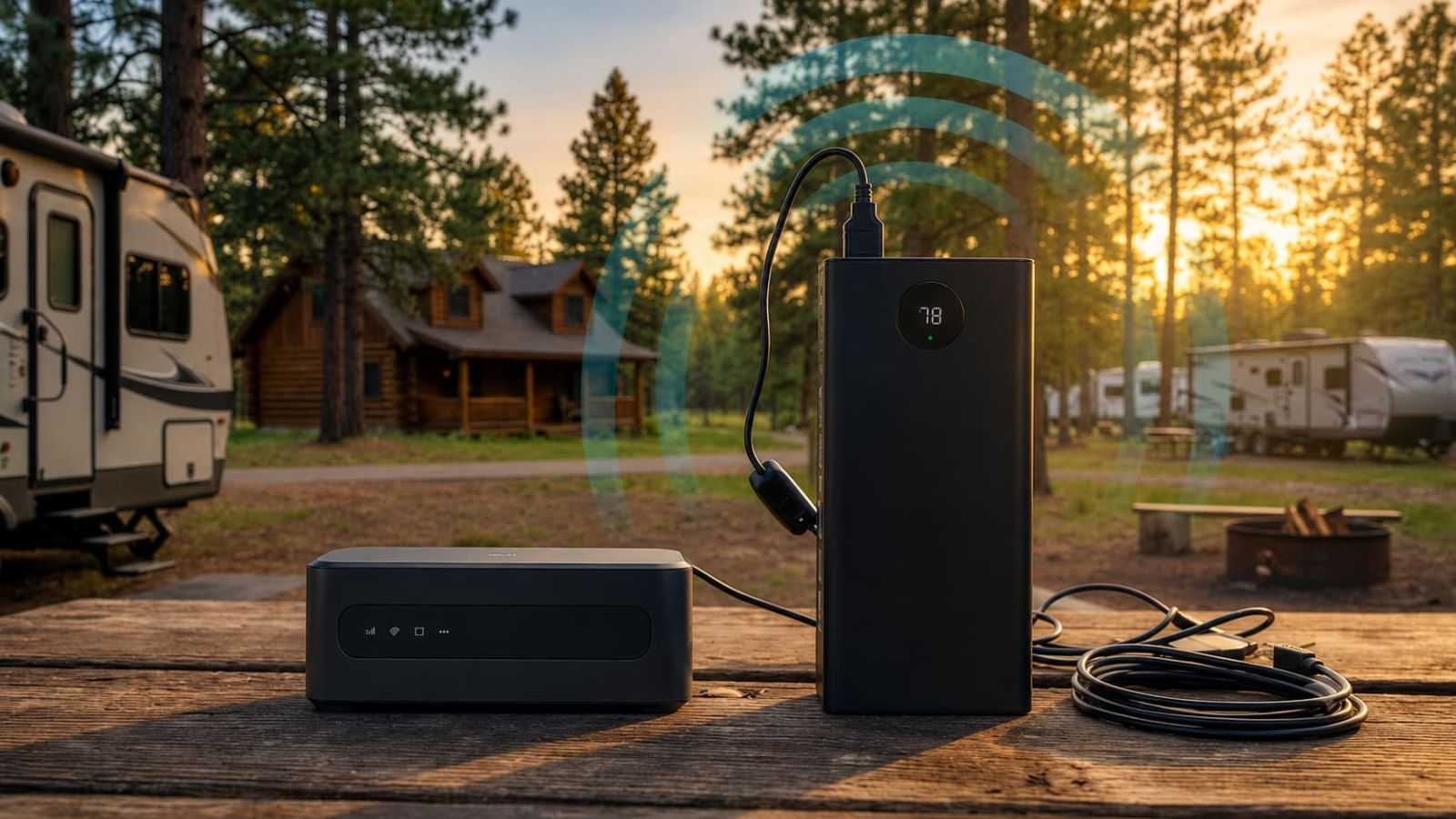
Power needs: satellite and router setups need reliable power. A phone hotspot needs battery sanity.
Sky view for satellite: satellite needs placement and open sky. Trees, mountains and bad placement are not impressed by your optimism.
Signal support: antennas help weak usable signal. They do not resurrect signal from the dead.
Travel pattern: weekend camping, full-time RV living and remote rural work should not use the same buying logic.
Every RV internet option has a catch.
Cellular WiFi is coverage-dependent. It can be the best everyday RV option when 4G/5G works, but it is still tied to local cellular service. If there is no signal, the plan name becomes decorative.
Satellite is better for dead zones, but not friction-free. It can solve the “no cellular” problem, but you need to think about equipment, power, placement, sky view and whether you actually camp remotely enough to justify it.
Phone hotspots are convenient until they become your whole personality. They are fine for light use, but relying on one phone for daily internet, calls, battery and navigation gets old fast.
Campground WiFi is a bonus. Treat it as free backup when it behaves. Do not build your remote-work plan around a shared network full of streaming neighbors and mysterious signal ghosts.
Best Internet for RV Travelers FAQ
For most RV travelers, start with portable cellular WiFi. For true dead zones, start with satellite.
For most RV travelers with usable 4G or 5G coverage, portable cellular WiFi is the cleanest first path because it balances mobility, setup and everyday usefulness. For remote routes and true dead zones, satellite deserves the first comparison. For light travel, a 4G hotspot or phone hotspot can be enough. The only bad answer is choosing by price before checking coverage, because apparently the internet industry needed one more way to punish optimism.
If SwiftNet fits your route, use ORION04 before checkout and verify the device cost, trial timing and recurring subtotal before paying.