

>>
Sunaofe Monitor Arm Guide 2026: CTS100 vs CTS200 vs CTS300
This guide compares Sunaofe CTS100, CTS200 and CTS300 by monitor count, desk setup, current deal notes and buyer fit. No separate monitor-arm coupon path is shown here, so the decision stays on product type, sale price, desk compatibility and final checkout confirmation. Wild idea: buying desk hardware should not require a treasure map, yet here we are.
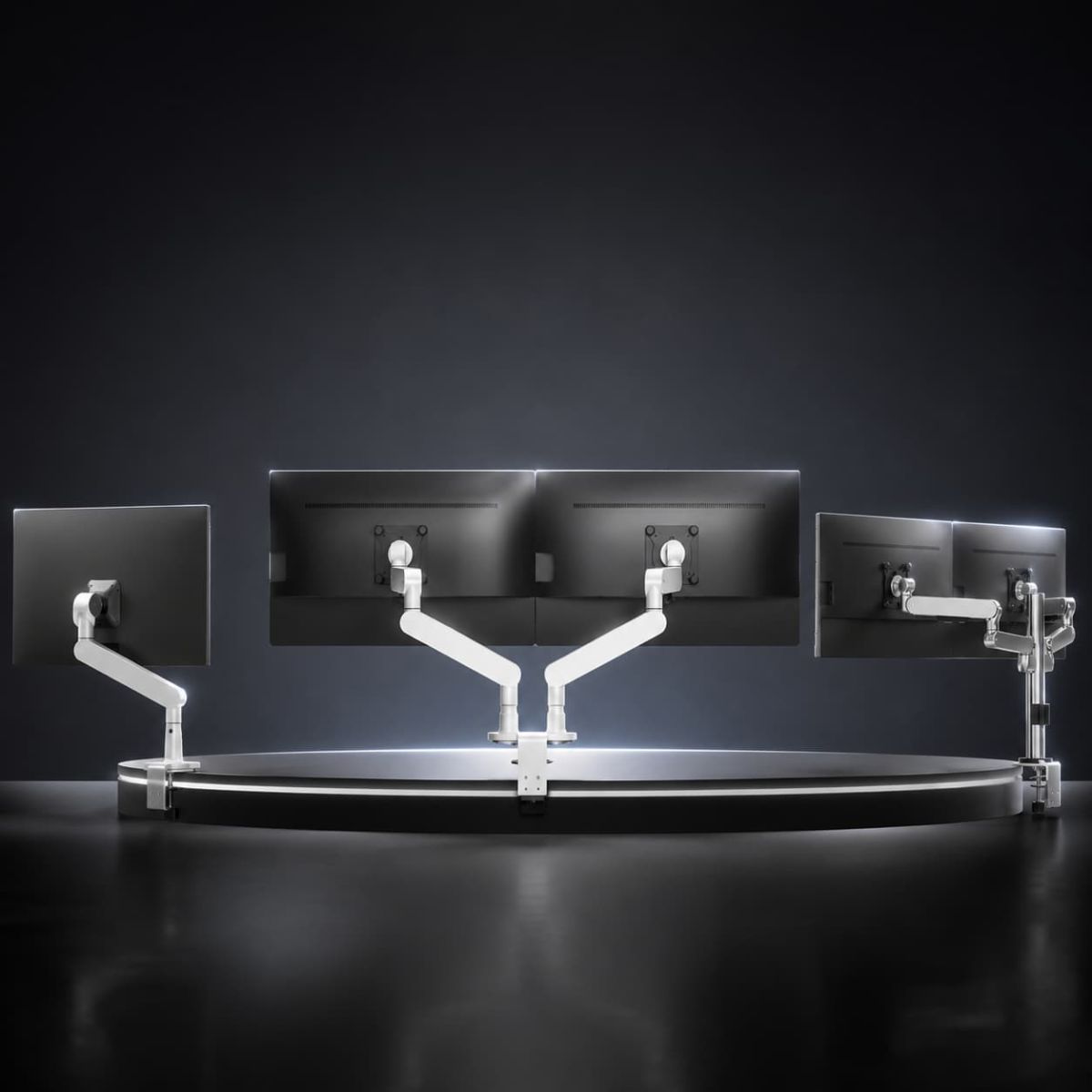
Quick Verdict
CTS200 is the best overall Sunaofe monitor arm path for most dual-screen setups
Choose CTS100 if you only need one monitor raised. Choose CTS200 if you want the safest dual-monitor pick with strong product images and a live product video. Choose CTS300 if you want a cleaner dual-arm path and flexible screen positioning. The product logic is not complicated; the desk cable mess probably is.
Affiliate disclosure: This guide contains affiliate links. CandidCodes may earn a commission if you buy through our links, at no extra cost to you. Prices, stock, shipping, return terms and warranty notes can change. See our Affiliate Disclosure and Privacy Policy.
Comparison Table
CTS100 vs CTS200 vs CTS300 at a glance
Start here if you already know your monitor count. This table keeps the decision clean instead of throwing three nearly identical desk accessories at the reader and calling it “choice.”
| Monitor Arm | Best For | Current Deal Note | Buyer Logic |
|---|---|---|---|
| CTS100 Single Modular Monitor Arm | One-monitor desk setup | $99.99 from $139.99 · Save $40 | Pick this if you want a simpler, lower-price monitor-arm path. |
| CTS200 Dual Modular Monitor Arm with Stand | Dual monitor workstation setup | $139.99 from $299.99 · Save $160 | Best overall if you want the clearest dual-monitor product path. |
| CTS300 Dual Modular Monitor Arm | Clean dual-arm workstation setup | $139.99 from $299.99 · Save $160 | Pick this if you want dual-screen positioning without overthinking the setup. |
Monitor Arm Deals
Sunaofe monitor arms worth checking
These rows focus on the current deal notes provided for CTS100, CTS200 and CTS300. No separate code path is shown for monitor arms, so confirm sale price, product variant, desk fit, shipping region and final checkout total before buying.
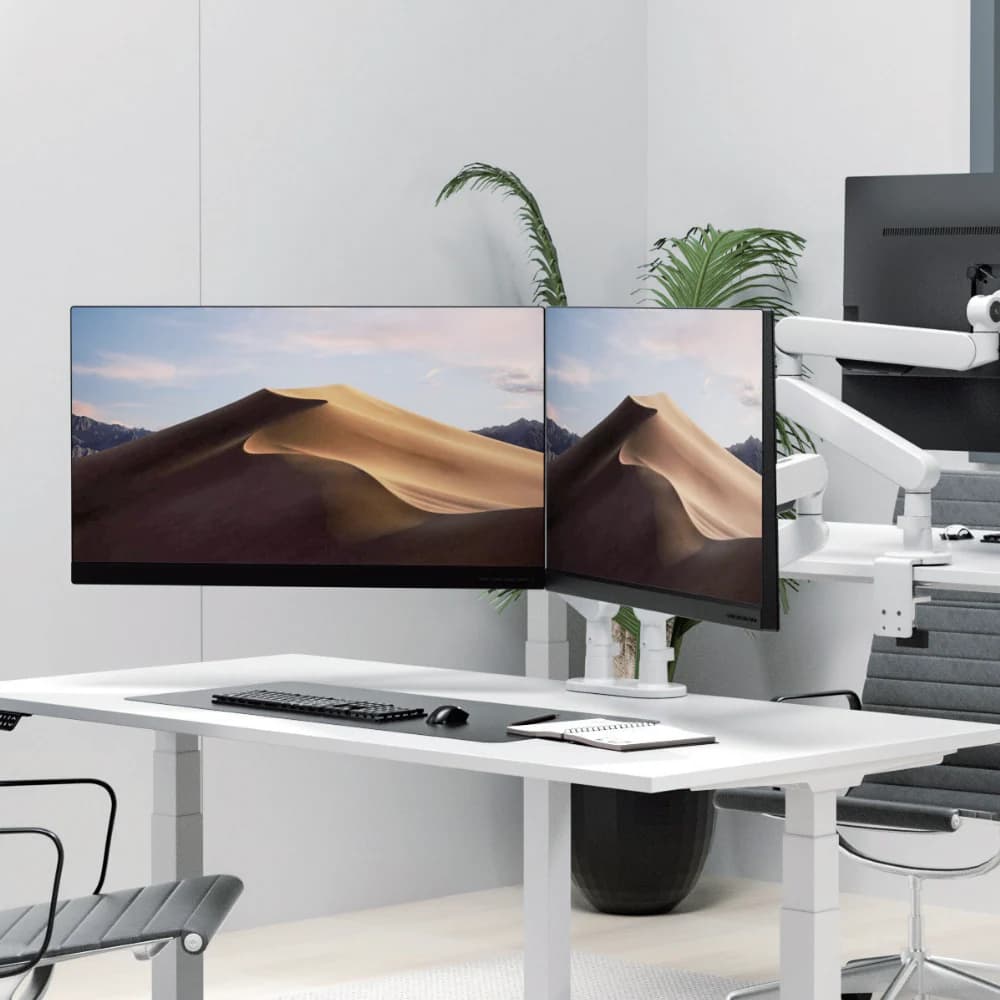
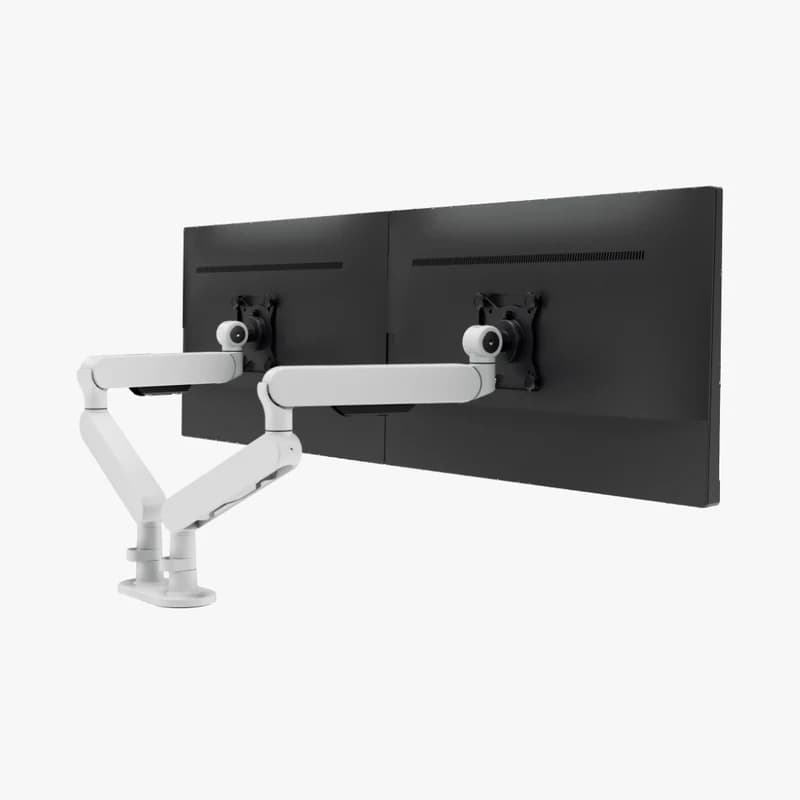
CTS200 Dual Modular Monitor Arm with Stand
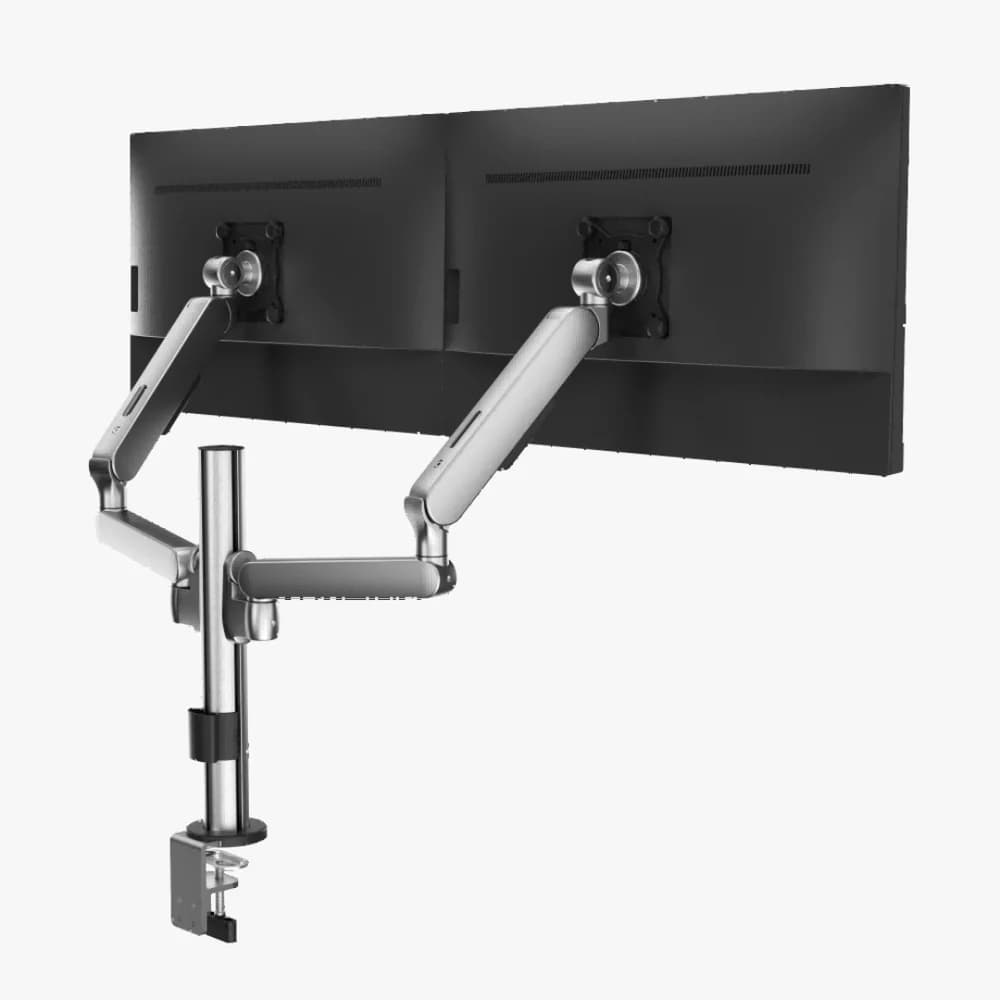
Dual monitor desk arm for ergonomic workstation setup. Best if you want a complete dual-monitor path with the clearest product-image support and live product video.
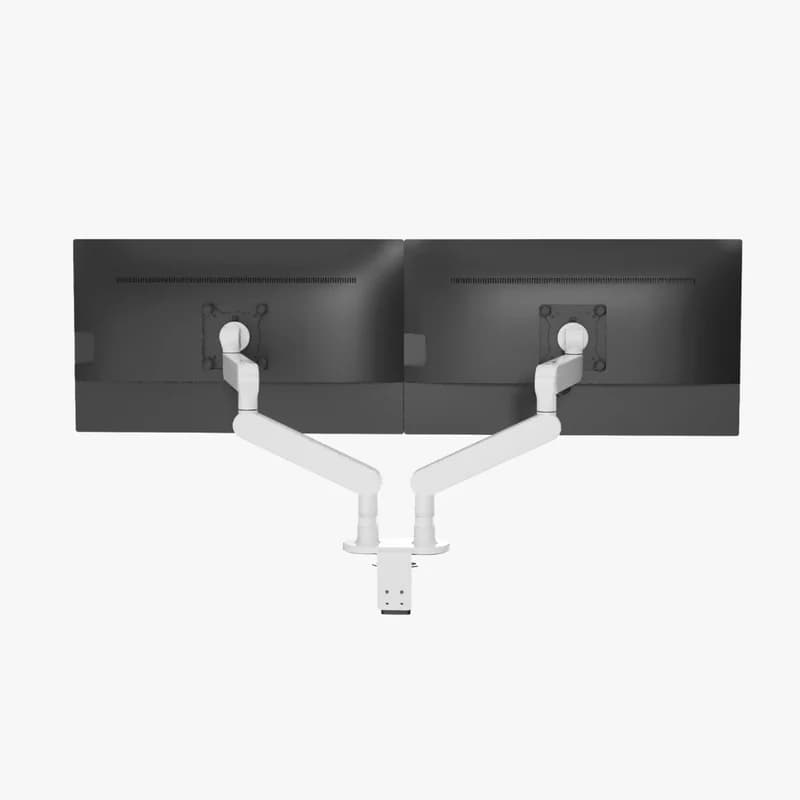
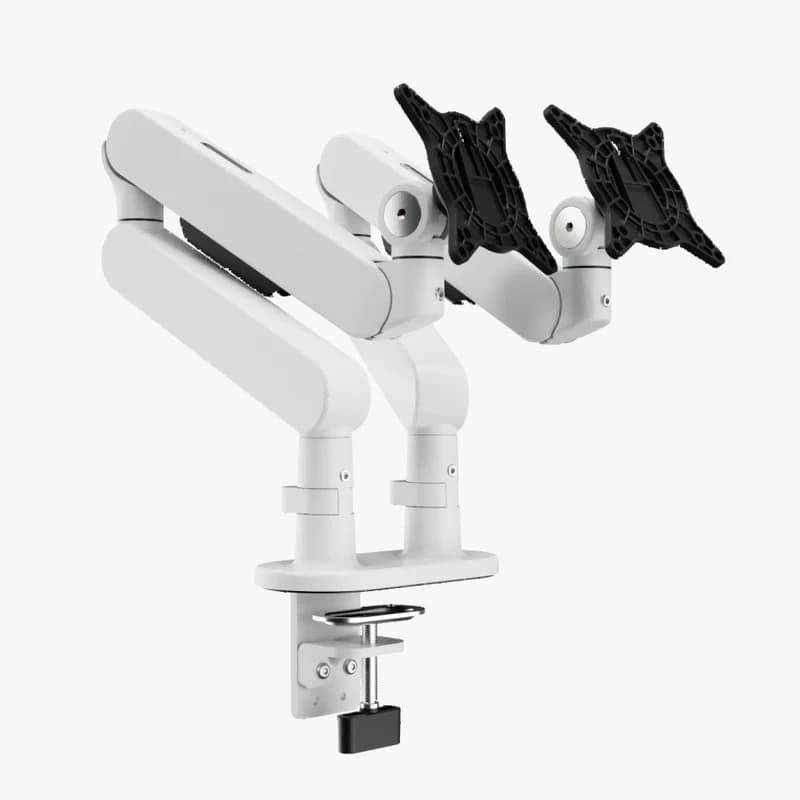
CTS300 Dual Modular Monitor Arm
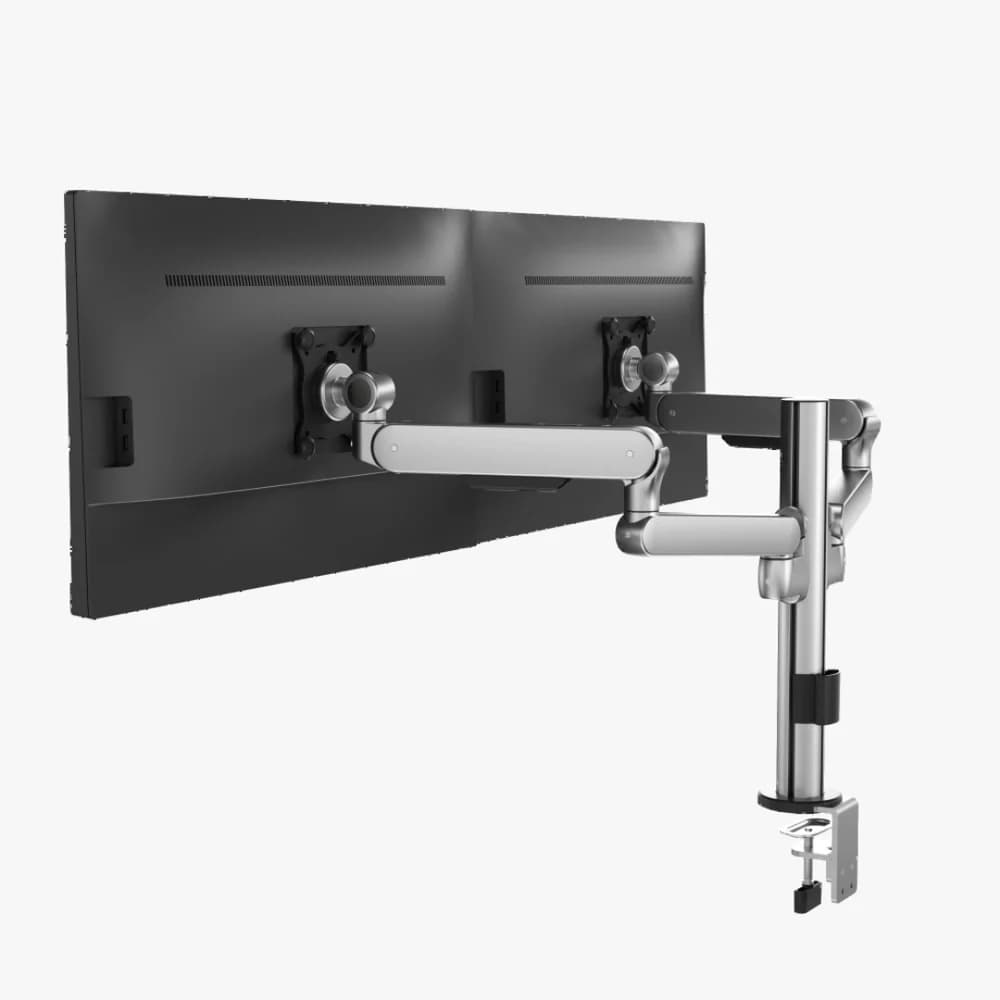
Dual monitor arm for cleaner desk setup and flexible screen positioning. Best if you want a dual-screen workstation path without making the buying logic depend on a coupon code.
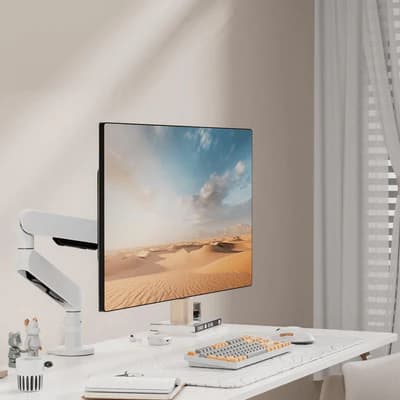
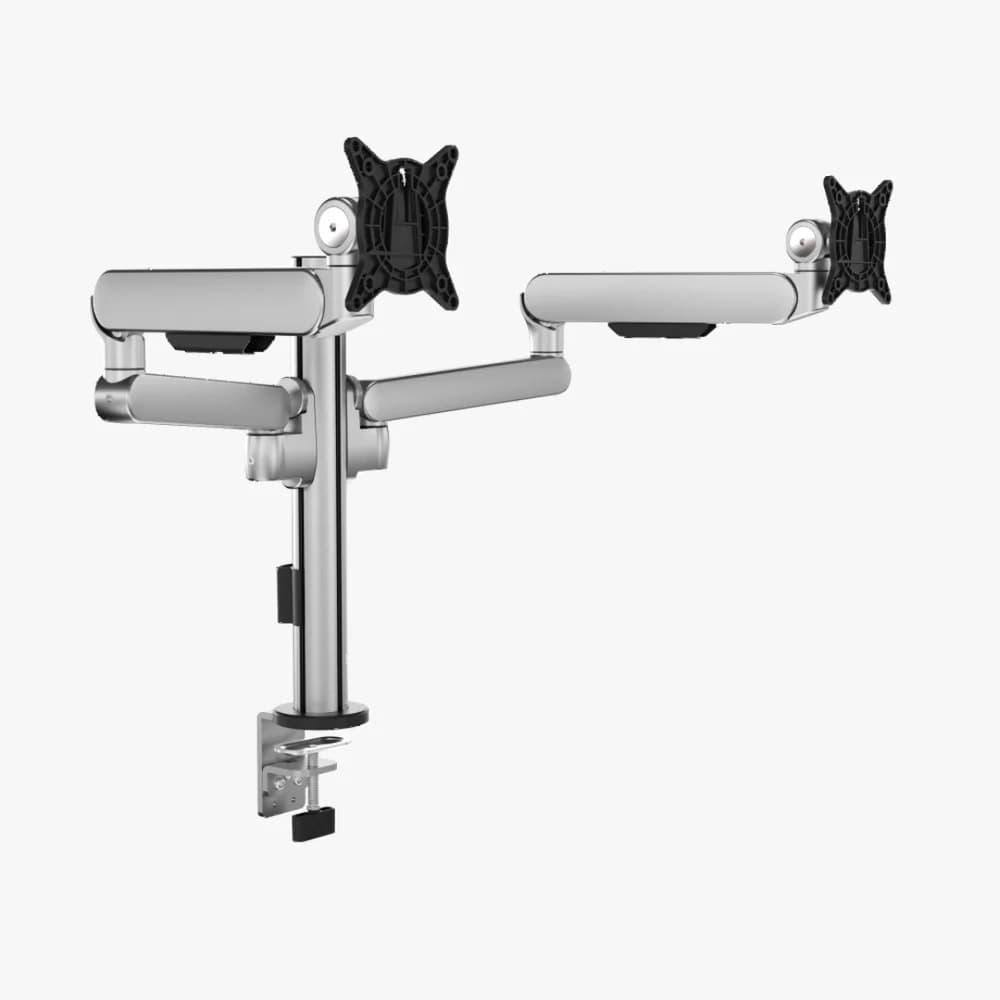
CTS100 Single Modular Monitor Arm
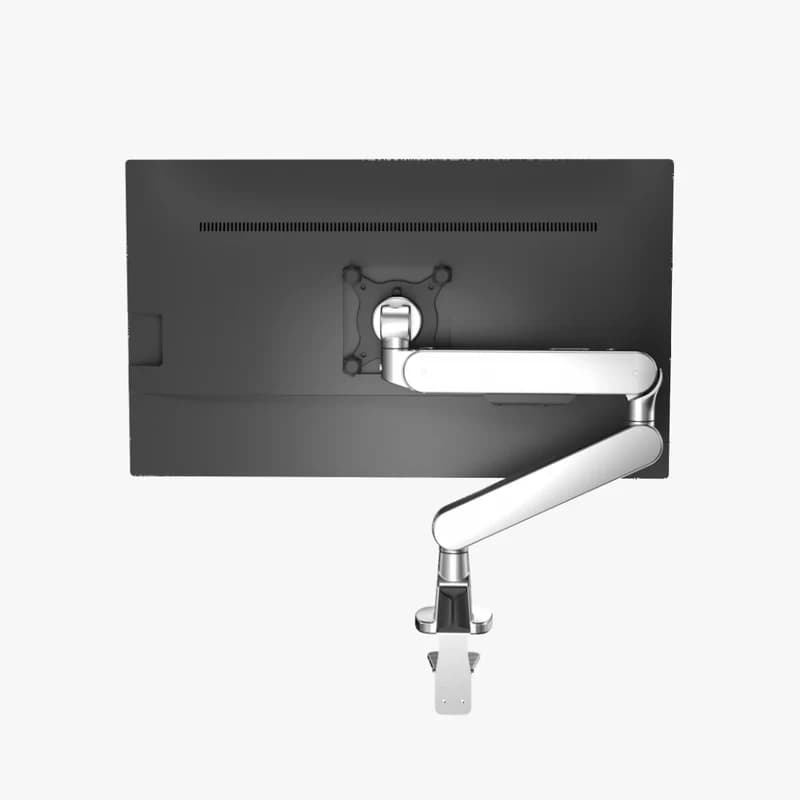
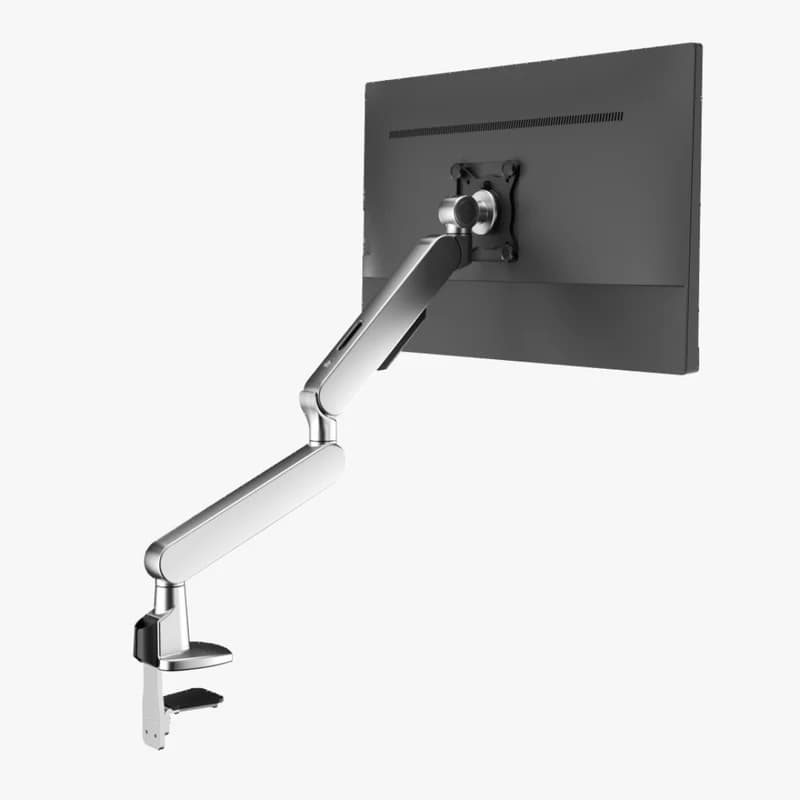
Single monitor arm for cleaner workstation and better screen height. Best if you only need one display raised off the desk and want the lowest current monitor-arm price path.
.jpg)
Product Videos
See each Sunaofe monitor arm before choosing
These product videos support the CTS100, CTS200 and CTS300 paths with a clearer view of how each setup looks before checkout.
CTS100 Product Video
CTS100 Single Modular Monitor Arm
This CTS100 video supports the single-monitor path and helps readers understand the simpler one-screen setup before checking the live product page.
Check DealsCTS200 Product Video
CTS200 Dual Modular Monitor Arm with Stand
This CTS200 video supports the dual-monitor path and helps readers understand the product shape before leaving the guide for the live product page.
Check DealsCTS300 Product Video
CTS300 Dual Modular Monitor Arm
This CTS300 video supports the clean dual-arm workstation path and gives readers another look before choosing the dual-screen setup.
Check DealsBuyer Fit
Which monitor arm setup fits your desk?
Use CTS100 if your setup only needs one screen lifted and positioned more cleanly.
Use CTS200 if you want a dual-monitor path with the strongest visual product support in this guide.
Use CTS300 if your focus is a cleaner dual-arm workstation route and flexible positioning.
Before Checkout
Shipping, returns and warranty notes before buying a monitor arm
Monitor arms are desk-fit sensitive, so confirm the product variant, monitor count, desk compatibility, shipping region and final checkout total before ordering.
Pros & Cons
Buy if / don’t buy if
- ✅You know whether your desk needs one monitor arm or a dual-monitor setup.
- ✅You want a cleaner workstation before upgrading the chair itself.
- ✅You will confirm product variant, desk fit and final checkout total before payment.
- ✅You want to compare CTS100, CTS200 and CTS300 in one guide.
- ❌You have not checked monitor size, desk edge, mounting needs or setup compatibility.
- ❌You are expecting a separate monitor-arm coupon code that is not shown here.
- ❌You need a chair upgrade more than a monitor-height fix.
- ❌The final live product page price does not match your expected budget.

Reviewed by Nguyen Dinh · Edited by CandidCodes · Updated June 2026.
FAQ
Sunaofe Monitor Arm FAQ
Which Sunaofe monitor arm should I buy?
Choose CTS100 for one monitor, CTS200 for a dual-monitor setup with stand, and CTS300 for a cleaner dual-arm workstation path.
Does this guide use a coupon code?
This guide focuses on visible sale-price notes for CTS100, CTS200 and CTS300. No separate monitor-arm coupon path is shown in the provided offer list.
What is the current CTS200 deal note?
CTS200 is listed at $139.99 from $299.99, shown as Save $160 in the provided offer list.
What is the current CTS100 deal note?
CTS100 is listed at $99.99 from $139.99, shown as Save $40.
What should I check before buying?
Check monitor count, desk fit, product variant, current sale price, shipping region, return rules and final checkout total.